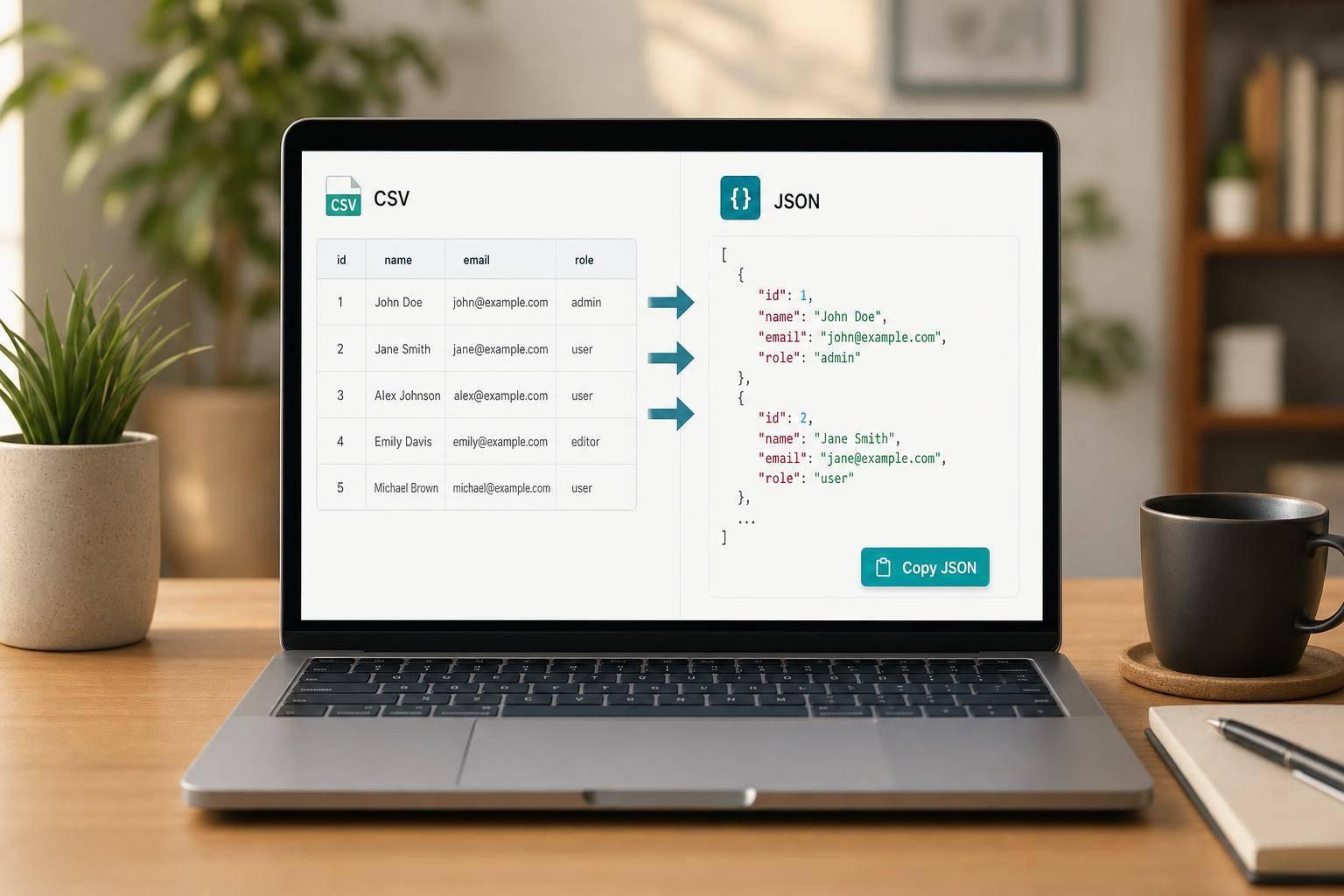
Clean CSV Data Without the Usual Friction
A good CSV to JSON converter should do more than swap one format for another. It should handle the messy details people run into every day: quoted fields, unexpected delimiters, empty lines, extra spaces, and rows that don’t line up perfectly. That’s exactly where this tool helps. Paste your data, choose your options, and get readable JSON instantly.
Built for Real-World CSV Parsing
Developers often need structured output for APIs, scripts, and testing. Analysts want a quick way to reshape exports from spreadsheets or dashboards. Marketers may just need to clean up a list before sending it somewhere else. This browser-based converter is designed for all of them. It supports header-based object mapping, array output, automatic value parsing, and even nested objects from dot-notation headers.
Fast, Simple, and Practical
Because the tool works directly from pasted text, there’s no file upload step slowing you down. You can validate rows, spot mismatched column counts, and copy the final result with one click. If you need a reliable way to convert CSV to JSON online, this tool gives you a quick, accurate workflow without unnecessary clutter. It’s a straightforward CSV to JSON converter that respects your data and your time.
FAQs
Does this CSV to JSON converter handle quoted fields correctly?
Yes. It parses quoted values properly, including commas, semicolons, tabs, or pipes that appear inside quoted fields. It also supports escaped quotes within quoted text, which is important when you’re working with exported spreadsheet data or CSV generated by other tools.
What happens if some rows have the wrong number of columns?
The tool checks row length consistency during parsing. If it finds rows with missing or extra columns, it keeps the issue visible in the error area and lists the row numbers that need attention. That makes it easier to spot broken lines before you copy the JSON into your app, report, or workflow.
Can I create nested JSON objects from CSV headers?
Yes, if you enable nested key support. Headers that use dot notation, like user.name or address.city, will be turned into nested JSON objects automatically. This is especially useful for developers preparing API payloads or analysts reshaping flat exports into a structure that’s easier to work with.