



Quick Lists
Ready-Made Property Flags
30+ fields: true or false flags on a property record for owner, equity, sale activity, listings, foreclosure, tax and liens, vacancy and HOA.
TRUSTED BY LEADING BRANDS

























- 169M+Parcels
- 3,100+Counties
- 131M+Properties
- 1,000+Data points per property
What's included
What are Quick Lists?
Quick Lists are ready-made true or false flags on a property record. Each flag answers one question about the property. Examples are whether the owner lives there, whether it has high equity and whether it has an expired listing. BatchData applies rules to each record to set the flags. You get them through its API, as search filters, or in bulk files. They come with the Core bundle of every Property Data plan.
Occupancy
- Owner occupied
- Absentee owner
- Absentee owner in the same state or in another state
Owner location
- Owner lives out of state
- Property and mailing address are the same
- Mailing address vacant
Owner type
- Corporate owned or trust owned
- Senior owner
- Inherited home
Landlord and equity
- Tired landlord
- High equity, low equity or unknown equity
- Free and clear of any mortgage
Sale activity
- Bought with cash
- Recently sold
- Fix and flip
Listing status
- Active or pending listing
- Canceled, expired or failed listing
- On the market, or for sale by owner
Foreclosure
- Pre-foreclosure
- Notice of default
- Notice of lis pendens or notice of sale
Auction, tax and liens
- Active auction
- Tax default
- Involuntary lien
Property status
- Vacant property or vacant lot
- Part of an HOA, with or without HOA fees
- Listed below market price
What Quick Lists let you do
Use the flags to pick properties before you call, mail or visit.
Find owners by ownership and equity flags
Build an owner list from flags that are already set on each property record.
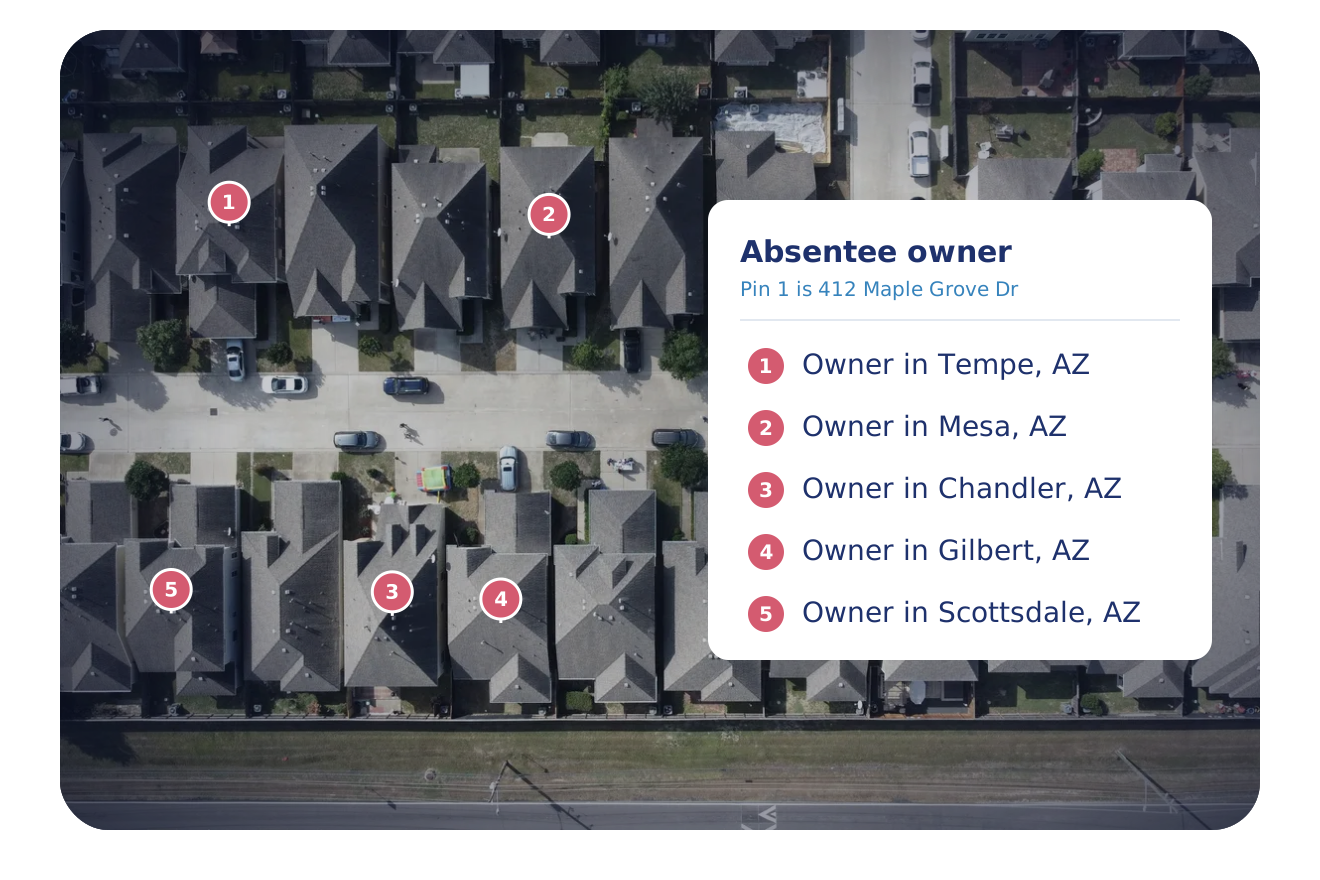
- Absentee, in-state absentee and out-of-state absentee owners
- Inherited homes, senior owners and tired landlords
- High equity, low equity and free-and-clear homes
Tell who owns the property and how it is used
Sort a market by ownership and use.
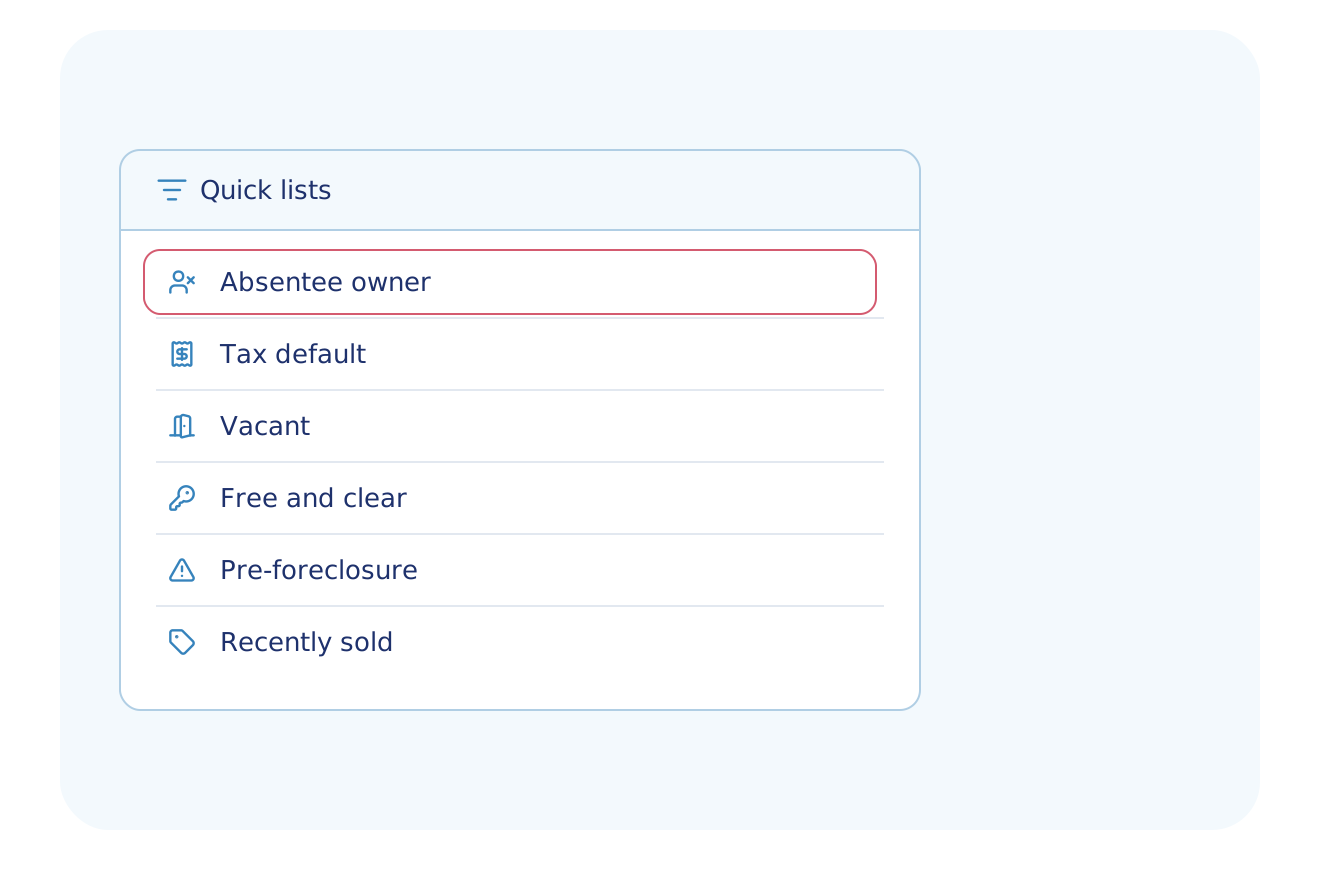
- Corporate-owned, trust-owned and owner-occupied properties
- Vacant properties, vacant lots and a vacant mailing address
- Properties in a homeowner association, with or without fees
Find distress and listing signals
See which properties carry a legal or market event flag.
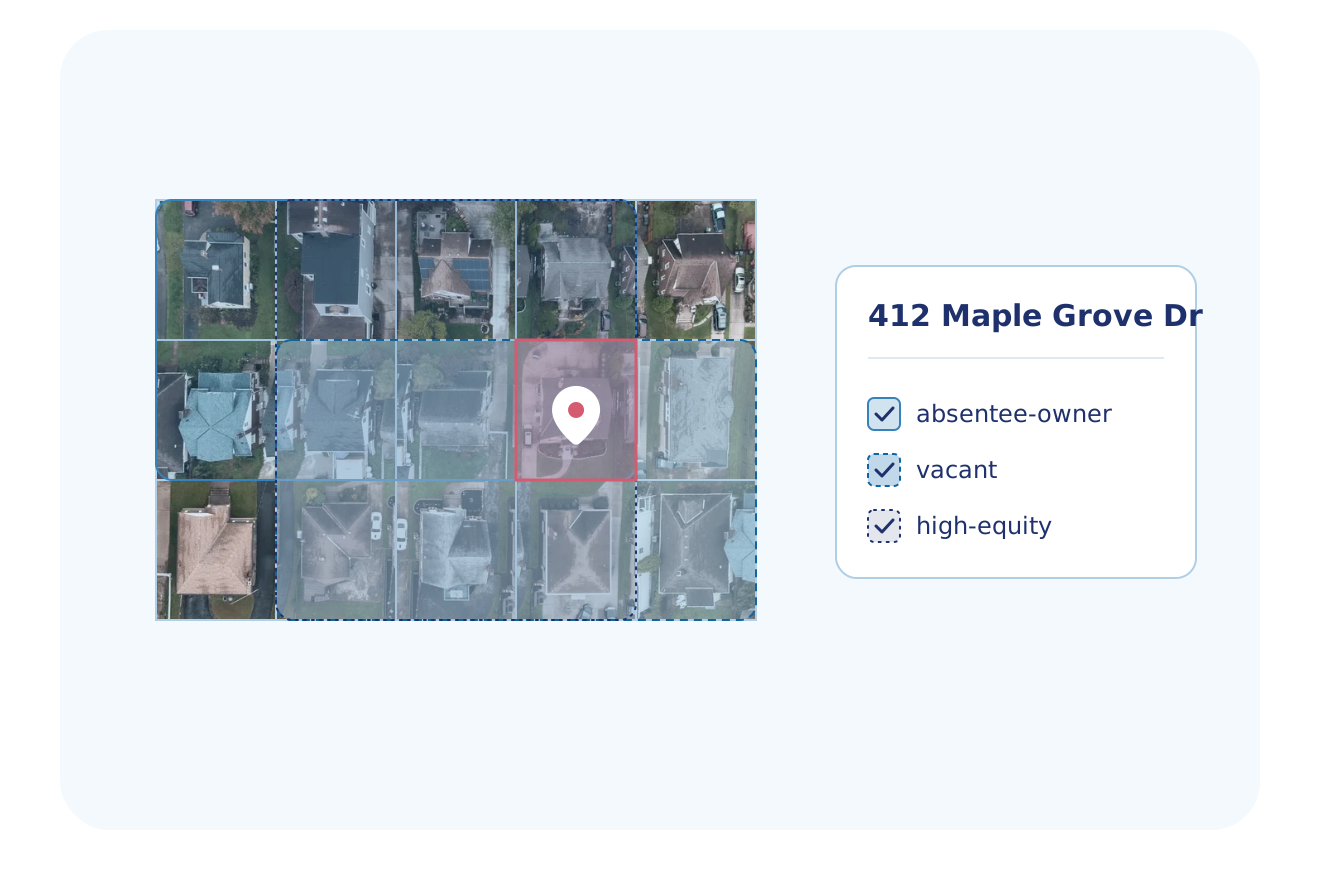
- Pre-foreclosure, notice of default, notice of lis pendens, notice of sale and active auction
- Tax default and involuntary liens
- Active, pending, canceled, expired and failed listings, and for-sale-by-owner homes
Built for Your Industry
See how each industry uses this data.
Real Estate Investing
Build owner lists from pre-foreclosure, tax default, vacant, inherited, tired landlord, absentee owner, high equity and free-and-clear flags.
Explore Real Estate InvestingAgents & Brokerages
Find expired, canceled and failed listings, for-sale-by-owner homes, absentee owners, inherited homes and senior owners.
Explore Agents & BrokeragesMarketing & Data Resellers
Target absentee owners, senior owners and inherited homes, and combine flags with and, or and not to build each audience.
Explore Marketing & Data ResellersPropTech & Software
Show ready-made flags such as absentee owner, high equity, vacant and inherited on each property in your app.
Explore PropTech & SoftwareMortgage & Lending
Find owner-occupied, free-and-clear and high equity homes for marketing, and flag notices of default on a portfolio.
Explore Mortgage & LendingConstruction & Builders
Find vacant lots and vacant properties, and see whether the owner is corporate-owned or trust-owned.
Explore Construction & BuildersProperty Services
Find absentee owners and corporate-owned or trust-owned properties to build a target list.
Explore Property ServicesSolar
Find owner-occupied homes that are free and clear or have high equity.
Explore SolarFlexible Delivery Options
Choose the integration method that fits your workflow
Real-Time API
Filter a Property Search by one list or by several, return the count for each list, and read the flags in a Property Lookup.
- RESTful JSON API
- Property Search and Lookup return all subscribed datasets in one call
- Async delivery to your webhook for large batches
- Developer docs and no-cost sandbox tokens
Bulk Data
Nationwide Quick Lists files for your data warehouse or data lake.
- Choose the datasets and markets you need
- Amazon S3, SFTP or Google Drive delivery; Snowflake and Databricks through Cloud Delivery
- CSV, JSON and Parquet formats
- Weekly, monthly, quarterly or annual deliveries
- Full refresh or delta files
MCP Server
Your AI assistant reads the Quick Lists of a property through the MCP server. An account admin turns on Quick Lists.
- Your AI assistant calls BatchData tools to look up and search properties
- Connects to Claude, ChatGPT, Cursor and Claude Code with OAuth sign-in
- Runs on the same API, with datasets set by your account admin
Professional Services
Our Professional Services team helps you choose the lists, set up the delivery and match the data to your records.
- Help choosing datasets, delivery cadence and destination
- Account manager help with token and dataset setup
- Support by email and in-app chat
- Upload a CSV or Excel file and get property data back in the same file
Why BatchData
What You Get With BatchData
One source for property, owner and contact data, by API or by file.
3,100+ Counties
Records from 3,100+ U.S. counties, covering 169M+ parcels.
1,000+ Data Points
Owner, value, mortgage, tax, permit and listing data, with 1,000+ data points for each property.
API or File Delivery
Call the API, or get files in Snowflake, Databricks, Amazon S3, SFTP or Google Drive.
Frequently asked questions
How do I find absentee owners and vacant properties?
BatchData Quick Lists in Property Search mark absentee owners and vacant properties, so you can filter by one list or by several. The lists cover absentee, in-state absentee and out-of-state absentee owners, vacant properties, vacant lots and a vacant mailing address. Property Search returns the count for each list.
How many properties do Quick Lists cover?
BatchData sets Quick Lists on each property record in its property data, which covers 131M+ properties in 3,100+ counties. Each list is a true or false flag, so a list holds only the properties whose flag is true. The count for each list shows how many properties match it.
What is in BatchData's Quick Lists?
BatchData's Quick Lists hold 30+ fields, each a true or false flag. Each flag answers one question about the property, such as whether the owner lives there. They cover owner and occupancy, equity and loans, sale activity, listings, foreclosure, auction, tax and liens, vacancy and HOA.
Are Quick Lists included in my property data?
Yes, BatchData Quick Lists come with the Core bundle of every Property Data plan. You get them through the API with Property Lookup and Property Search, as search filters, or in bulk files.
Can I combine Quick Lists in one search?
Yes, BatchData Property Search takes more than one Quick List in one search. It can also return the count of properties for each list.
Which Quick Lists find high equity or pre-foreclosure homes?
Quick Lists mark high equity, low equity and free-and-clear homes, and pre-foreclosure, notice of default and active auction properties, each as a flag. Filter a Property Search by these lists, alone or with others, and see the count for each list.
Start with Quick Lists
Talk to a data expert about the Quick Lists, delivery options and pricing for your team.