



Listing Data
Track Each Property Listing
80+ fields: the listing status and dates, the list, sold and rental prices, the listing agent and brokerage, schools, taxes and property details.
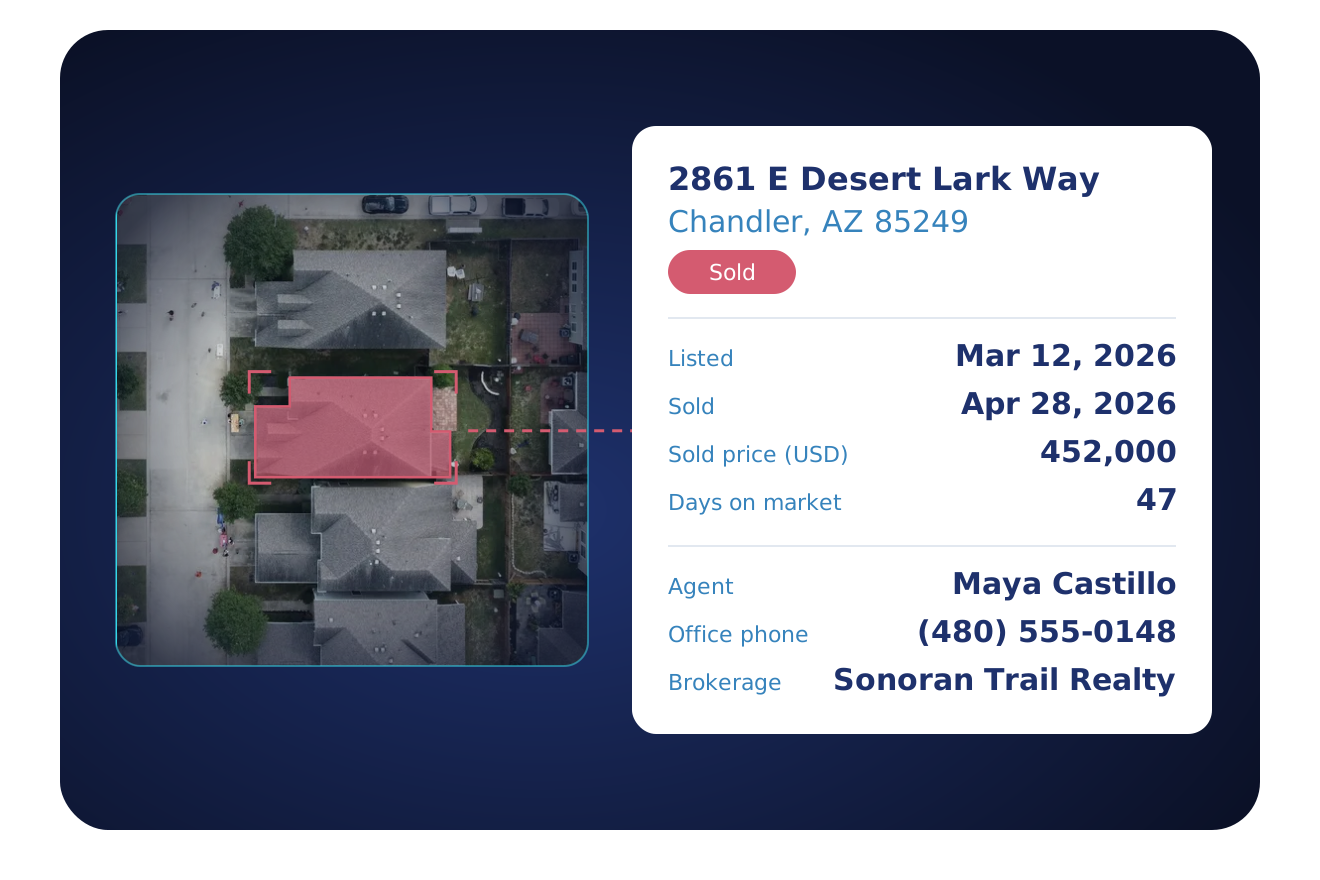
TRUSTED BY LEADING BRANDS

























- 169M+Parcels
- 3,100+Counties
- 104M+Properties with listing history
- 3M+Agent records
What's included
What is Listing Data?
Listing data is the record of a property's listing. It holds the listing status and dates, the list, sold and rental prices, and the listing agent. It also holds the agent office, the brokerage, the schools listed with the property and the property details that the listing states. BatchData returns it in the same record as the base dataset, through its API or in bulk files. It is an add-on to a Property Data plan.
Status
- Listing status, category and detail
- Date the status last changed
- Date listed, failed listing date and sold date
Market
- Days on market
- Listed for rent, with the monthly rent
Prices
- Current list price
- Lowest and highest list price, with their dates
- Sold price, and whether it is an estimate
Listing record
- Listing number, provider and web link
- Listing tax amount, year and description
Listing agent
- Listing agent name, license number and roles
- Listing agent phone, office phone, email and website
Offices
- Agent office name, company, address and ids
- Agent office phone, fax, email and website
- Brokerage name, address, phone, email and website
Schools and place
- School name, category and district
- Neighborhood, subdivision and directions
Property
- Property type and subtype
- Year built, living area, building area and lot size
- Bedrooms and bathrooms, from full to quarter
Building
- Floors and parking spaces
- Heating, cooling, roof, appliances, fireplace and patio
- Architectural style, exterior construction and new construction
What listing data lets you do
Use the listing record to follow a listing, compare its prices and contact its agent and brokerage.
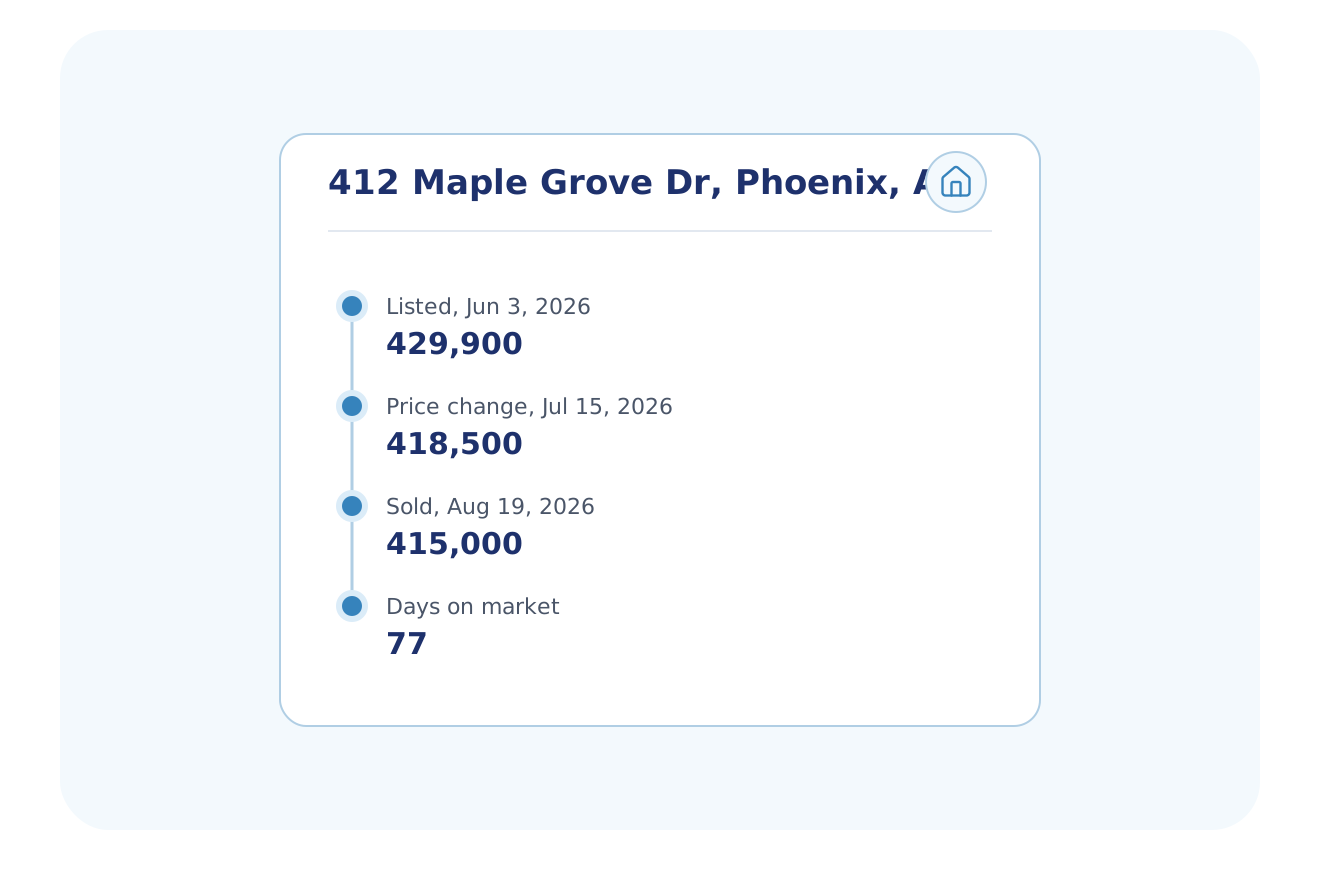
See where a listing stands
See the status and the key dates of a listing in one place.
- Status, category and the date the status last changed
- Date listed, failed listing date and sold date
- Days on market and the current list price
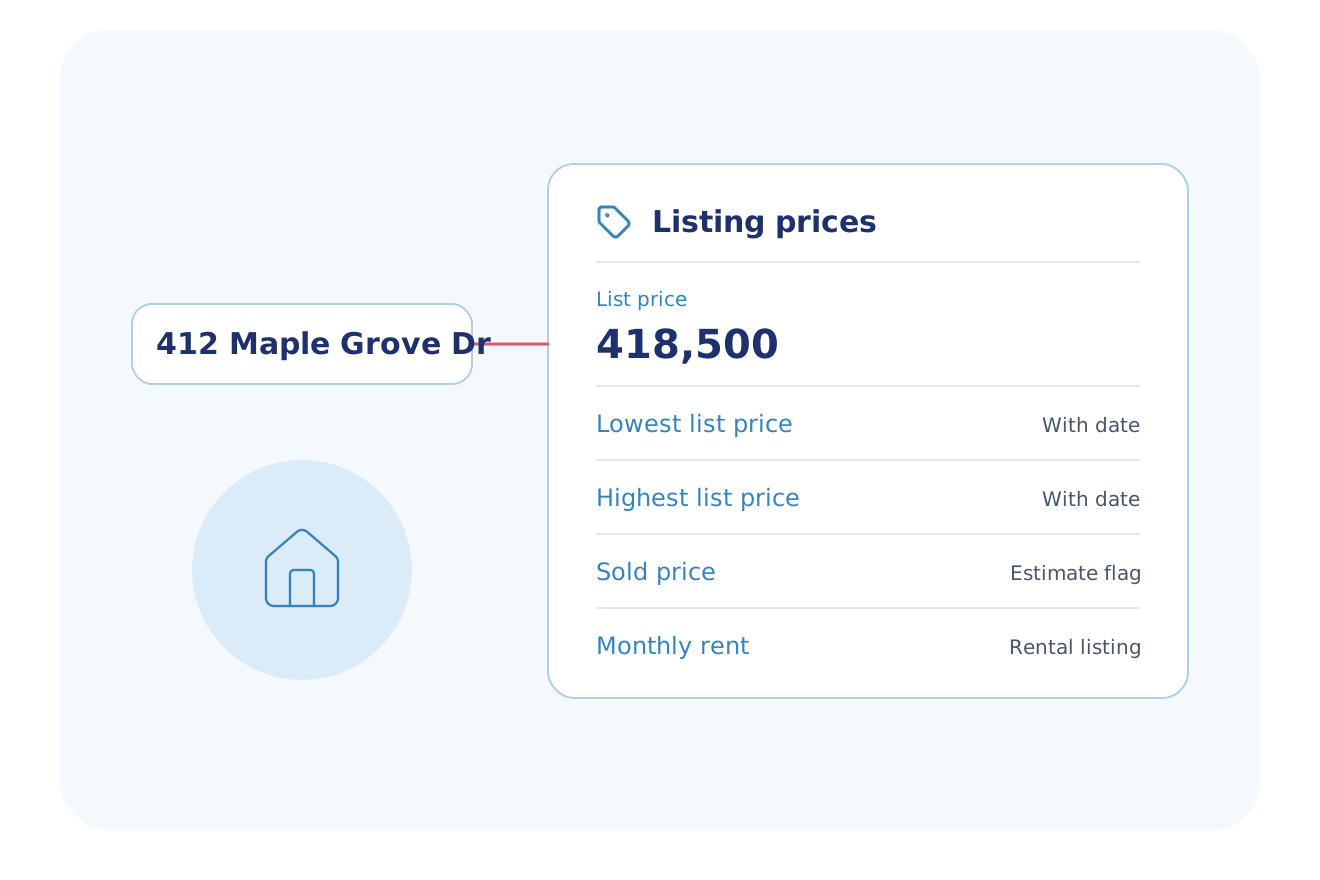
Read the price of a listing
Set the list, sold and rental prices side by side.
- Lowest and highest list price, with their dates
- Sold price, and whether it is an estimate
- Rental listings with the monthly rent
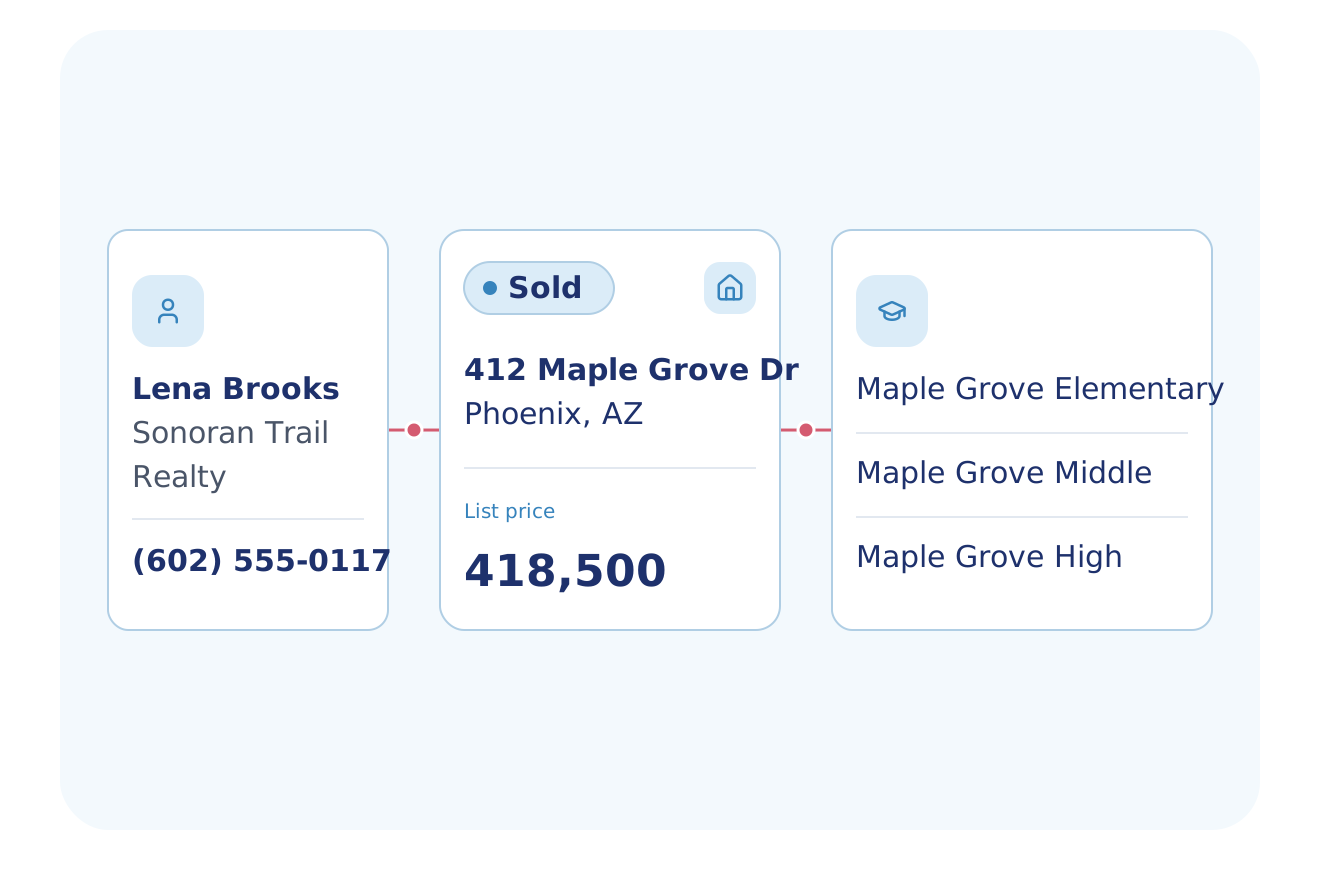
Reach the listing agent and the brokerage
Read who listed the property and how to contact them.
- Agent name, license number, roles, phone, email and website
- Agent office name, company, address, phone, fax and email
- Brokerage name, address, phone, email and website
Built for Your Industry
These industries use listing status, prices or agent contacts in their work.
Agents & Brokerages
Track listing status, list price and days on market, find expired and failed listings, and read the listing agent and brokerage contacts.
Explore Agents & BrokeragesPropTech & Software
Show the listing status, list price, days on market and listing agent beside each property in your app.
Explore PropTech & SoftwareMortgage & Lending
Add a home's listing status, list price and days on market to portfolio reviews and marketing lists.
Explore Mortgage & LendingReal Estate Investing
Filter by days on market, failed listings and the monthly rent of rental listings.
Explore Real Estate InvestingInsurance
Read a property's listing status, sold date and sold price, and its roof, heating and cooling types from the listing.
Explore InsuranceMarketing & Data Resellers
Build lists from listing status, list price, sold date and sold price, and filter rental listings by monthly rent.
Explore Marketing & Data ResellersHome Services
Read the heating, cooling and roof types, the appliances and the year built that the listing states for each home.
Explore Home ServicesConstruction & Builders
Track new-construction listings with their list price, lot size and subdivision, and see the days on market.
Explore Construction & BuildersFlexible Delivery Options
Choose the integration method that fits your workflow
Real-Time API
Add the listing dataset to a Property Lookup or Property Search request, and filter a search by status, price and days on market.
- RESTful JSON API
- Property Search and Lookup return all subscribed datasets in one call
- Async delivery to your webhook for large batches
- Developer docs and no-cost sandbox tokens
Bulk Data
Nationwide listing files for your data warehouse or data lake.
- Choose the datasets and markets you need
- Amazon S3, SFTP or Google Drive delivery; Snowflake and Databricks through Cloud Delivery
- CSV, JSON and Parquet formats
- Weekly, monthly, quarterly or annual deliveries
- Full refresh or delta files
MCP Server
Your AI assistant looks up a property's listing status, price and agent through the MCP server. An account admin turns on Listing Data.
- Your AI assistant calls BatchData tools to look up and search properties
- Connects to Claude, ChatGPT, Cursor and Claude Code with OAuth sign-in
- Runs on the same API, with datasets set by your account admin
Professional Services
Our Professional Services team helps you choose the listing fields, set up the delivery and match the data to your records.
- Help choosing datasets, delivery cadence and destination
- Account manager help with token and dataset setup
- Support by email and in-app chat
- Upload a CSV or Excel file and get property data back in the same file
Why BatchData
What You Get With BatchData
One source for property, owner and contact data, by API or by file.
3,100+ Counties
Records from 3,100+ U.S. counties, covering 169M+ parcels.
1,000+ Data Points
Owner, value, mortgage, tax, permit and listing data, with 1,000+ data points for each property.
API or File Delivery
Call the API, or get files in Snowflake, Databricks, Amazon S3, SFTP or Google Drive.
Frequently asked questions
Is there a free sandbox for the property listing data API?
Yes, BatchData gives developers API docs and no-cost sandbox tokens for its API. Sandbox tokens return mock results, not real listing records. Listing Data is an add-on to your Property Data plan, and it returns in the same record as the base dataset.
How many properties does BatchData have listing data for?
BatchData holds listing history for 104M+ properties, and each listing record carries 80+ fields. The fields cover listing status and dates, the list and sold prices, the listing agent and the brokerage. A property with no listing on file returns no listing record.
What is in BatchData's property listing data?
BatchData's listing data has 80+ fields for each listing, such as the sold price, the listing agent and the agent office. The fields also cover the schools listed with the property, the listing taxes and the property details the listing states.
Does listing data include agent and brokerage contacts?
Yes, BatchData listing data holds the listing agent's name, license number, phone, email and website. It also holds the agent office and brokerage details, with their phone, email and address. A record holds these contacts only when the listing states them.
Is the rental price on a listing an estimate?
No, the rental price on a listing is the asking rent from the listing, not an estimate. BatchData returns the monthly rent that a rental listing states. A property with no rental listing has no rental price.
Can I search listings by status, price and days on market?
Yes, BatchData Property Search filters on listing status, price and days on market once you add the listing dataset to the request. Property Lookup returns the same listing fields for one address. Both return every subscribed dataset in one call.
Start with listing data
Talk to a data expert about the listing fields, delivery options and pricing for your team.