



Solution · Property Enrichment
Add property facts to any address
Send an address, a parcel number or a property ID. Get back the building, the owner, the sale history, the loans and the estimated value in one record.
TRUSTED BY LEADING BRANDS

























- 169M+Parcels
- 3,100+Counties
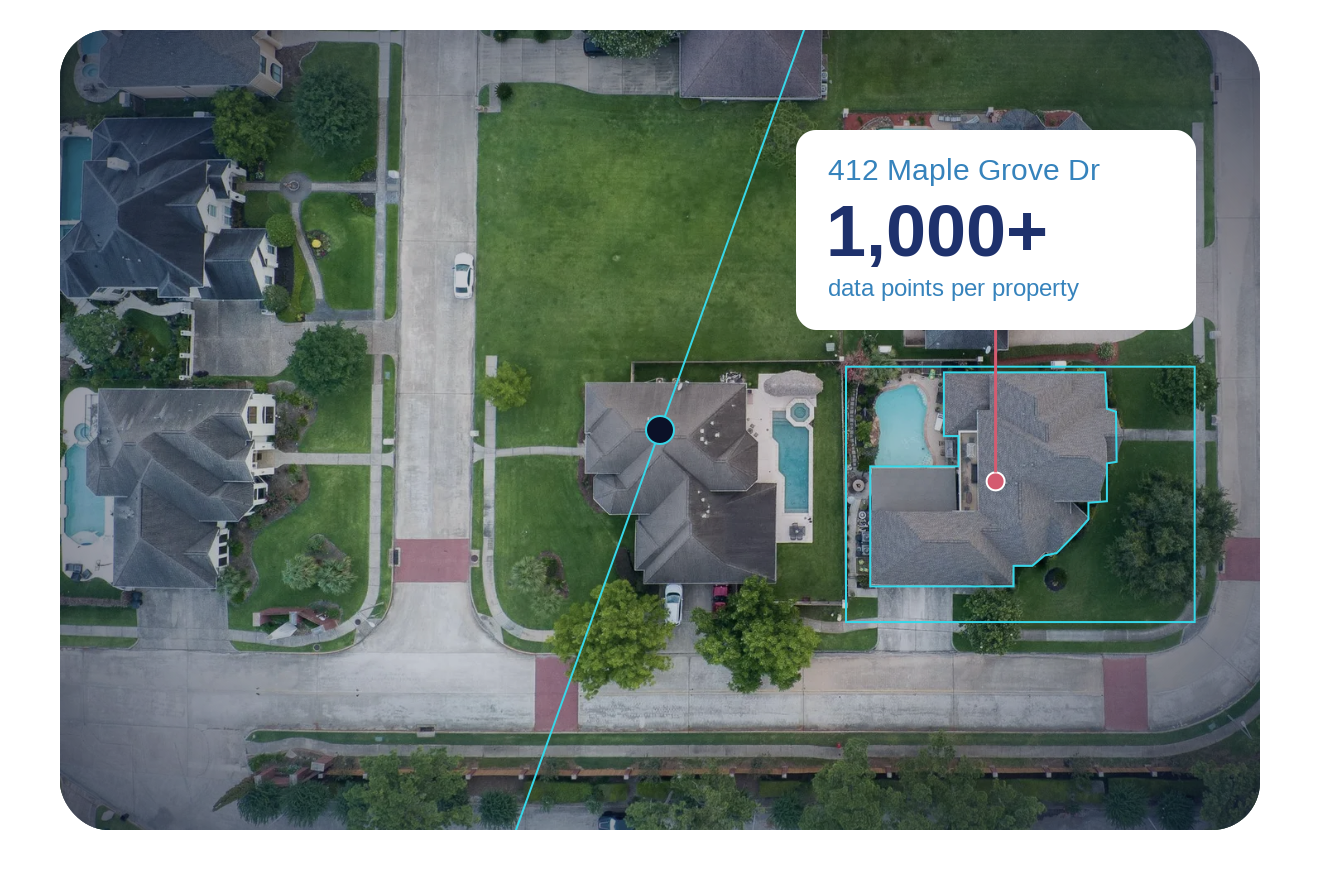
- 1,000+Data points per property
- 570M+Recorded documents (deeds and mortgages)
How it works
One property in, its record out. One call at a time by API, or a whole file at once.
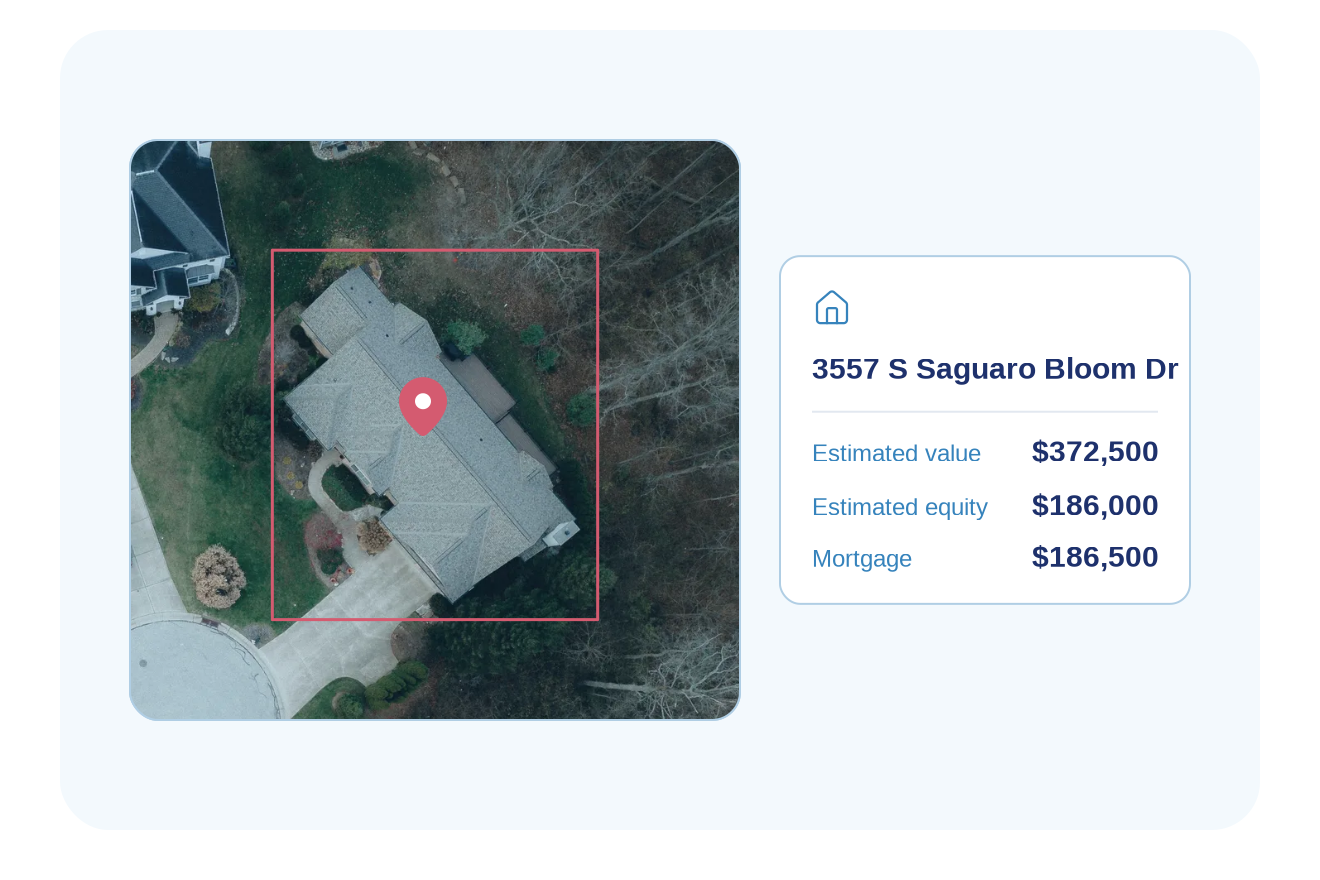
You send the property
- An address, a parcel number with its county, or a property ID
- One call at a time by API, or a large batch to your webhook
- A whole file by upload
We build the record
- The input is matched to one property
- The record holds the datasets your plan includes
- The record comes in one standard format
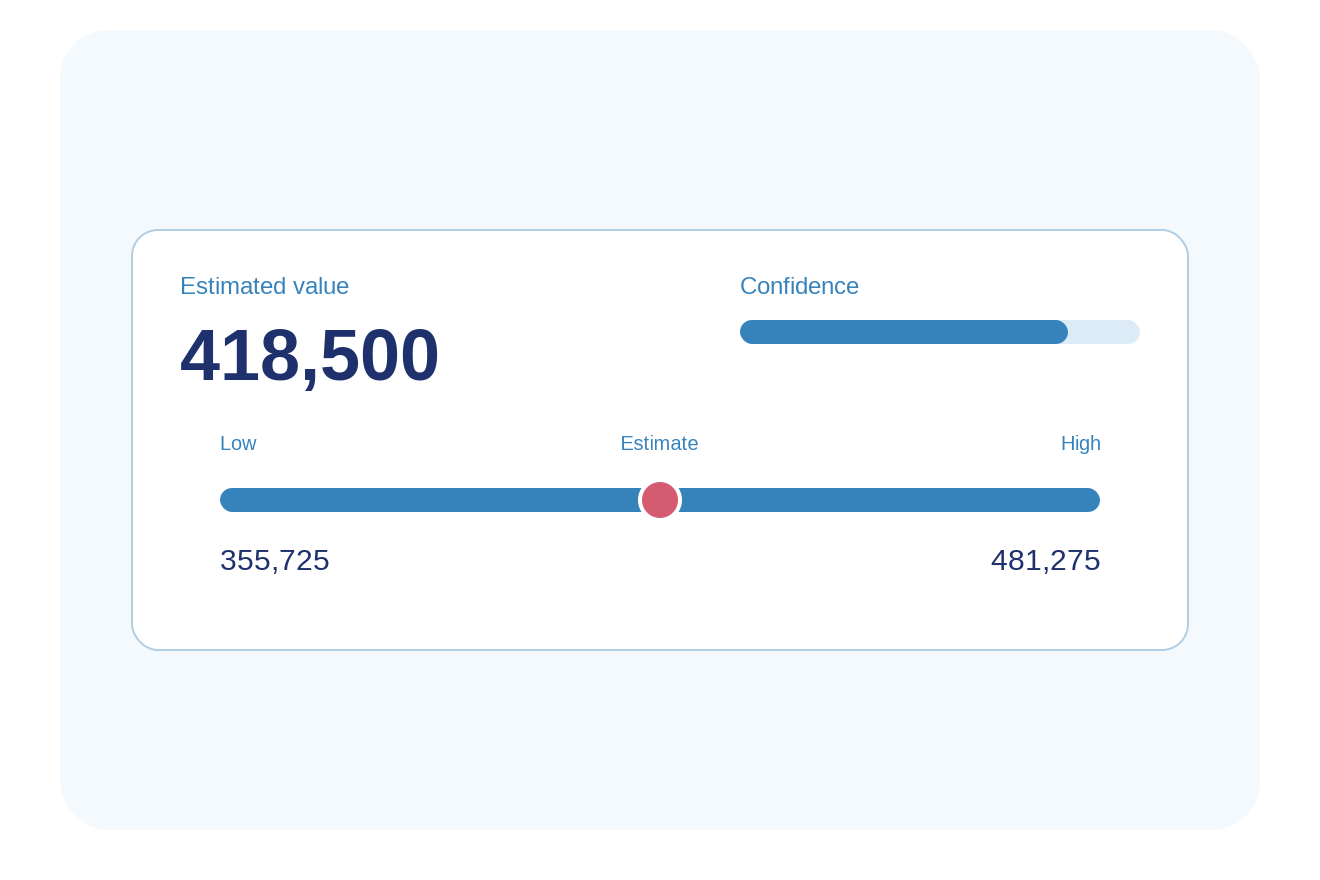
You get the facts
- The building, the lot and the tax details
- The owner and the mailing address
- The sales, the open loans and the estimated value
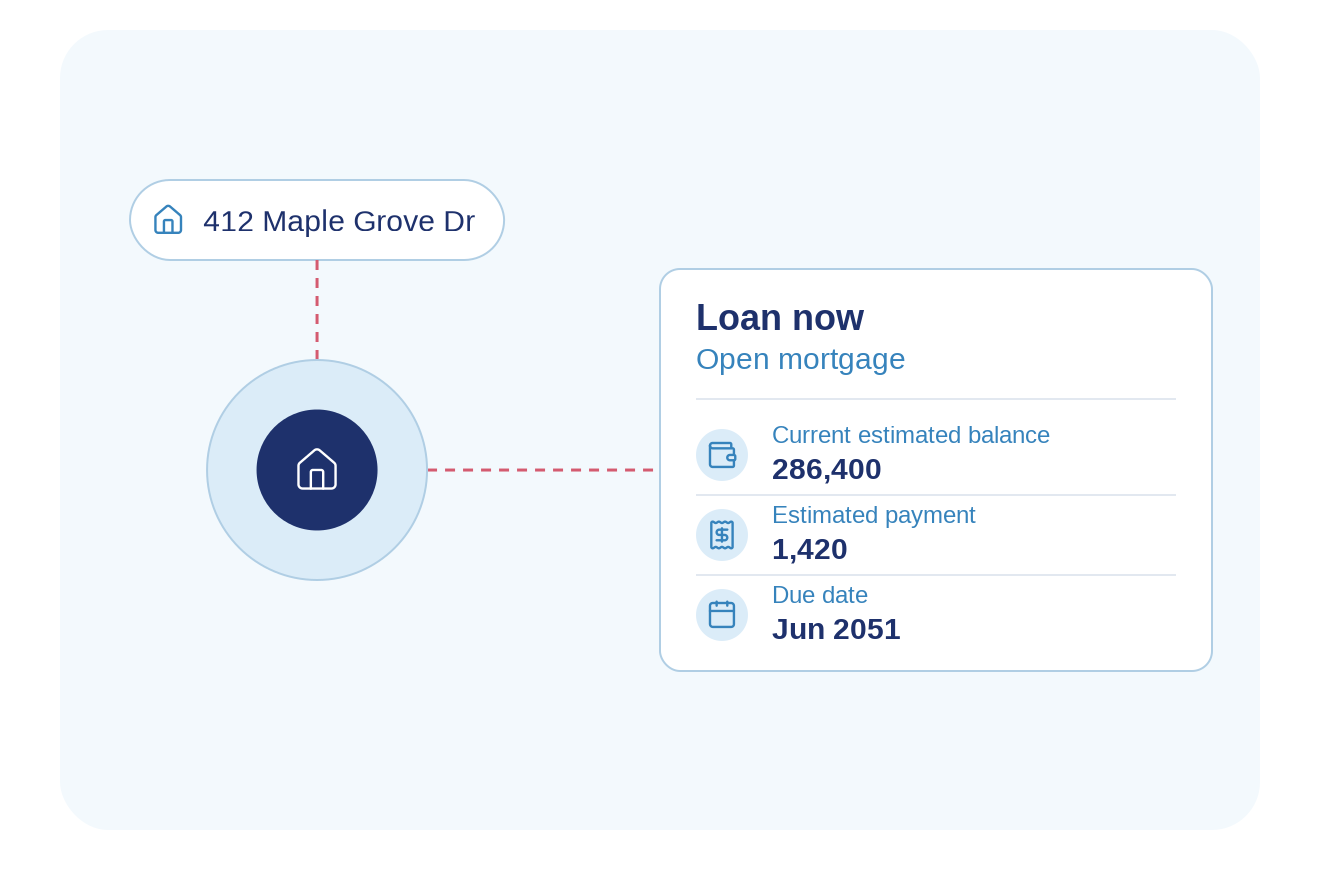
What comes back
One property record for one address, with fields from four datasets. Input: 412 Maple Grove Dr, Phoenix, AZ 85004.
Building
Owner
Sales and loans
Value
Valuation is an add-on. Which fields come back depends on your plan.
Who uses it
Teams that need the building, the owner and the value of each address.
PropTech & Software
Show the building, the owner, the loans and the value of each address in your app from one API call.
Explore PropTech & SoftwareInsurance
Fill quote forms from the county record: year built, roof cover, construction type, stories and lot size.
Explore InsuranceMortgage & Lending
Read the open loans, the sale history and the estimated value of the homes you finance.
Explore Mortgage & LendingBanks & Credit Unions
Add the property record to a loan file in your own system.
Explore Banks & Credit UnionsCommercial Real Estate
Look up multi-family and commercial properties by address, with the owner, the sales and the loans.
Explore Commercial Real EstateShort-Term Rentals
Match each listing address to its parcel, its building facts and its owner of record.
Explore Short-Term RentalsSolar
Fill in missing owner and property details on the leads you buy.
Explore SolarHome Services
Add home details and owner data to the customers you already serve.
Explore Home ServicesShow all 16 industries
Roofing
Read home size, roof and permit history before the first visit.
Explore RoofingUtilities, Energy & Telecom
Put standard addresses, coordinates and owner data on each customer record.
Explore Utilities, Energy & TelecomProperty Services
Add owner, building and value details to the addresses you serve.
Explore Property ServicesGovernment & Public Sector
Get each parcel address, value and owner in one table.
Explore Government & Public SectorLegal Services
Read the owner, value and year built in one property profile.
Explore Legal ServicesInstitutional Investors
Get the properties, equity and mailing address for each portfolio owner.
Explore Institutional InvestorsAppraisers & Valuation
Read the estimated value, then compare it with nearby sales.
Explore Appraisers & ValuationRetail & Ecommerce
Add owner, property and contact details to each address in your list.
Explore Retail & EcommercePowered by
Four BatchData datasets build one property record.
Assessor Data
Property Owner Data
Mortgage & Transactions Data
Property Valuation (AVM)
Get it by
The same property record, delivered the way your team works.
API
POST https://api.batchdata.com/api/v1/property/lookup/all-attributes
{
  "requests": [
    {
      "address": {
        "street": "412 Maple Grove Dr",
        "city": "Phoenix",
        "state": "AZ",
        "zip": "85004"
      }
    }
  ]
}

{
  "results": {
    "properties": [
      {
        "address": {
          "county": "Maricopa"
        },
        "building": {
          "yearBuilt": 1998,
          "livingAreaSquareFeet": 1640
        },
        "valuation": {
          "estimatedValue": 418500,
          "equityPercent": 55
        },
        "owner": {
          "fullName": "Jordan Rivera"
        }
      }
    ]
  }
}
Send one address or a list. Get property fields back.
Bulk file
Send a file of addresses. Get it back with the fields added.
What customers say
"This is the best data we've ever seen, across everything we've done. It's exactly what we were looking for."
 Carla Elfeld
CEO, Diamond NJ
Property enrichment FAQ
What is property enrichment?
BatchData property enrichment adds facts to an address that you already have. You send the property, and BatchData returns its building, owner, sales, loans and estimated value in one standard format. The fields come from county records and recorded documents.
How do I enrich a property record by API?
Send the property to the BatchData Property Lookup endpoint and read the record in the response. You identify the property by address, by parcel number with its county, or by property ID. Large batches use the async endpoint, which sends results to your webhook.
What is the difference between property lookup and property search?
BatchData Property Lookup returns the record of a property you already know, and Property Search finds properties that match your criteria. Use Lookup to enrich an address from your CRM, and Search to find properties by criteria. Both return the datasets your plan includes.
Can I enrich a file of addresses?
Yes, BatchData enriches a file of addresses, and returns the property data in the same file. Upload a CSV or Excel file, or send large batches through the API, which delivers results to your webhook. Bulk data files for your data warehouse are also available.
How much does property enrichment cost?
BatchData sells property data by monthly plan and by pay as you go, and plans start at $1,000 a month for 100,000 records. A no-cost sandbox lets you test the API before you buy. Your plan sets which datasets you get.
Add facts to every property on your list
Tell us which addresses you hold. A data expert shows you the result on your own list.