



Know the Property Before You Quote It
TRUSTED BY LEADING BRANDS

























Applicants Cannot Fill In What They Do Not Know
Applicants often do not know their roof cover or year built. The property record does. Property risk assessment, underwriting and rating use needs an Insurance Carrier Use Case Addendum. Contact sales to ask about it.
Fill Quote Forms From the Property Record
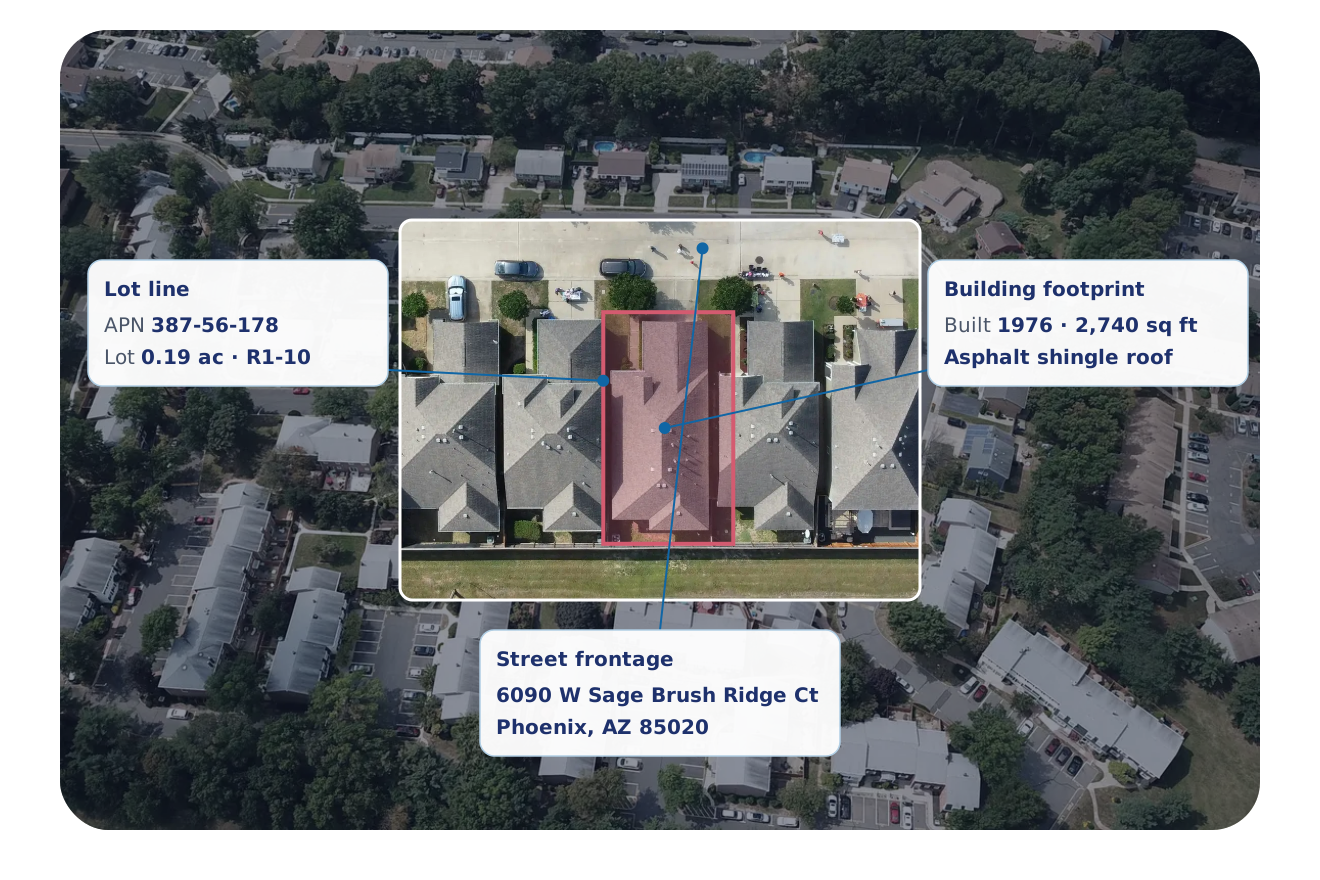
Send an address and get the building details back to fill your quote and policy forms.
- Year built, effective year built and living area
- Roof cover, roof type and construction type
- Pool, garage, basement and stories
- Lot size, parcel number and property location
See What Changed at an Insured Property
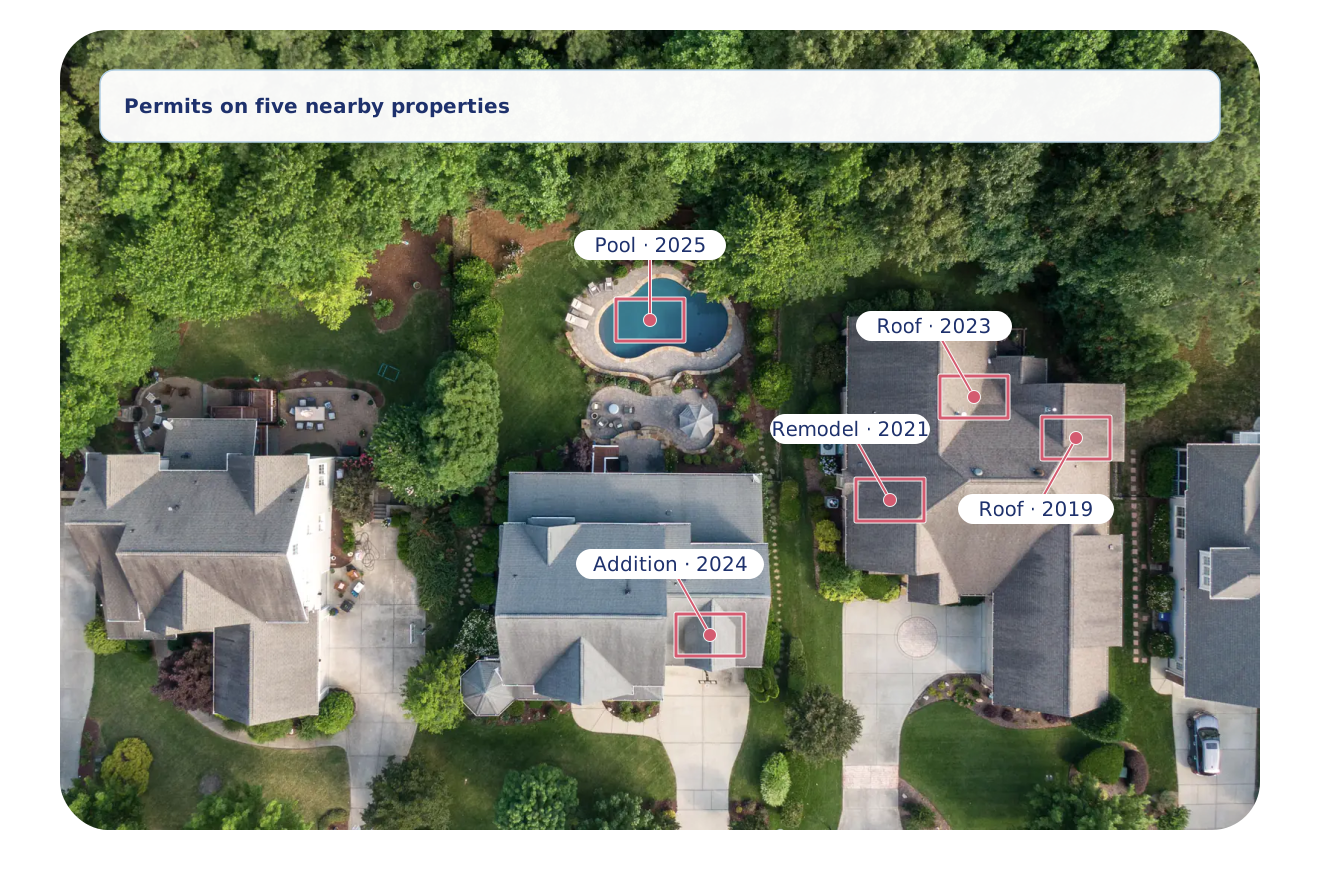
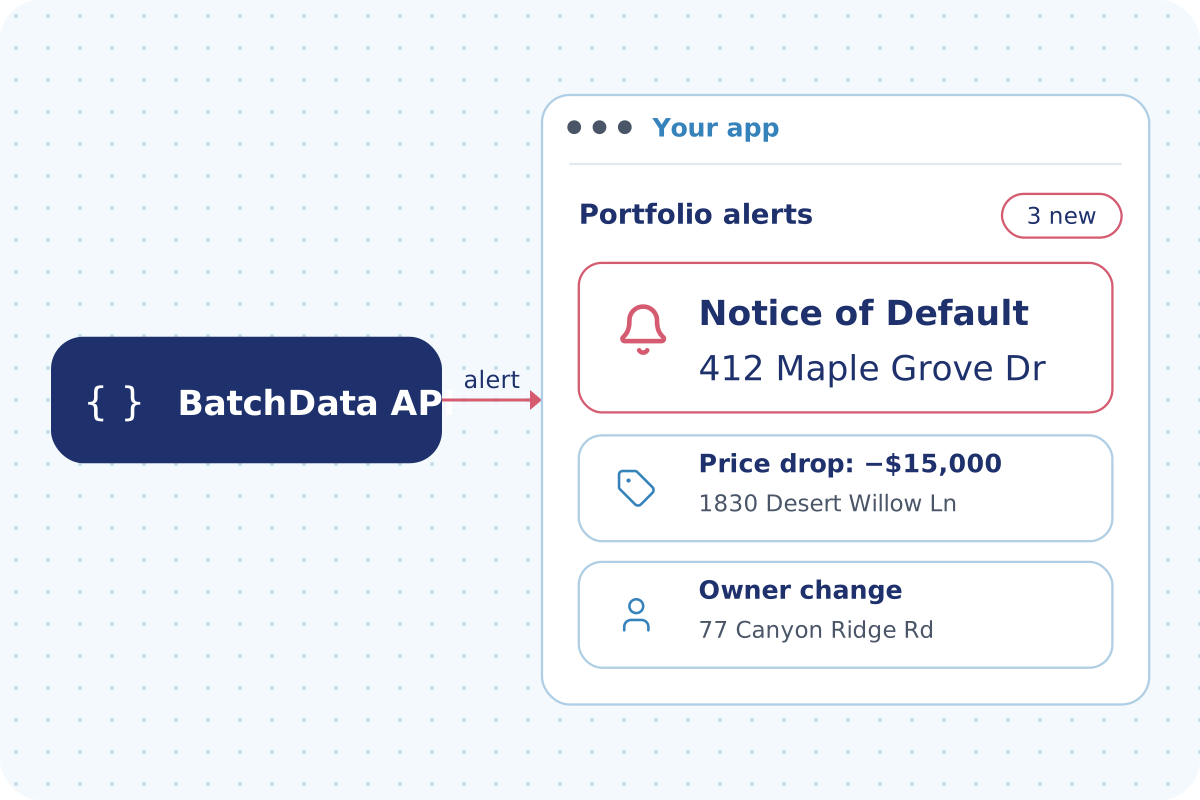
A new pool, a new roof or a new owner changes a policy. Check the permit history of each property, and get alerts when a property sells or changes owner.
- Roofing, pool, addition and remodel permits
- Permit dates and job value
- Sales and ownership transfers
- Alerts sent to your system or as a scheduled file
The Property Data Behind Every Policy
Building, permit, and sale data for each address, tied to the same property.
Building Details
Year built, effective year built, living area, stories and rooms.
Roof
Roof cover and roof type.
Construction
Construction type, foundation, exterior walls and building quality.
Features
Pool, garage, basement, porch, patio and fireplaces.
Systems
Heat source, heating fuel, air conditioning, water service and sewer.
Lot & Property
Lot size, parcel number, zoning, latitude and longitude.
Building Permits
Roofing, pool, addition, remodel and fire sprinkler permits with dates.
Value
Estimated value, assessed value and market value.
Sales History
Last sale, prior sale and ownership start date.
Six Ways Insurance Teams Use BatchData
Carriers, MGAs and agencies each use the data for a different job.
Pre-Fill Property Details
Return building details for an address inside your quote flow by API.
Watch Properties You Insure
Get alerts when an insured property sells or changes owner with Smart Portfolio Monitoring.
Update Policy Records
Add property details to the policy records you already hold with Property Enrichment.
Market to New Homeowners
Agencies reach new homeowners by mail and phone with Contact Enrichment. Each phone number is flagged when it is on a do-not-call list or linked to a calling lawsuit.
Study a Market
Take property data for whole counties as bulk files with Bulk Data.
Look Up Property History
See permits, sales and building details for any address with Property Search.
Coverage Behind Every Policy
National property and permit data.
Why Insurance Teams Choose BatchData
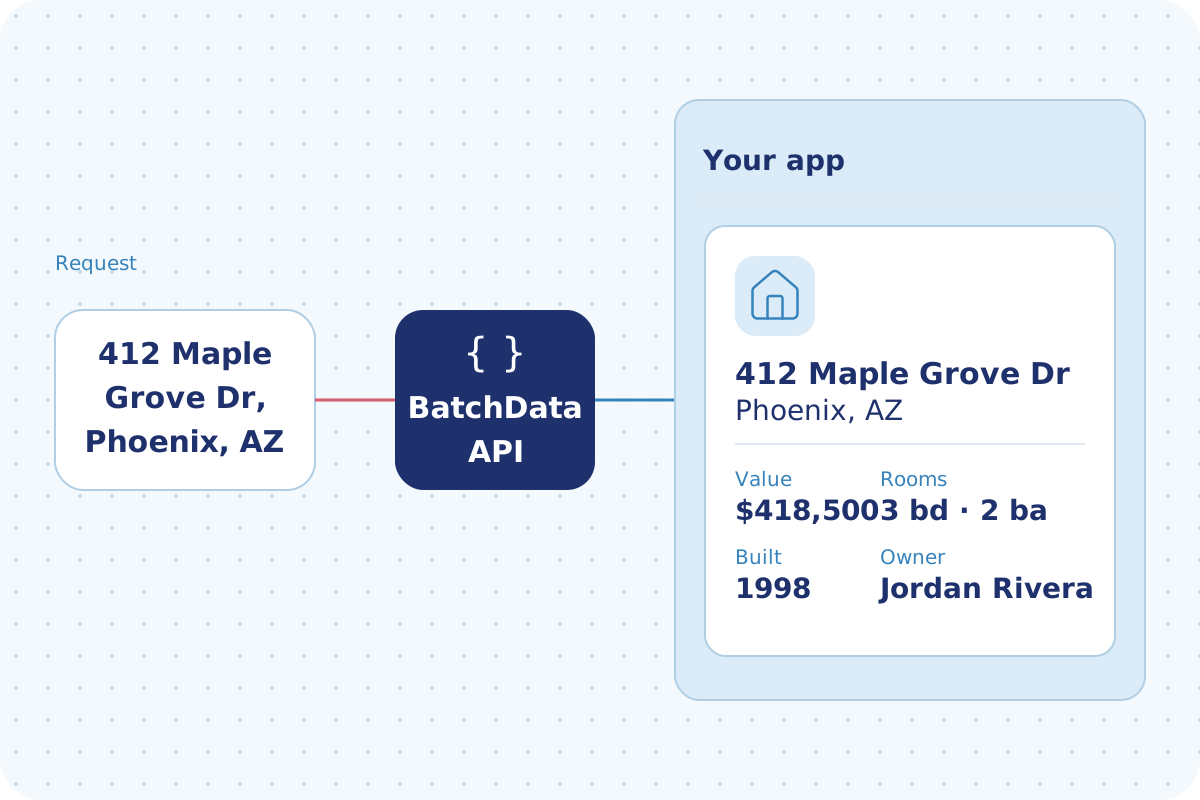
Ask applicants fewer questions when the property record fills the fields.
Alerts on sales and owner changes keep each record current.
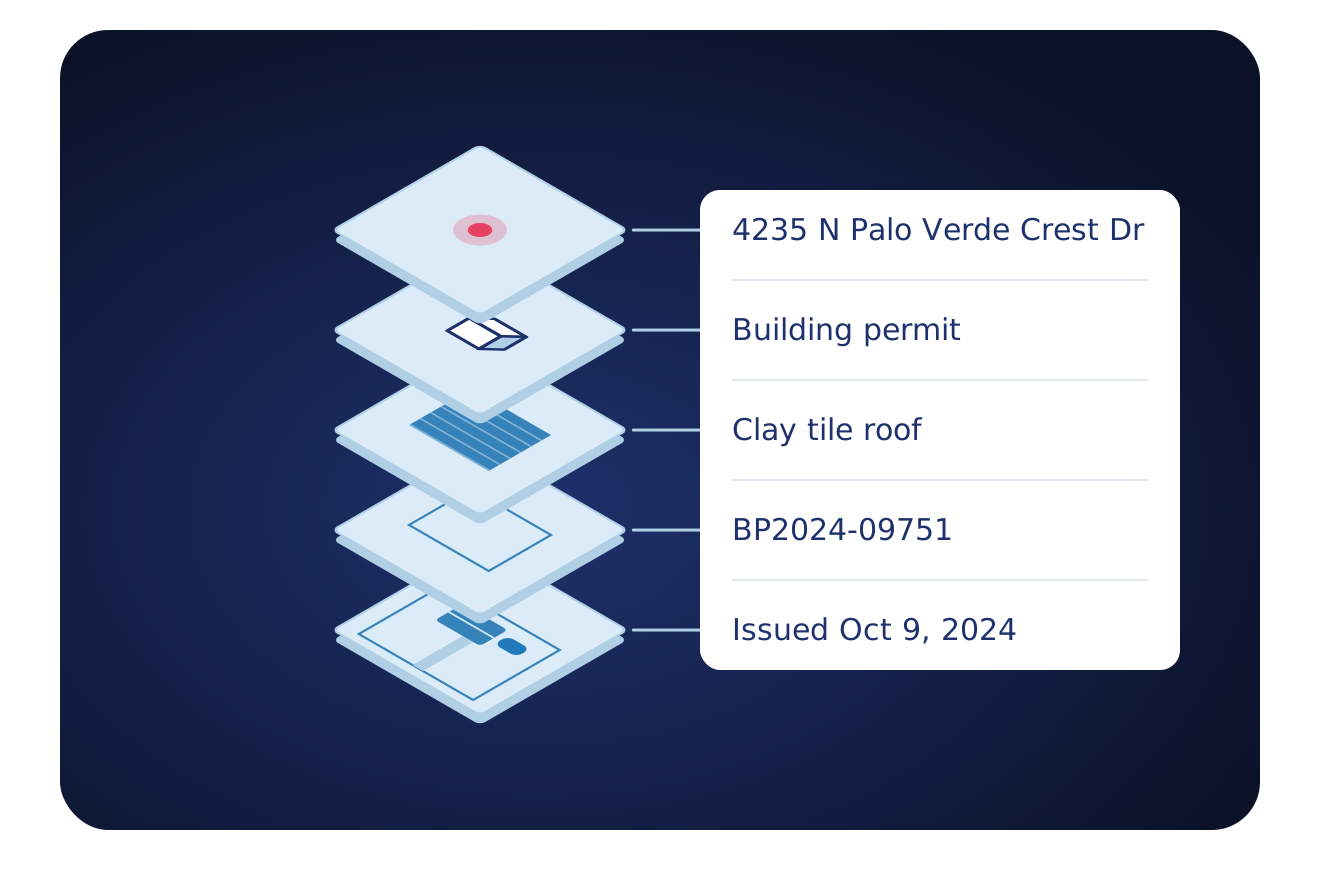
Building, permit and sale data for each address in one record, in your system or as a file.
Flexible Delivery Options
Pick the way your team works. Start with one and add the others when you need them.
- An API your developers can call
- Property Search and Lookup return every dataset you subscribe to in one call
- Look up one property or send a list
- Developer docs and no-cost sandbox tokens
- Address autocomplete and geocoding
- Async delivery to your webhook for large batches
- Choose the datasets and markets you need
- CSV, JSON and Parquet formats
- Files sent to a secure folder, Amazon S3 or Google Drive
- Direct delivery to Snowflake or Databricks
- Weekly, monthly, quarterly or annual deliveries
- Watch your list of properties for changes
- The updated record when the data you chose changes
- Alerts sent into your app or CRM
- Saved searches that notify your system when matching data changes
Frequently Asked Questions
Answers to common questions about BatchData for insurance carriers, MGAs and agencies.
Ready to Work From the Property Record?
Tell us about your policies and your markets. We show you the details, the delivery and a plan that fits.