



Win More Service Contracts. Reach the Owner Who Signs.
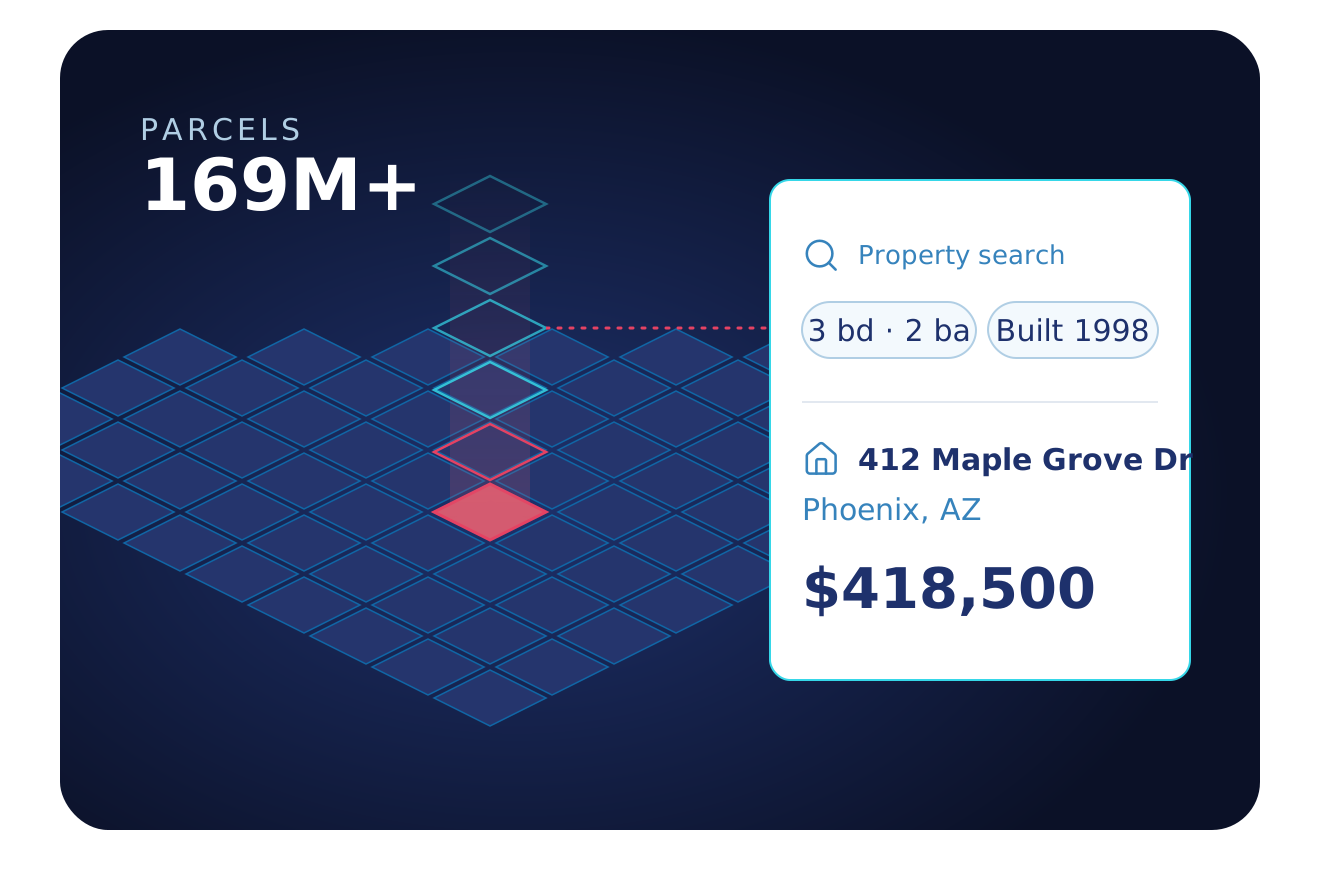
TRUSTED BY LEADING BRANDS

























Owners Sit Behind LLCs and Portfolios
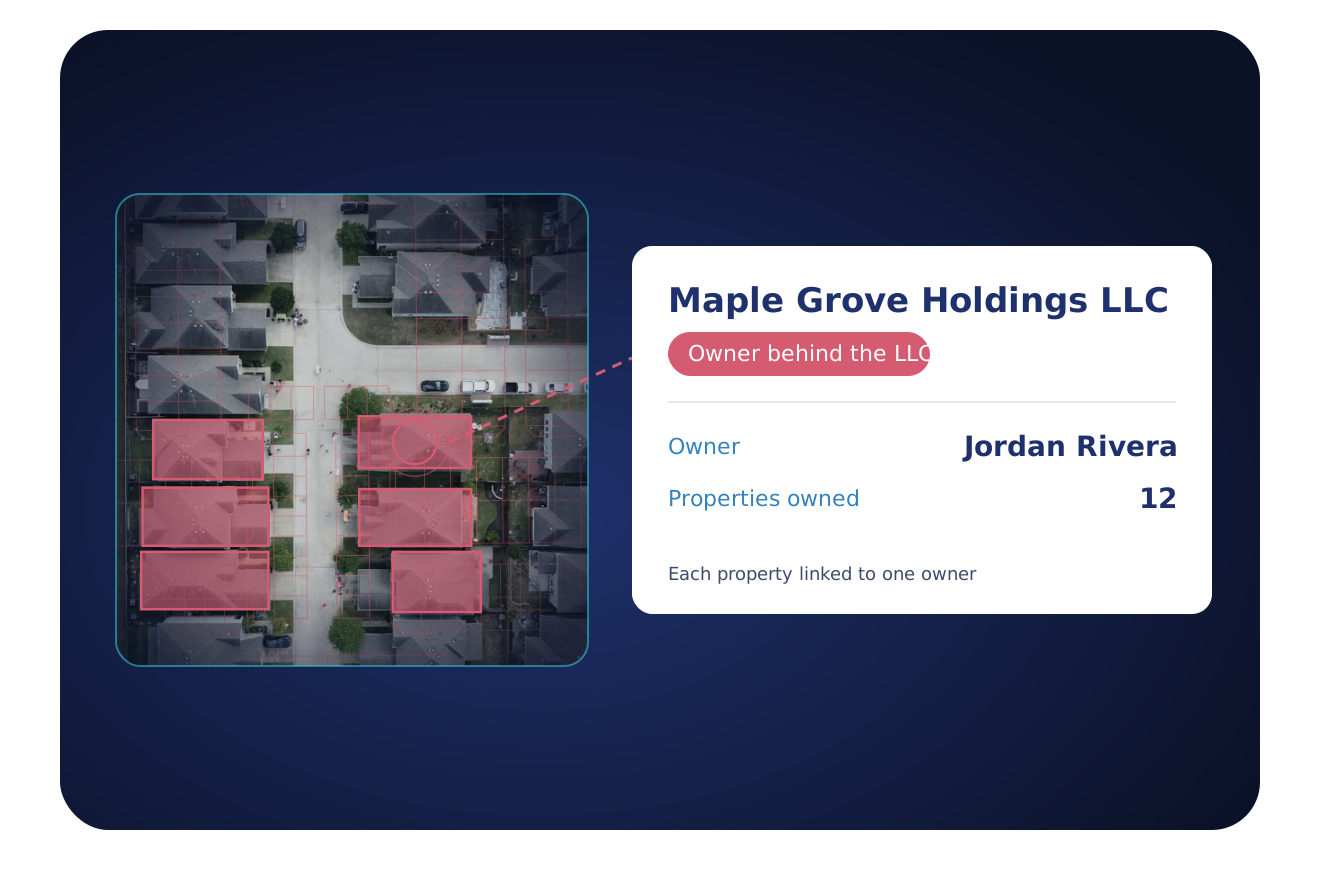
The name on the deed is often a company, and the people who decide sit behind it. Find them, and see the other buildings they own.
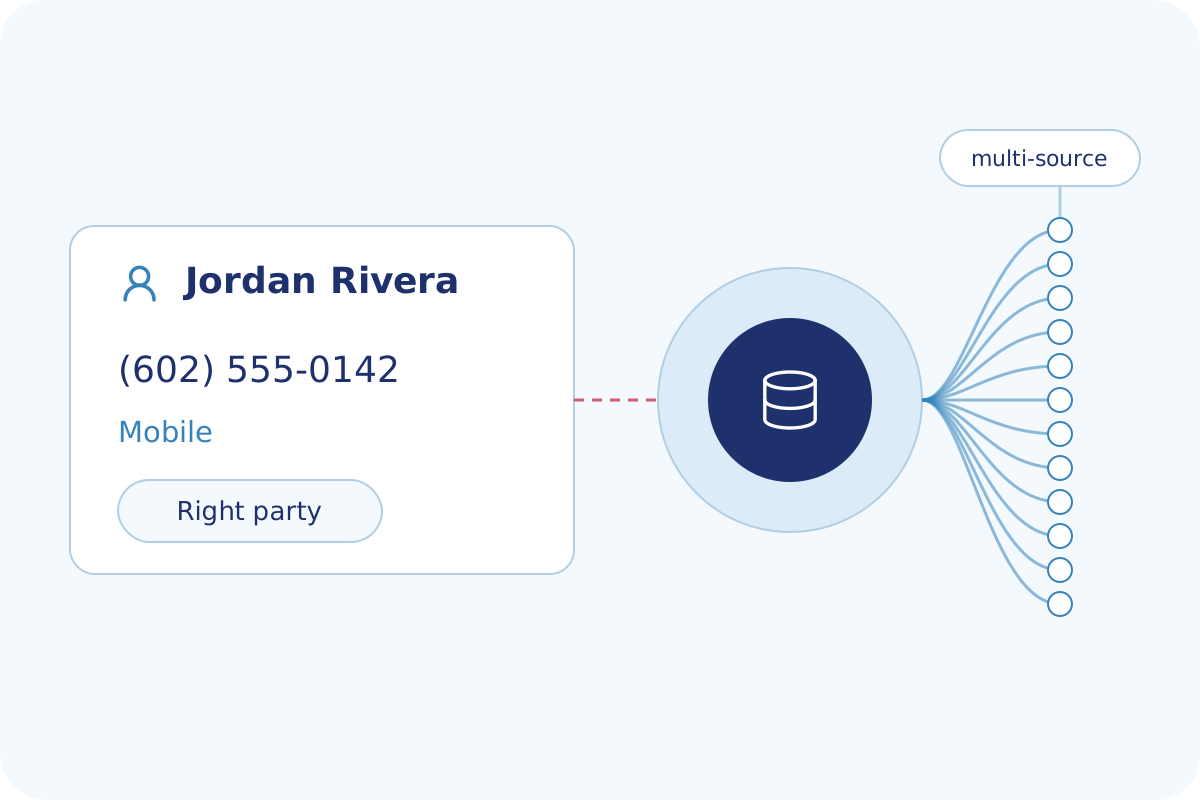
Find the People Behind the LLC
BatchData connects an LLC or a trust to the people who own it and adds their phone numbers and emails, so you pitch the owner, not the registered agent.
- Ownership type: person, company, trust or LLC
- Owner names and mailing address
- Owner phone numbers and emails
- A flag on numbers on a do-not-call list
Find Buildings That Fit Your Service
Search by property type, unit count, building size and location to build a list of target buildings, then see who owns each one.
- Apartment, commercial and residential properties
- Unit counts, building area and year built
- Absentee owners and owners with several properties
- Lists by ZIP code, city or county
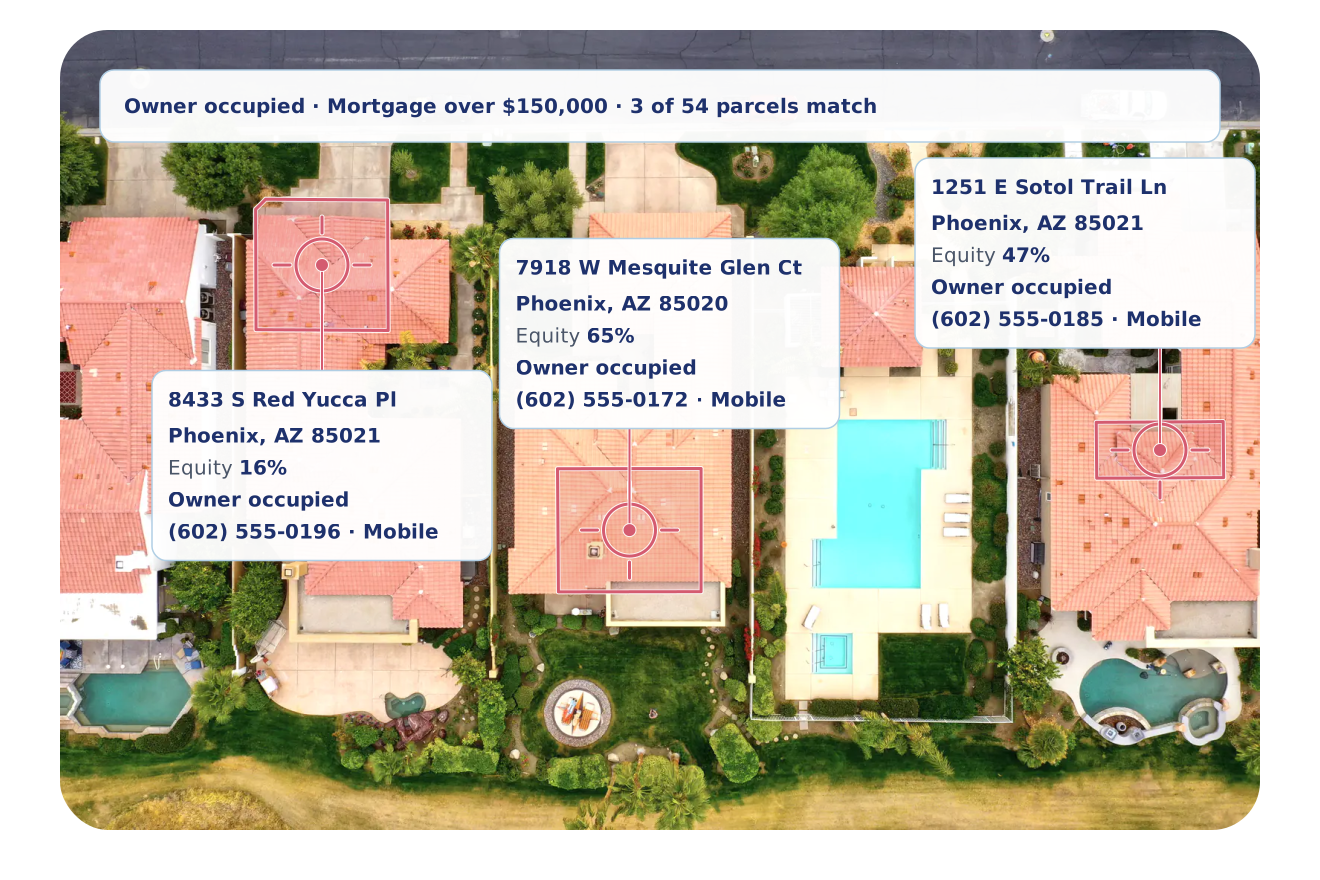
The Data Behind Every Building
The building, the owner and how to reach them, in one record.
Property Type
Residential, commercial and land use for every property.
Building Details
Year built, building area, stories and unit counts.
Ownership Type
Whether the owner is a person, a company, a trust or an LLC.
Owner Portfolio
How many properties each owner holds.
Owner Profile
Owner names, mailing address and owner occupancy.
Contact Data
The owner’s phone numbers and emails, flagged when a number is on a do-not-call list or linked to a calling lawsuit.
Value & Equity
Estimated value, equity and open mortgages.
Sales & Deeds
Sale dates, prices and deed types.
Building Permits
Permit type, date and job value for work on each property.
Six Ways Property Services Teams Use BatchData
Property managers, cleaning, landscaping, security and maintenance firms each start from a different list.
Reach Owners Behind LLCs
Get phone numbers and emails for the people behind an LLC or a trust with Skip Tracing.
Build Target Building Lists
Find buildings by type, size, units and location with Property Search.
Know the Buildings You Serve
Add owner, building and value details to the addresses you serve with Property Enrichment.
Fill In Owner Contacts
Add phone numbers, emails and mailing addresses to your lists with Contact Enrichment.
Hear About New Owners
Get an alert when a building in your area gets a new owner, with Smart Search.
Check Phone Lines Before You Call
See whether each number is mobile or landline, its carrier, and whether it is on a do-not-call list.
Coverage Behind Every Contract
National property, owner and contact data.
Why Property Services Teams Choose BatchData
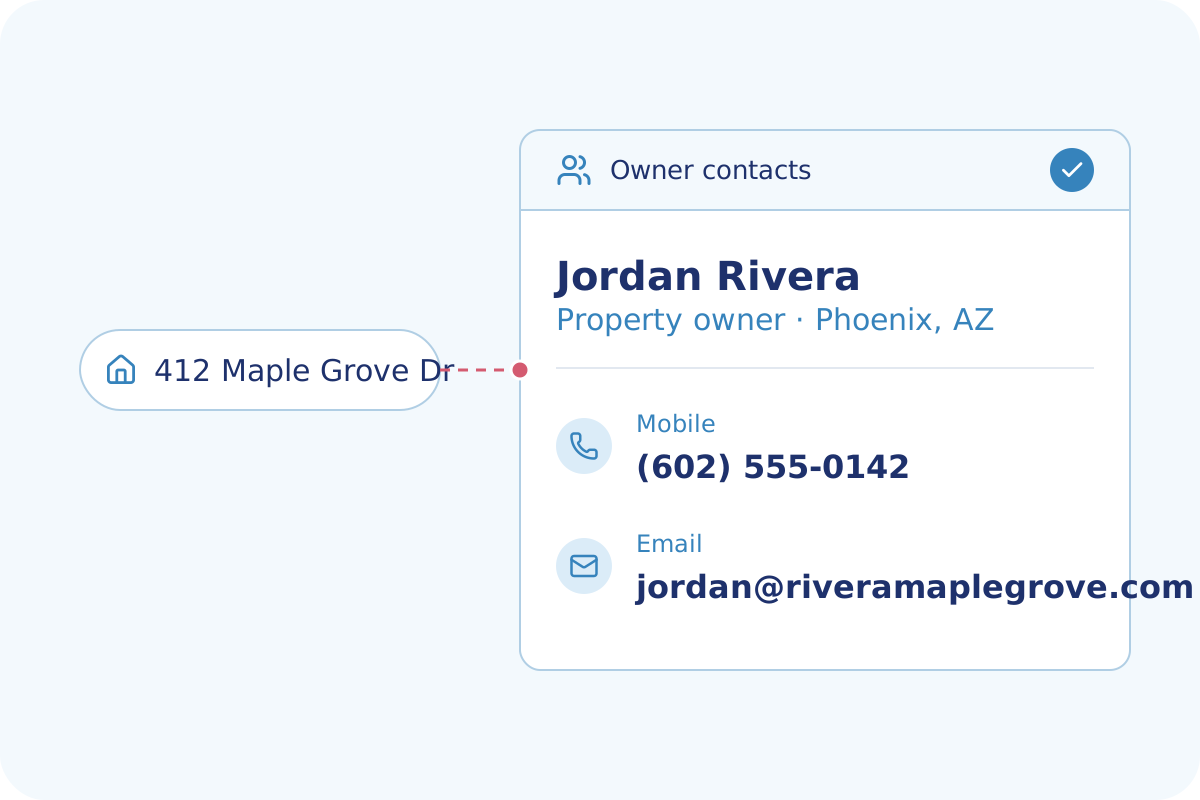
Reach the people behind the LLC, not the registered agent.
See how many properties each owner holds, before you call.
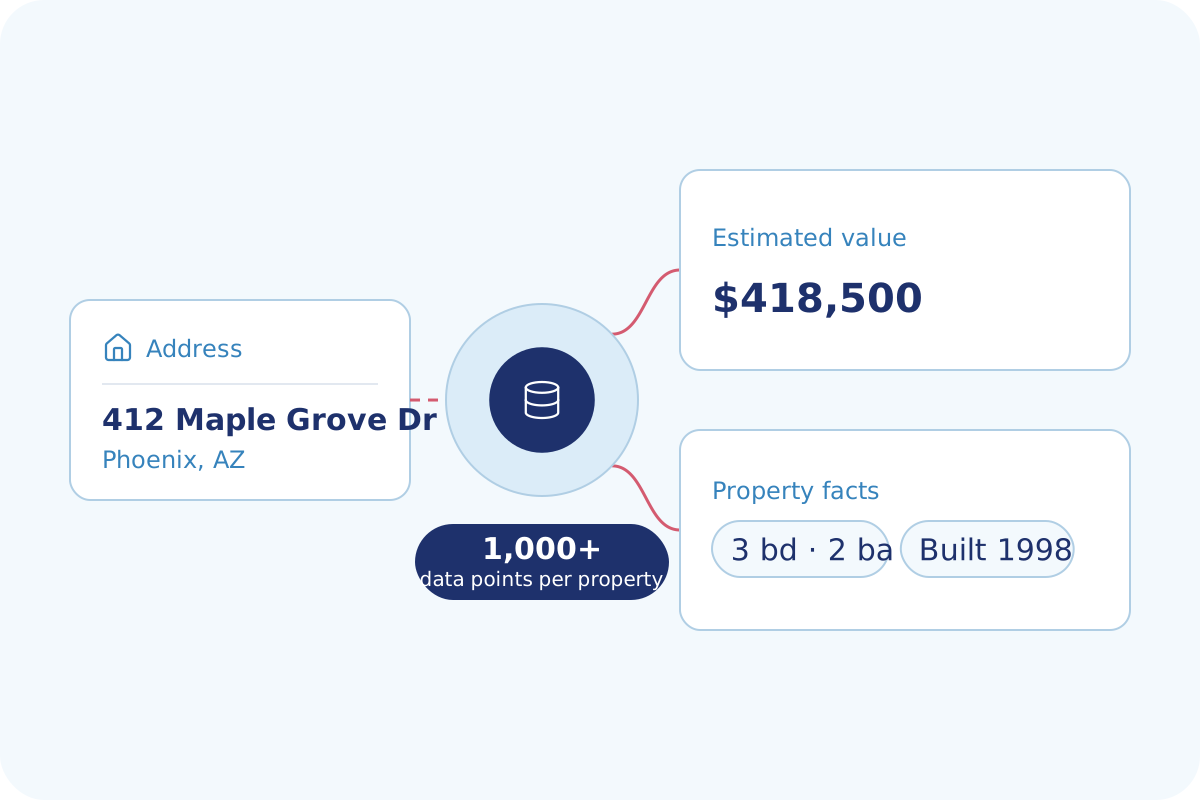
Building size, year built, units and value for each property you quote.
Flexible Delivery Options
Pick the way your team works. Start with one and add the others when you need them.
- An API your developers can call
- Property Search and Lookup return every dataset you subscribe to in one call
- Look up one property or send a list
- Developer docs and no-cost sandbox tokens
- Address autocomplete and geocoding
- Async delivery to your webhook for large batches
- Choose the datasets and markets you need
- CSV, JSON and Parquet formats
- Files sent to a secure folder, Amazon S3 or Google Drive
- Direct delivery to Snowflake or Databricks
- Weekly, monthly, quarterly or annual deliveries
- Watch your list of properties for changes
- The updated record when the data you chose changes
- Alerts sent into your app or CRM
- Saved searches that notify your system when matching data changes
Frequently Asked Questions
Answers to common questions about BatchData for property services companies.
Ready to Reach the Owners Who Sign?
Tell us your service and your market. We show you the owners, the data and a plan that fits.