



Delivery method · Property Search API
Search 131M+ properties by filter
Set filters for location, owner, value, equity and property details, and see the count before you pull records. Each result holds every dataset you subscribe to.
TRUSTED BY LEADING BRANDS

























What you get
One search endpoint with the count before the records.
- Filters
- Location, owner, value, equity, loans and liens, year built, property type, listing status and permits
- Quick Lists
- Flags such as absentee owner, high equity and pre-foreclosure. Require all, or match any.
- Count first
- Each response gives the number of matching properties
- Owner search
- Search by owner first name, last name or mailing address
- Testing
- Developer docs and free sandbox tokens
How it works
Choose a market. Set filters. Pull the records.
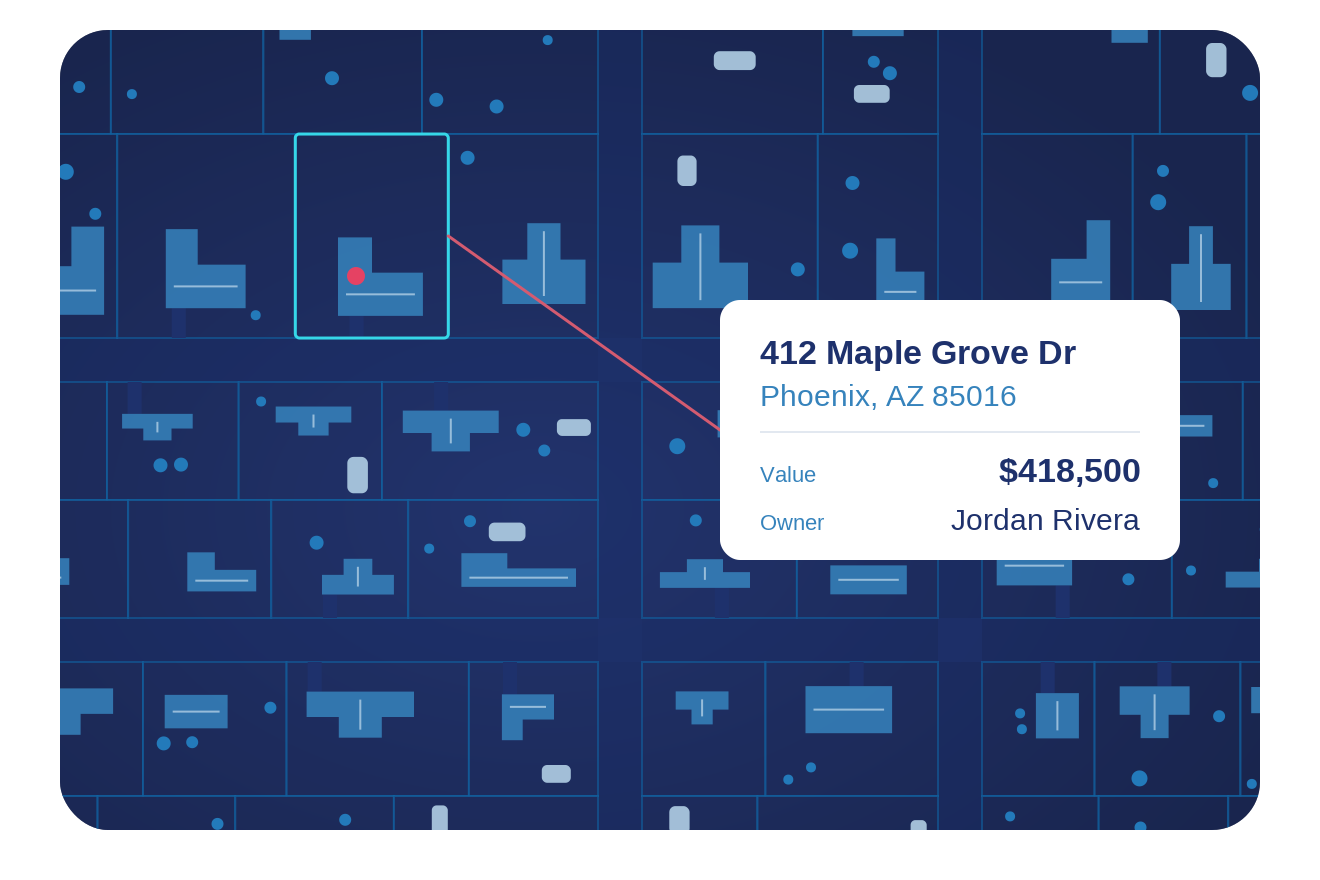
You choose the market
- Search by ZIP code, city or county
- Narrow by subdivision or zoning code
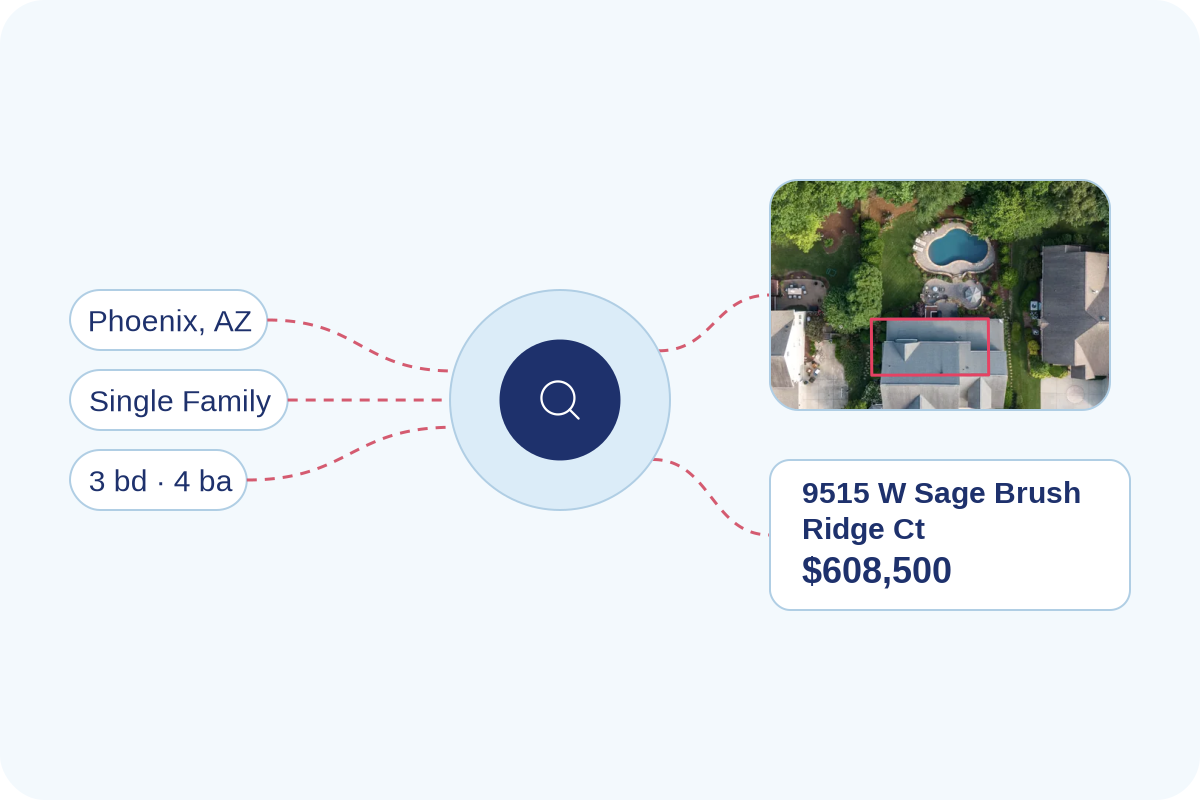
You set filters
- Owner, value, equity, year built and property type
- Quick List flags such as absentee owner, high equity and pre-foreclosure
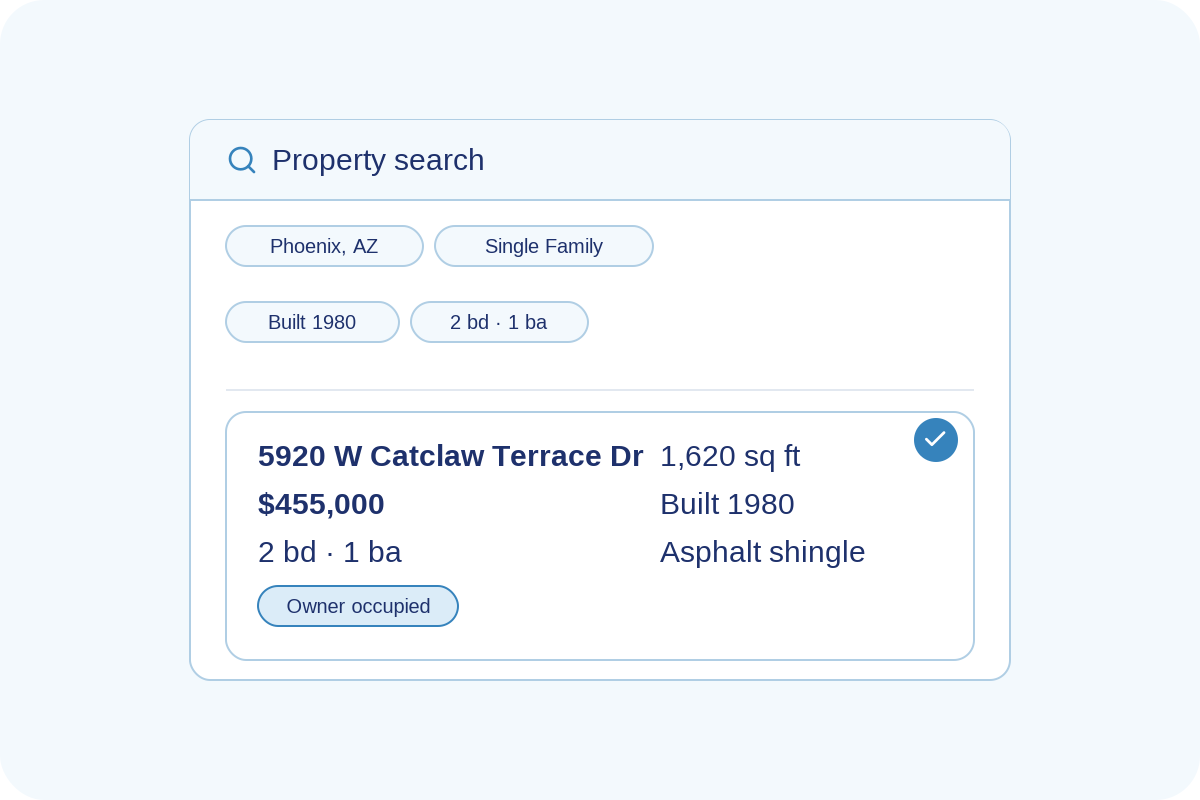
You count, then pull records
- Each response gives the number of matching properties
- Each record holds every dataset you subscribe to
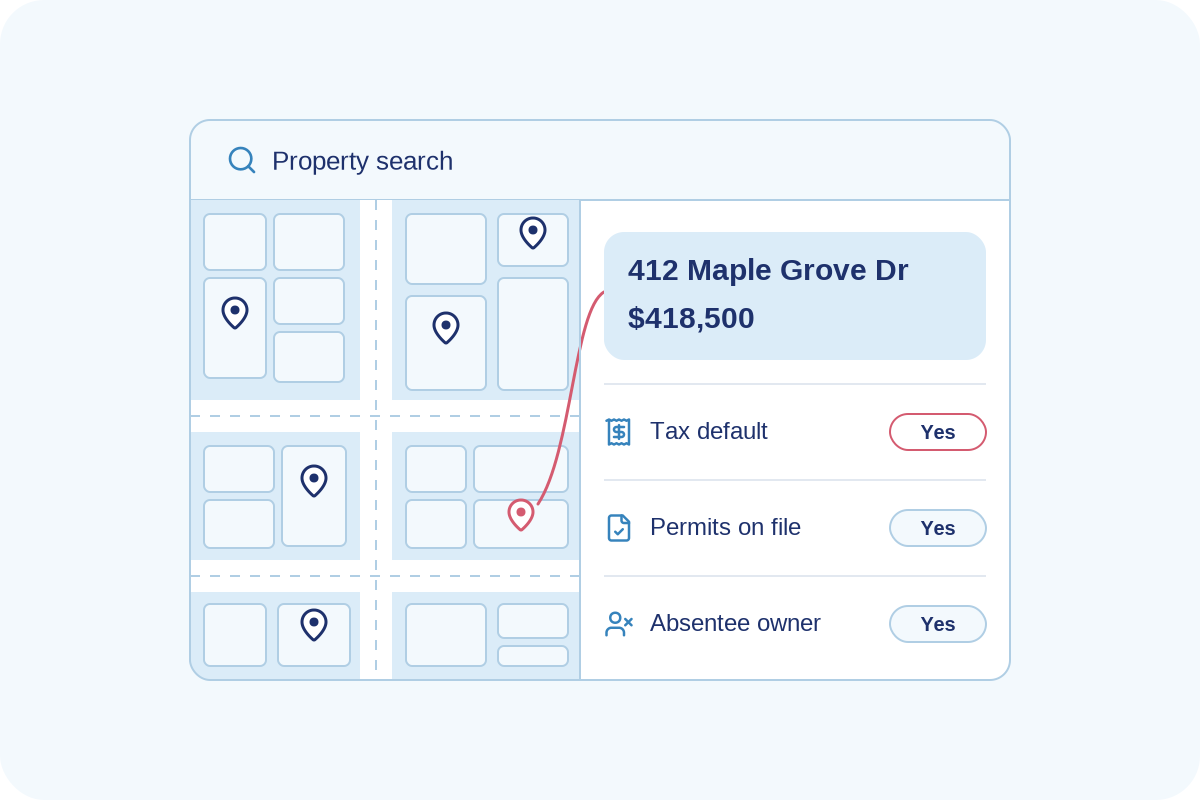
See one search
A search for absentee owners with high equity in Phoenix, AZ.
POST https://api.batchdata.com/api/v1/property/search
{
  "searchCriteria": {
    "query": "Phoenix, AZ",
    "quickLists": ["absentee-owner", "high-equity"]
  },
  "options": {
    "take": 25
  }
}{
"results": {
"properties": [
{
"owner": {
"fullName": "Jordan Rivera"
},
"quickLists": {
"absenteeOwner": true,
"highEquity": true
},
...
}
],
"meta": {
"results": {
"resultsFound": 1840,
...
}
}
}
}One search returns matching properties with every dataset you subscribe to.
Typical use cases
Why teams run these jobs as a search.
Find the properties worth a call or a letter
Name a quick list. Get matching properties with owner names.
See Lead GenerationFind homeowners by permit history
Filter by permit tag and latest permit date.
See Home Improvement TargetingFind new homeowners from recent home sales
Filter by last sale date. Get the new owner and sale date.
See New Homeowner MarketingKnow when a property starts matching your search
Create a saved search with one request.
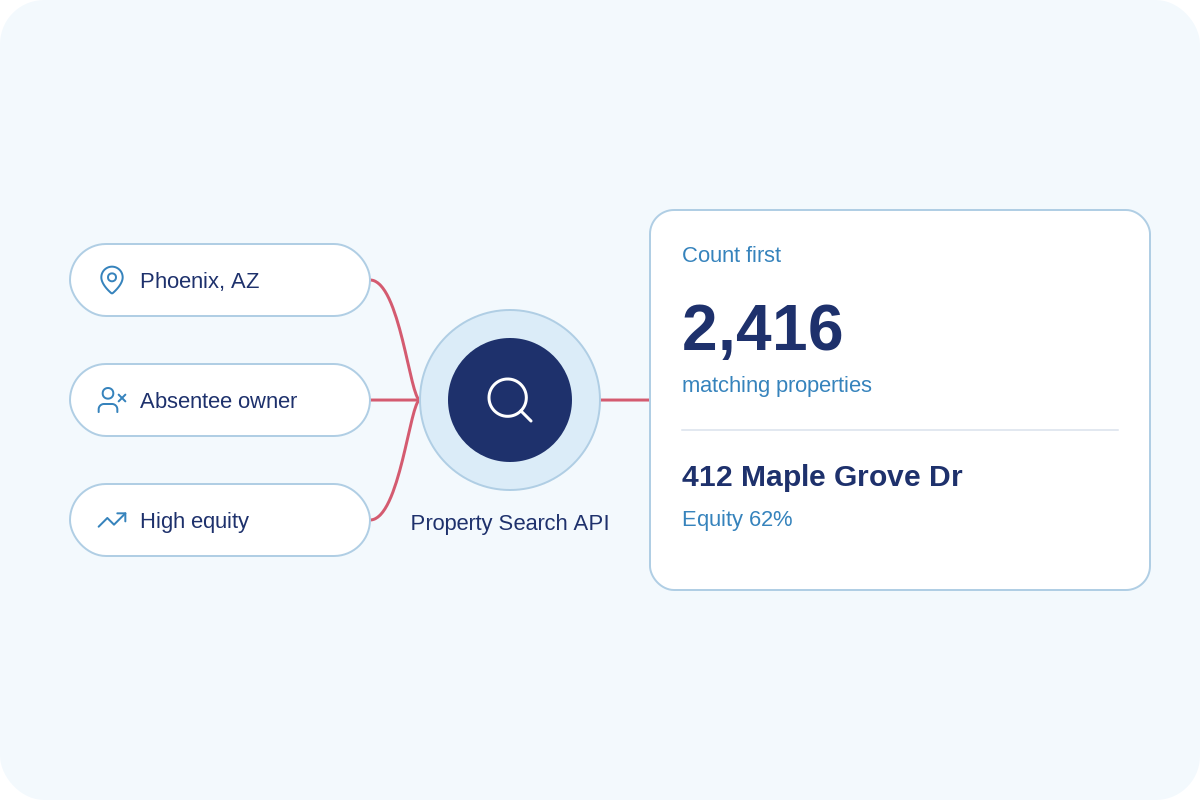
See Saved Search AlertsSee the count first
Set your filters and see how many properties match before you pull records.
Who uses it, and how
Teams that search property data or build search into their own products.
Real Estate Investing
Search for absentee owners with high equity in your markets.
Explore Real Estate InvestingAgents & Brokerages
Search for owners in your farm area by length of ownership and equity.
Explore Agents & BrokeragesPropTech & Software
Search properties by adding property search to your product through the API.
Explore PropTech & SoftwareHome Services
Search for homes by year built and permit history.
Explore Home ServicesMarketing & Data Resellers
Search owner mailing addresses for any area, for direct mail campaigns.
Explore Marketing & Data ResellersSolar
Search homes by type, size and owner status, street by street.
Explore SolarMortgage & Lending
Search for owner-occupied homes with high estimated equity for HELOC marketing.
Explore Mortgage & LendingRoofing
Search homes by year built and owner in one neighborhood.
Explore RoofingShow all 20 industries
Construction & Builders
Search for vacant lots by size, zoning and owner, then reach the owner.
Explore Construction & BuildersInsurance
Search any address for permits, sales and building details.
Explore InsuranceLogistics
Search properties by type, lot size and building area to find sites.
Explore LogisticsProperty Services
Search buildings by type, size, units and location for target lists.
Explore Property ServicesGovernment & Public Sector
Search by city, county or zip code and read each parcel record.
Explore Government & Public SectorLegal Services
Search properties across cities, counties and zip codes in one query.
Explore Legal ServicesInstitutional Investors
Search and read each property profile for its value, owner, year built and lot size.
Explore Institutional InvestorsTitle & Escrow
Search by address or area and read the parcel and building details.
Explore Title & EscrowAppraisers & Valuation
Search for one property and read its owner, mortgage, deed, permit and value fields.
Explore Appraisers & ValuationHome Security & Smart Home
Search with filters for recent sales and recent moves, then reach the owner.
Explore Home Security & Smart HomeRetail & Ecommerce
Search properties by beds, value and owner in any city or county.
Explore Retail & EcommerceShort-Term Rentals
Search homes by owner status, beds and value in any market.
Explore Short-Term RentalsOther ways to get BatchData data
All methods draw on the same BatchData data. Pick the one that fits how your team works.
| Method | Best for | You get | Setup |
|---|---|---|---|
| API Solutions | Apps that need data for one property at a time | JSON for each request | Your developers, with free sandbox tokens |
| Property Search API This page | Finding properties by filter | A count, then the matching properties as JSON | Your developers, with free sandbox tokens |
| AI Agents | Asking for property data in an AI assistant | Answers in the chat | You connect your AI assistant. Your account admin chooses the datasets. |
| Cloud Delivery | Analytics in your own warehouse | Data in Snowflake or Databricks, or files in Amazon S3, SFTP or Google Drive | Our Professional Services team, with you |
| Bulk Data | Loading whole markets into your own systems | CSV, JSON or Parquet files, full refresh or delta | Our Professional Services team helps you choose the fields |
| Professional Services | Expert help, or a CSV or Excel file to fill | Your file back with property data added | A BatchData data expert |
Property search API FAQ
Which filters can I use?
You can filter by location, owner, owner occupancy, value, equity, loans and liens, year built, property type, listing status, permits and Quick List flags.
Can I see the count before I pull records?
Yes. Each search response gives the number of matching properties, so you pull only the records you need.
Can I combine Quick List flags?
Yes. You can require all of the flags, or match any one of them.
What does each result hold?
Each result holds every dataset you subscribe to, such as the owner, the value and the building details.
Can I search by owner?
Yes. You can search by owner first name, last name or mailing address.
Start with a search
Talk to a data expert about the filters and datasets your team needs.