



Program · Professional Services
Get expert help with your data
A BatchData data expert helps you choose the datasets and the delivery cadence. Upload a CSV or Excel file, and get property data back in the same file.
TRUSTED BY LEADING BRANDS

























What you get
A data expert, and your own file back with data added.
- Help
- A data expert helps you choose datasets, cadence and destination
- Your file
- Upload a CSV or Excel file in the BatchData web app
- Return
- Property data comes back in the same file
- Addresses
- Each address is standardized before data is added
- Developer
- Not needed for a file upload
How it works
From the first call to your results.
You tell us what you need
- A data expert helps you choose the datasets that fit your team.
- The expert also helps you choose the delivery cadence and the destination.
We match your addresses
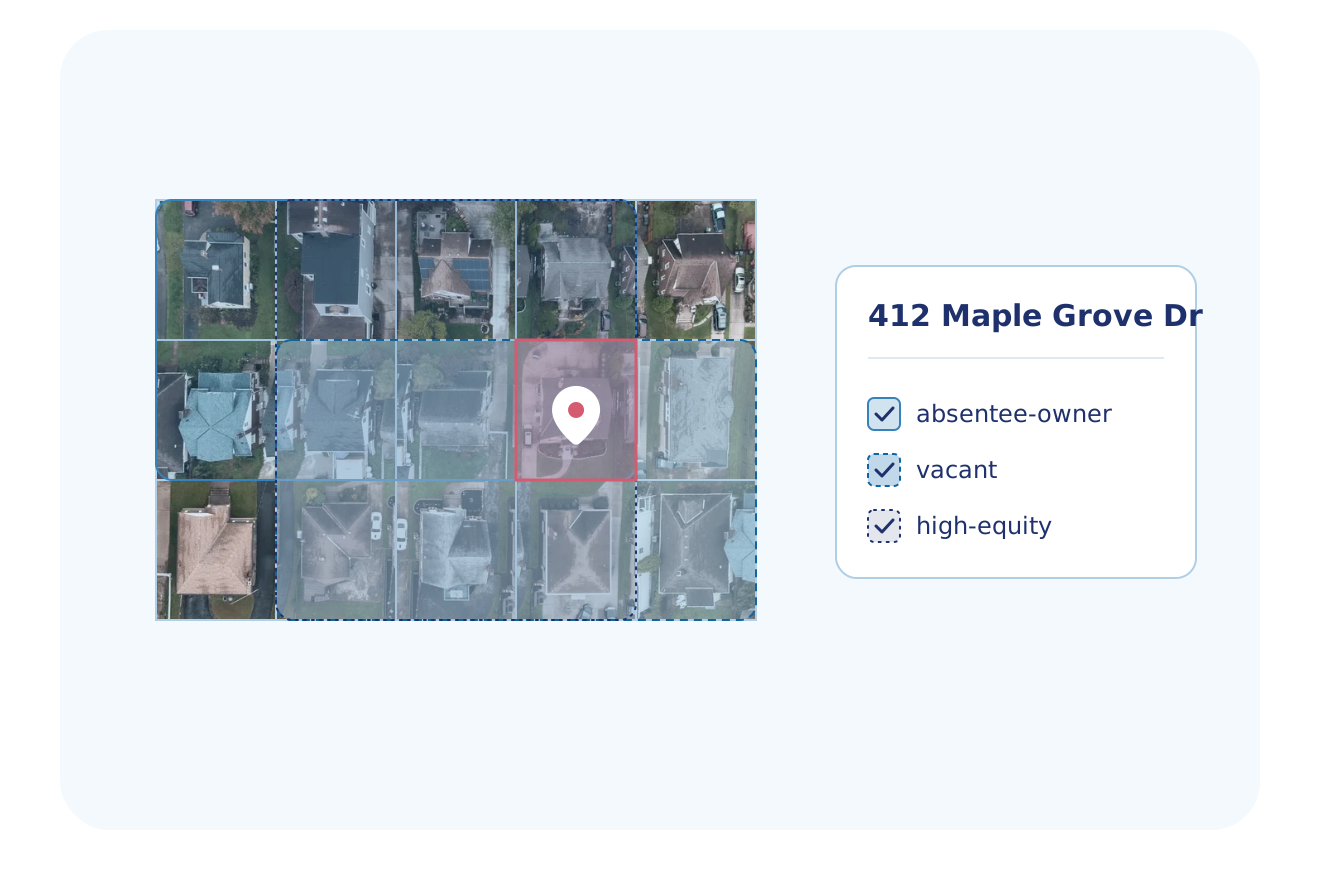
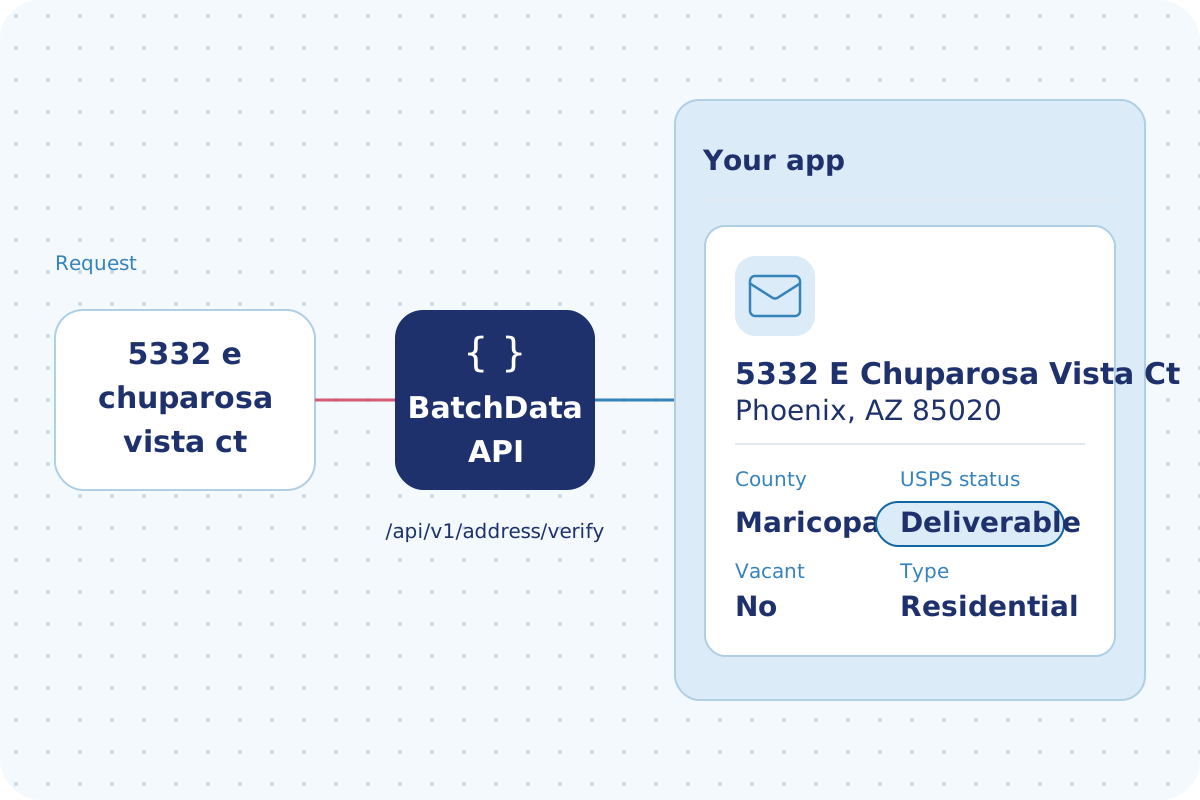
- Send many addresses in one request, or upload a CSV or Excel list in the BatchData web app.
- BatchData matches each address to a property.
You get property data back
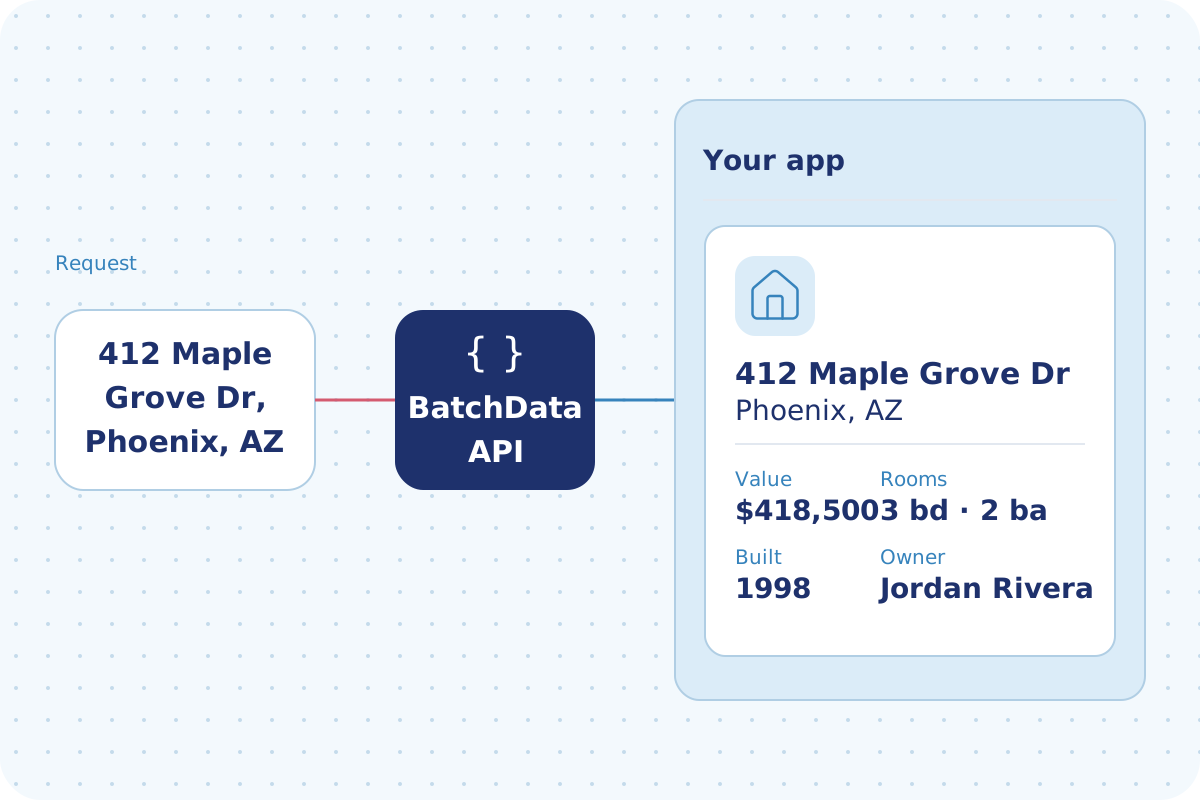
- Get property data back in the same file.
- Your data expert helps you choose the fields that come back.
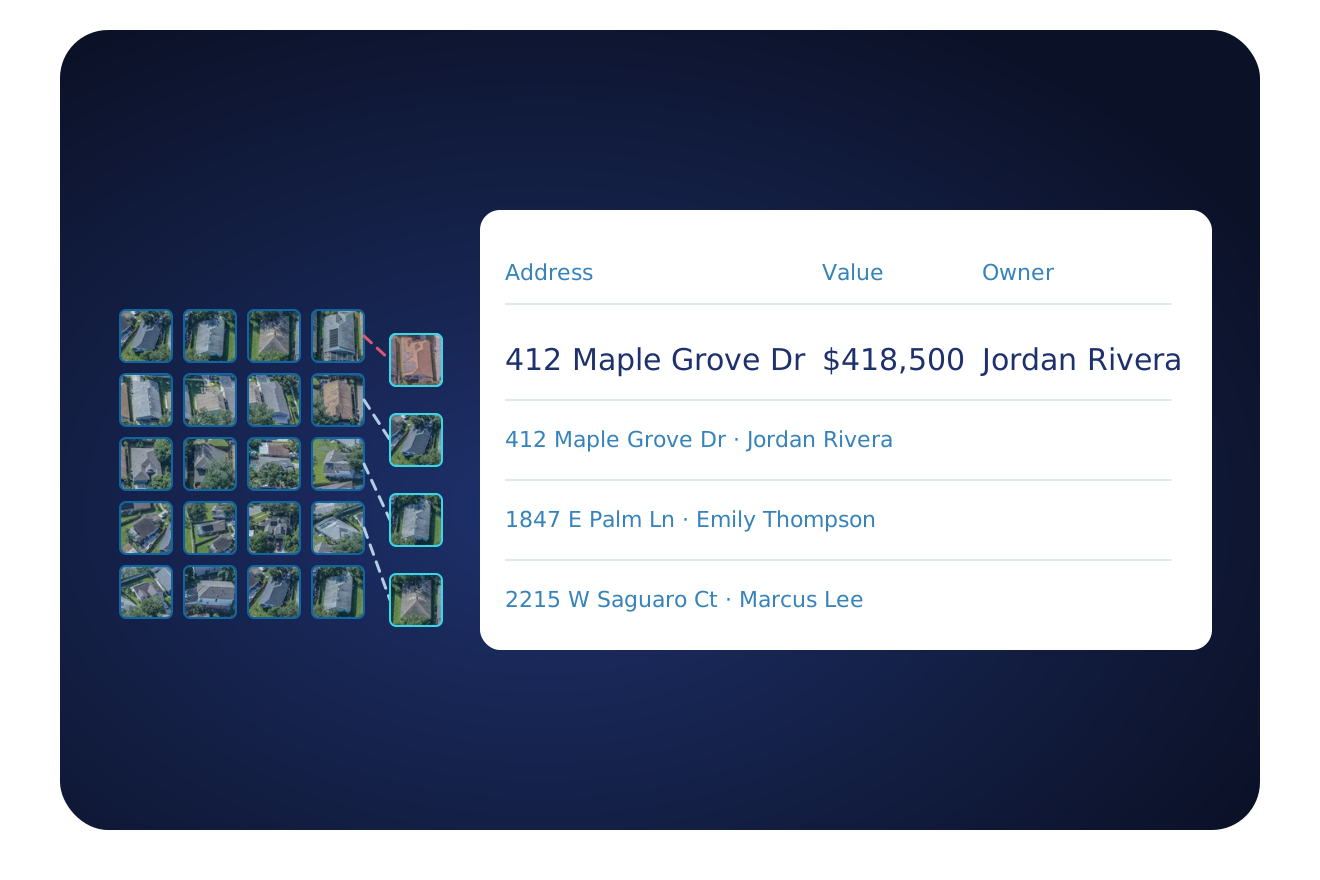
See the file you send
Rows from an address file, before BatchData adds the data.
Upload a CSV or Excel file. Get property data back in the same file.
Typical use cases
Why teams hand these jobs to a data expert.
Add property and owner data to your list
A data expert matches your file and returns it with new columns.
See List EnrichmentAdd the owner of record to your addresses
Send a file of addresses. Get it back with the owner added.
See Ownership ResearchAdd phones and emails to your list
Send a file of addresses. Get it back with phones and emails added.
See Skip TracingAdd loan and lien fields to a list
Send a file of addresses. Get it back with the loan and lien fields added.
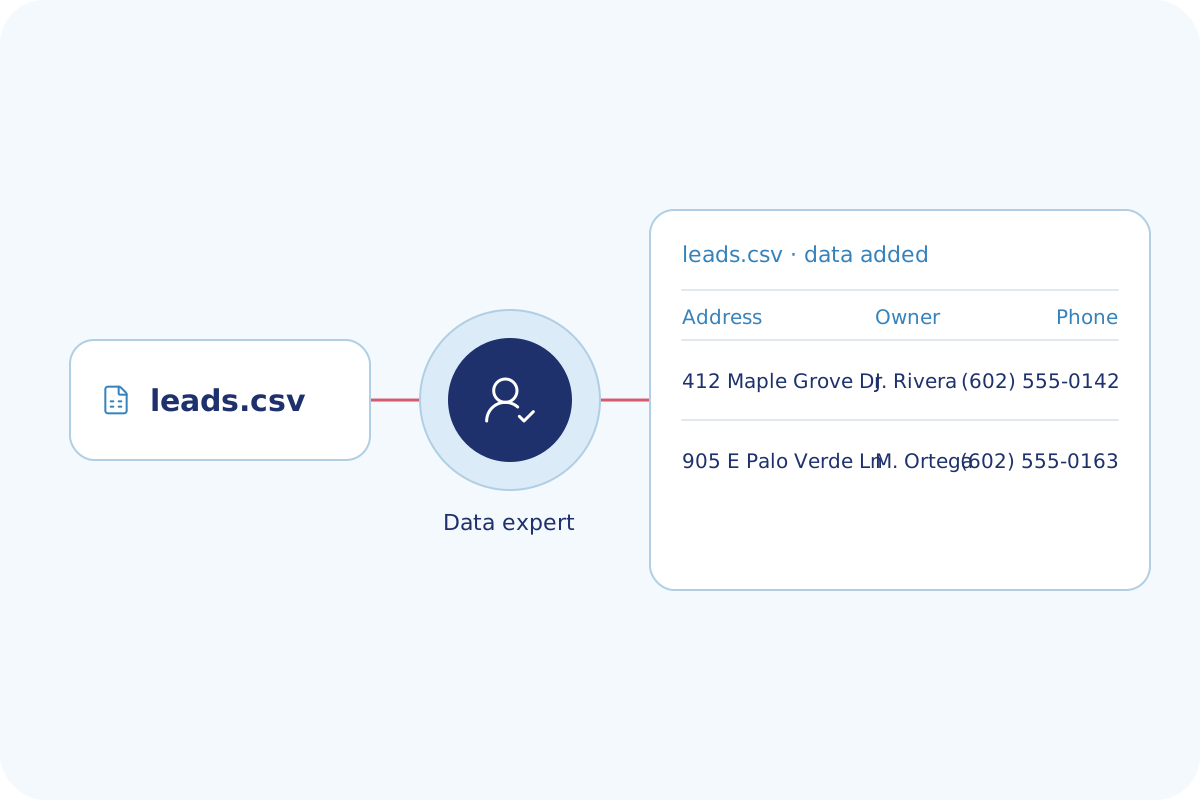
See Underwriting & RiskSend a file, get it back
Send your CSV. A data expert adds the owner and phone and sends back the same file.
Who uses it, and how
Teams that need standard addresses and added property data.
PropTech & Software
Send your needs to a data expert, who helps connect BatchData fields and delivery to your product.
Explore PropTech & SoftwareInstitutional Investors
Send your portfolio file and get property fields added in one upload.
Explore Institutional InvestorsInsurance
Send your policy addresses to be standardized, with property fields added to the file.
Explore InsuranceMortgage & Lending
Send your loan addresses to be standardized, with the property fields your team needs.
Explore Mortgage & LendingMarketing & Data Resellers
Send your lists and get property and owner fields added to each address.
Explore Marketing & Data ResellersReal Estate Investing
Send your lead lists and get owner and property fields added for your markets.
Explore Real Estate InvestingWhat customers say
"BatchData was fantastic, exactly what we needed. We ran a file of 690,000 records through it, and it made a material change on 66,000 of them. At about 51 cents per mail piece, that's $33,000 of ad spend we made better on a single campaign."
 Lanny Hayes
Chief Experience Officer, Confie
Other ways to get BatchData data
All methods draw on the same BatchData data. Pick the one that fits how your team works.
| Method | Best for | You get | Setup |
|---|---|---|---|
| API Solutions | Apps that need data for one property at a time | JSON for each request | Your developers, with free sandbox tokens |
| Property Search API | Finding properties by filter | A count, then the matching properties as JSON | Your developers, with free sandbox tokens |
| AI Agents | Asking for property data in an AI assistant | Answers in the chat | You connect your AI assistant. Your account admin chooses the datasets. |
| Cloud Delivery | Analytics in your own warehouse | Data in Snowflake or Databricks, or files in Amazon S3, SFTP or Google Drive | Our Professional Services team, with you |
| Bulk Data | Loading whole markets into your own systems | CSV, JSON or Parquet files, full refresh or delta | Our Professional Services team helps you choose the fields |
| Professional Services This page | Expert help, or a CSV or Excel file to fill | Your file back with property data added | A BatchData data expert |
Professional data services FAQ
How do I get help adding property data to my list?
BatchData's data experts help you choose the datasets, the delivery cadence and the destination for your data. You can upload your own file of addresses, and the property data comes back in the same file. BatchData standardizes each address before it adds the data.
How do I send my address file to BatchData?
Upload a CSV or Excel file in the BatchData web app, or send many addresses in one request through the API. A data expert helps you choose the fields that come back. Property data returns in that same file, with each address standardized.
What fields can BatchData add to my address list?
You choose the fields that come back in your file, from the BatchData data pages. Each data page lists the fields in its dataset, such as owner, property and contact fields. Your account decides which datasets you can read.
Do I need a developer to add property data to my list?
No, your team does not need a developer to send a file of addresses through the BatchData web app. A data expert works with you on the file, the fields and the delivery. Your developers can use the BatchData API if they want to connect BatchData to your own software.
How much do BatchData data services cost?
BatchData offers pay-as-you-go pricing. You can talk to a data expert about the cost for your list size and the datasets you need. The pricing page lists the dataset add-ons.
Tell us what your file needs
Describe your file and your team. A data expert advises you on the fields and the delivery that fit your team.