



Solution · List Enrichment
Add property and owner data to your list
Send a list of property addresses. BatchData matches each one to a property and adds the fields you choose, such as owner, contact, sale and mortgage data. Need someone to run it for you? Our Professional Services team can.
TRUSTED BY LEADING BRANDS

























- 1,000+Data points per property
- 131M+Properties
- 3,100+Counties
- 1,000Properties per async request
How it works
Your list in. Your list back with new columns. By file, or by API for a live system.
You send your list
- A street address is enough
- You can also send an APN with its county, a property ID or an address hash
- Up to 500 properties per request
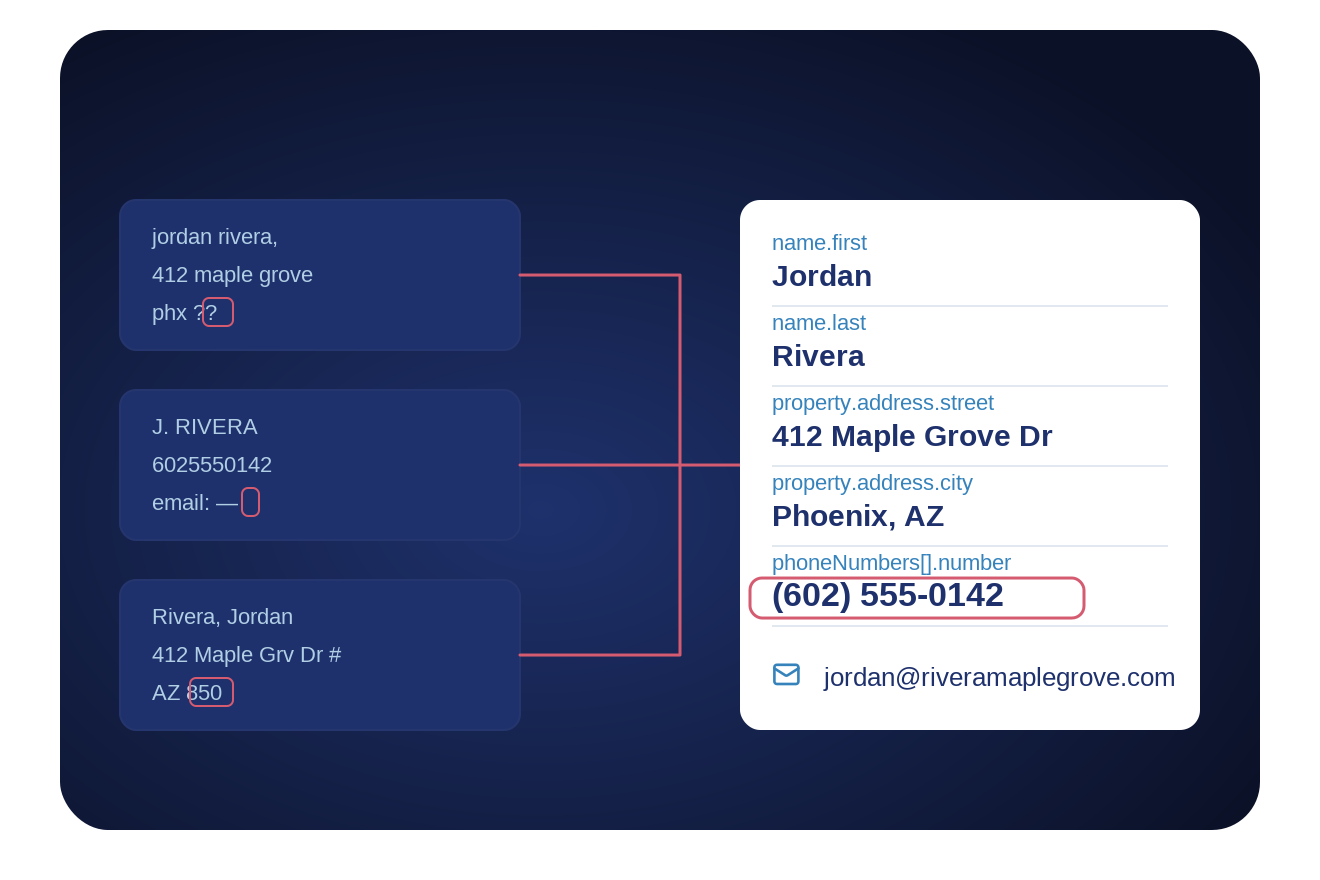
We match each record
- BatchData matches each row to a property record
- Up to 1,000 properties per async request
- Async results go to your webhook
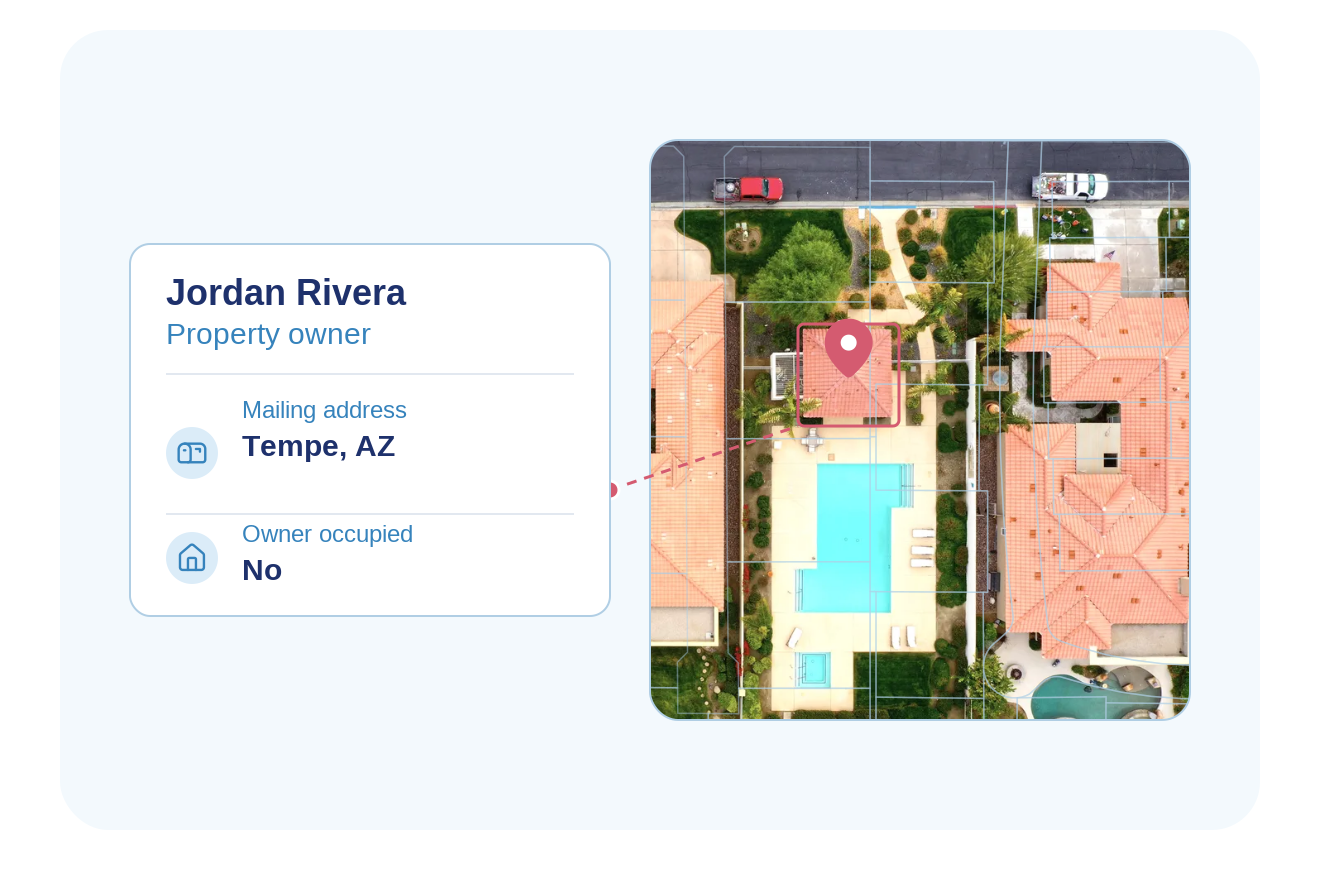
You choose the fields
- Pick datasets such as owner, contact, deed, mortgage and valuation
- Or name the exact fields you want
- Your account decides which datasets you can read
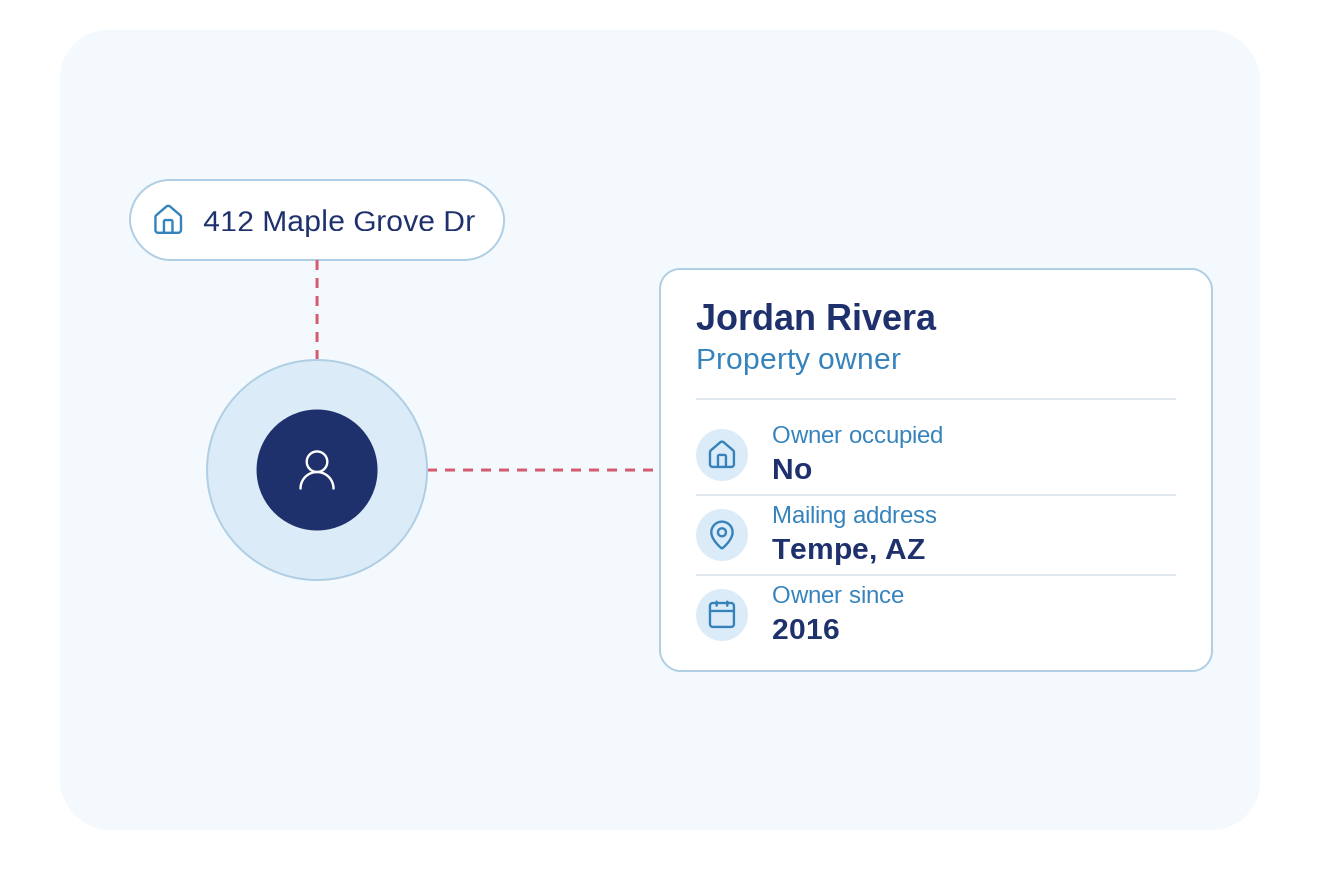
What comes back
One row of your list, with fields added. Input: 412 Maple Grove Dr, Phoenix, AZ 85004.
Owner
Property
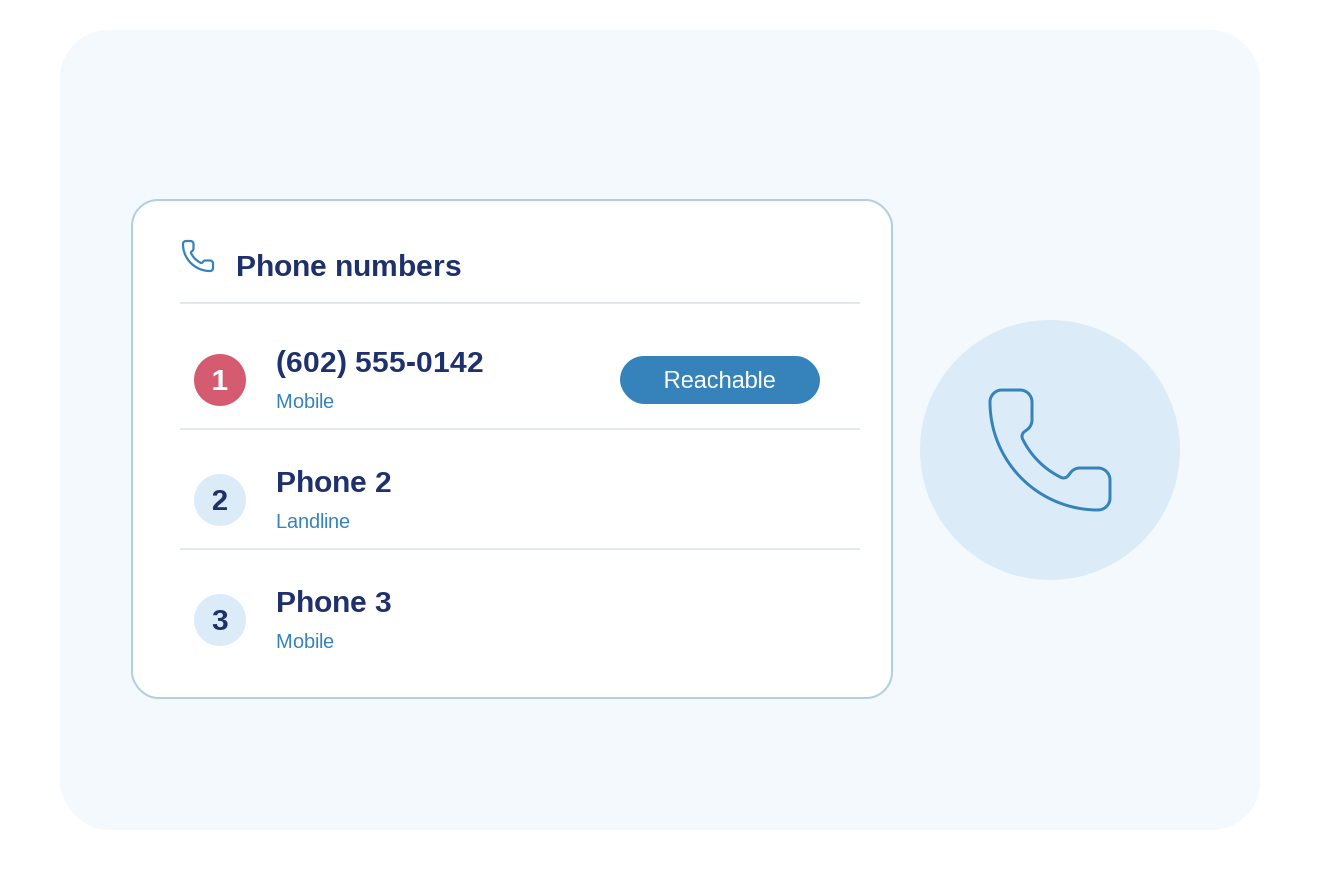
Contact
A property record can hold 1,000 or more data points. You choose the datasets you add.
Who uses it
Teams that add fields to a list they already hold.
Marketing & Data Resellers
Add owner, mailing address and occupancy to a file before you load it.
Explore Marketing & Data ResellersInsurance
Add year built, building features and mortgage data to a policy or lead file.
Explore InsuranceUtilities, Energy & Telecom
Add owner name, owner mailing address and occupancy to a service-address file.
Explore Utilities, Energy & TelecomRetail & Ecommerce
Add owner and property fields to a customer file with street addresses.
Explore Retail & EcommerceHome Services
Add year built, pool and last sale to a list of homes, and see which owners live there.
Explore Home ServicesLogistics
Add missing owner, property and contact details to the records you hold.
Explore LogisticsLegal Services
Match a list of addresses to property records, with owner and deed details.
Explore Legal ServicesTitle & Escrow
Match a list of parcels and add owner, deed and mortgage details.
Explore Title & EscrowPowered by
Pick the datasets to add. Each one is a set of columns on your list.
Property Owner Data
Contact Enrichment
Assessor Data
Get it by
The same enrichment, delivered by API or by file, the way your team works.
API
POST https://api.batchdata.com/api/v1/property/lookup/all-attributes
{
  "requests": [
    {
      "address": {
        "street": "412 Maple Grove Dr",
        "city": "Phoenix",
        "state": "AZ",
        "zip": "85004"
      }
    }
  ]
}

{
  "results": {
    "properties": [
      {
        "address": {
          "county": "Maricopa"
        },
        "building": {
          "yearBuilt": 1998,
          "livingAreaSquareFeet": 1640
        },
        "owner": {
          "fullName": "Jordan Rivera"
        }
      }
    ]
  }
}
Send one address or a list. Get property fields back.
Bulk file
Send a CSV or Excel file of addresses. A data expert matches it and returns the list with new columns.
What customers say
"BatchData was fantastic, exactly what we needed. We ran a file of 690,000 records through it, and it made a material change on 66,000 of them. At about 51 cents per mail piece, that's $33,000 of ad spend we made better on a single campaign."
 Lanny Hayes
Chief Experience Officer, Confie
List enrichment FAQ
What is match and append?
BatchData match and append adds data to a list you already have. You send addresses, and BatchData matches each one to a property record. BatchData adds the fields you choose, such as owner, contact, sale and mortgage data. You get your list back with new columns.
What do I need to send for a match?
A street address is enough for BatchData to match each property on your list. You can also send an APN with its county or county FIPS code, a BatchData property ID, or an address hash. Send up to 500 properties in one request.
Can I choose which fields BatchData adds to my list?
Yes, you choose which BatchData datasets join your list, such as owner, contact, deed, mortgage and valuation data. You can also name the exact fields you want, and each dataset adds a set of columns to your list. Your account decides which datasets you can read.
How many records can I enrich at once?
The BatchData Property Lookup endpoint takes up to 500 properties in one request. The async version takes up to 1,000 properties and sends the results to your webhook. For a larger list, send a CSV or Excel list through the BatchData web app, or ask a data expert about bulk delivery.
How much does match and append cost?
BatchData offers pay-as-you-go pricing, and it bills each property record that the API returns. Contact data from a skip trace costs extra for each matched property. Ask a data expert for a price for your list size and the datasets you need.
Can I get my enriched file in Google Drive?
Yes, BatchData can deliver bulk files to Google Drive, Amazon S3, Azure Blob Storage, SFTP, Google Cloud Storage, Snowflake or Databricks Delta Sharing. Files come as CSV, Parquet or Delta, on a weekly, biweekly, monthly or quarterly schedule.
How do I add contact fields to a list I already hold?
Choose the contact dataset when you send your list, and BatchData adds each phone with its line type, carrier and Do Not Call flag. A skip trace returns one DNC flag and one TCPA flag per phone number. Contact data is a paid add-on, and you decide how to use each number under the calling rules that apply.
Fill the gaps in your list
Tell us what is missing from your list. A data expert shows you the result on a sample of your own file.