



Comps, Permits and Sale History for Your Subject Property
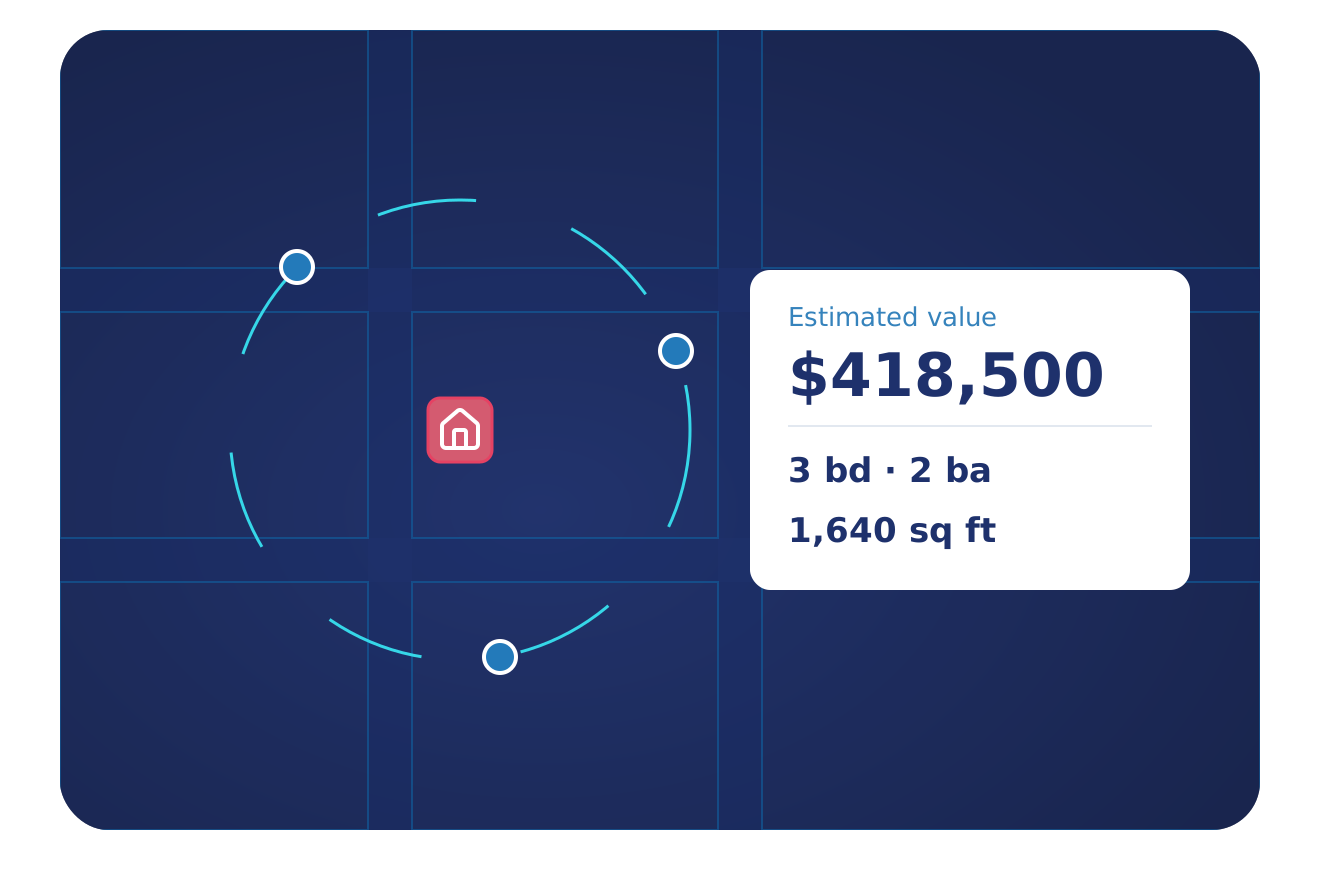
Appraisers need comparable sales, the deed history and the permit record for each subject property. BatchData puts the comps, an automated value estimate (AVM) and the property record in one place.
TRUSTED BY LEADING BRANDS

























Valuation Data Sits in Many Records
Assessor, deed, permit and listing records come from local offices in 3,100+ counties. BatchData joins them into one property record, so you can compare each subject with its comps.
Start With the Subject Property
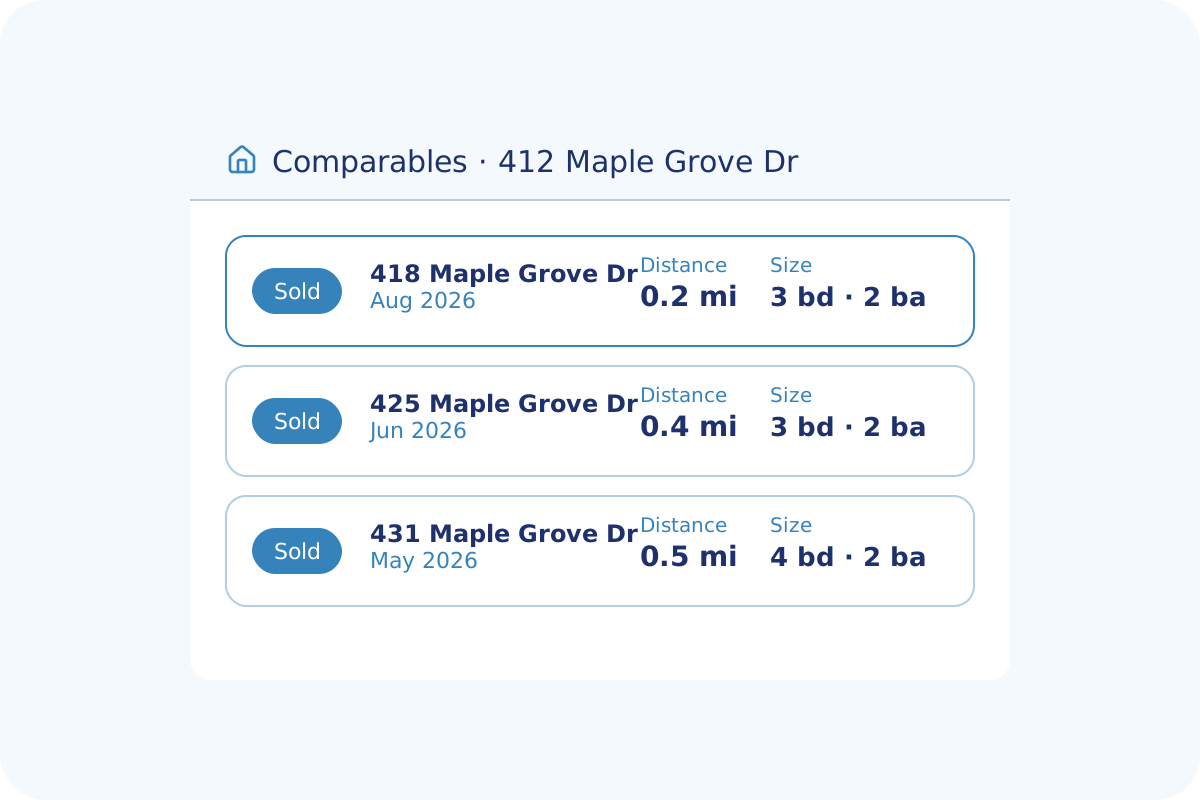
Pull comparable sales, the AVM estimate and the assessor record for one address. Then compare each comp by sold date, living area and distance before you sign the report.
- Comparable sales with sold dates and distance
- AVM value estimate with a price range
- Assessor and building details for each home
- Deed history and listing history by address
Find Comps Near the Subject
Search comparable sales around the subject property. Each match shows its distance from the subject and its sold date, and the closest matches rank first.
- Comparable properties ranked by closeness
- Sold date and sale price for each comp
- Living area and property type for each match
- Subject property details and owner of record
The Data Behind Every Valuation
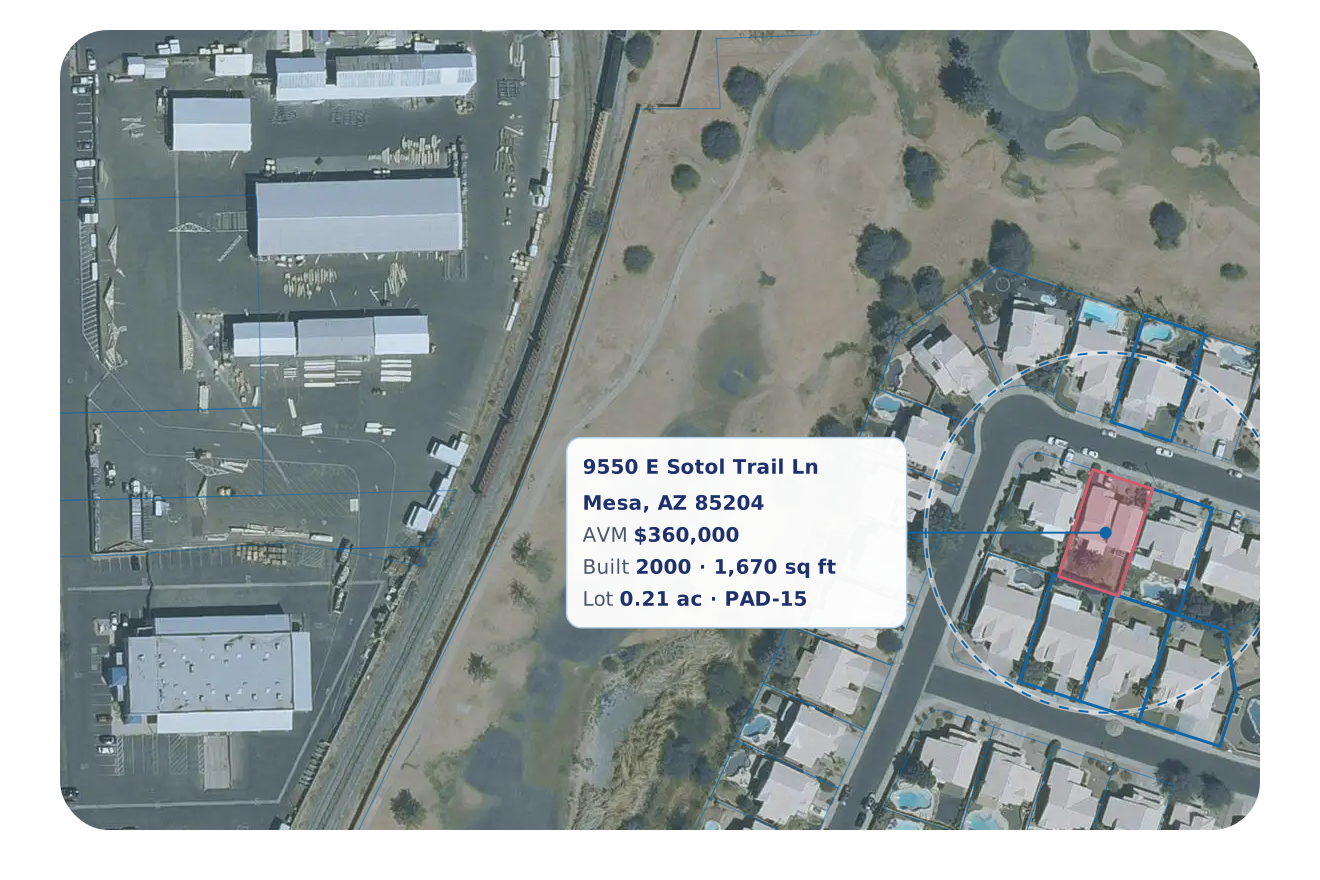
Land, buildings, sales and permits, tied to the same property.
Building Permits
Permit type, dates and job value for remodels and additions.
Property Details
Parcel number, legal description and square footage for each subject.
Comparable Sales
Comparable sales ranked by closeness, with sold dates.
Building Details
Year built, living area, construction type and roof type.
Value Estimate
AVM estimate with a price range and a confidence score.
Sales and Deeds
Sale price, recording date, buyer and seller from deed records.
Owner Profile
Owner names, mailing address and owner-occupied status.
Liens and Mortgages
Open liens and mortgage records for each property.
Listing History
Listing status, listing dates and days on market for each property.
Six Ways Appraisers Use BatchData
Appraisal firms and valuation teams start from different parts of the property record.
Pull Comparable Sales
Get comparable sales ranked by proximity and sold date with Property Comparables.
Value Each Subject Home
Get an AVM value estimate and price range for each address the AVM covers.
Pull Assessor and Tax Data
Get APN, legal description, vesting and assessed value from county records.
Trace Each Sale
Get deeds, mortgages and liens for the full chain of title.
Track Permit Activity
Track remodel and addition permits by county with Permit Data.
Feed Your Valuation Tools
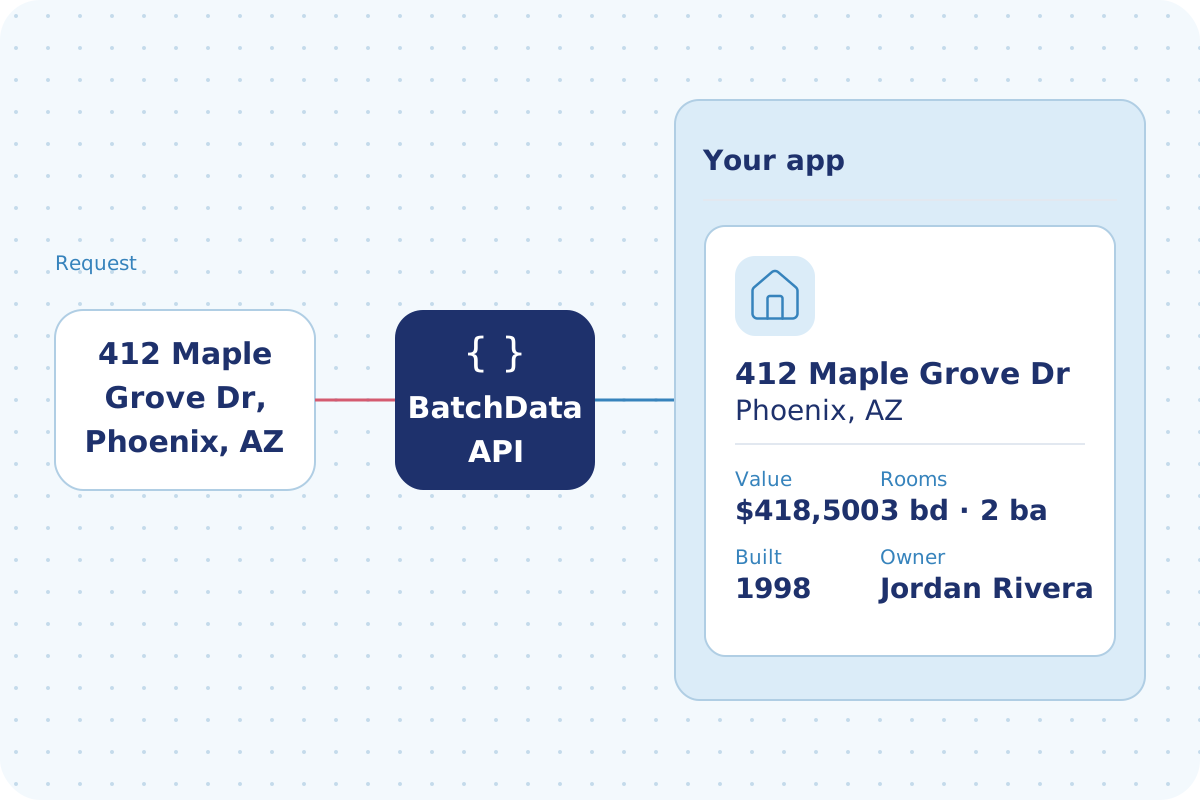
Send comps, values and property records into your tools through the API.
Coverage Behind Every Valuation
New deeds and mortgages arrive within 24 to 48 hours in most counties.
Why Appraisers Choose BatchData
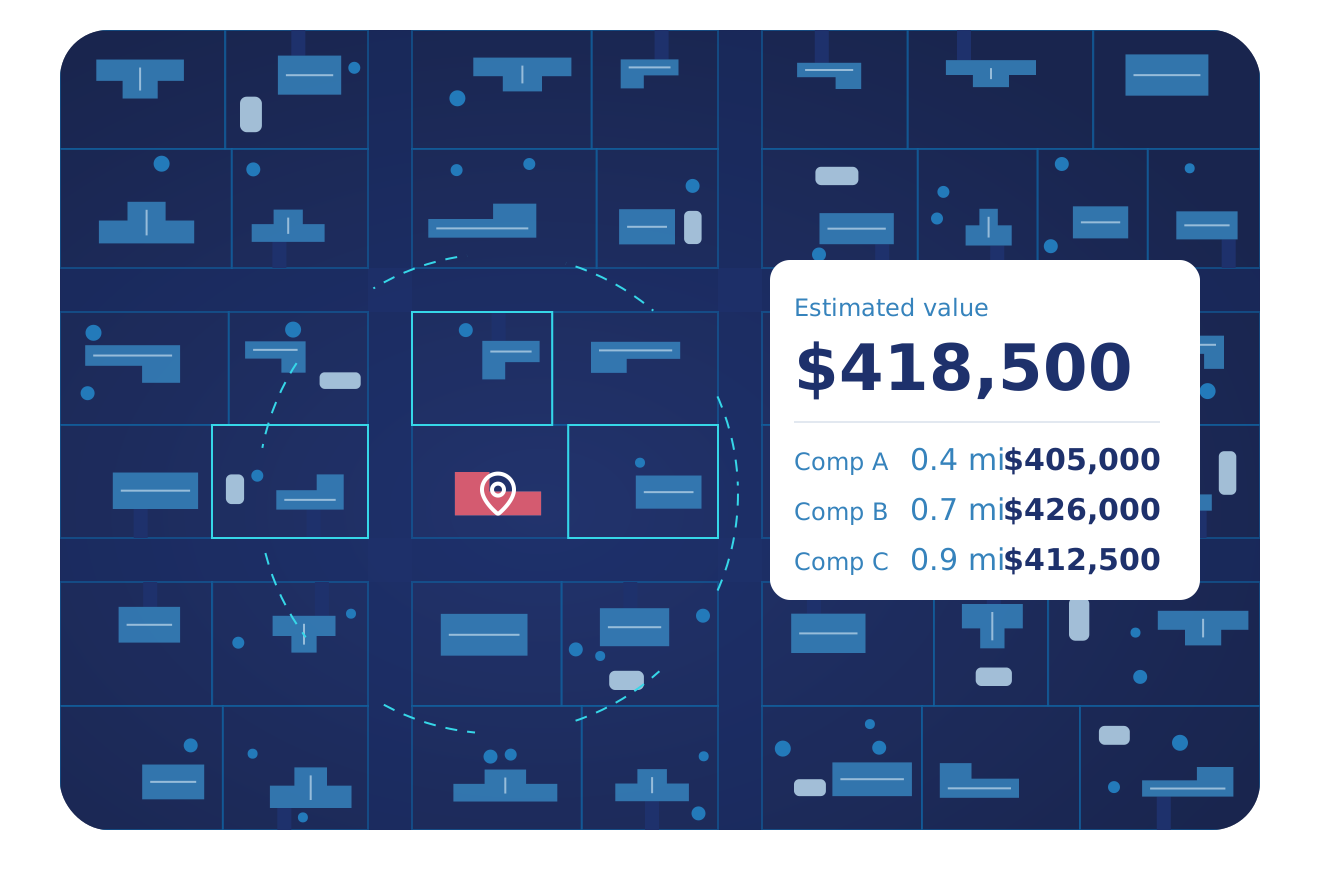
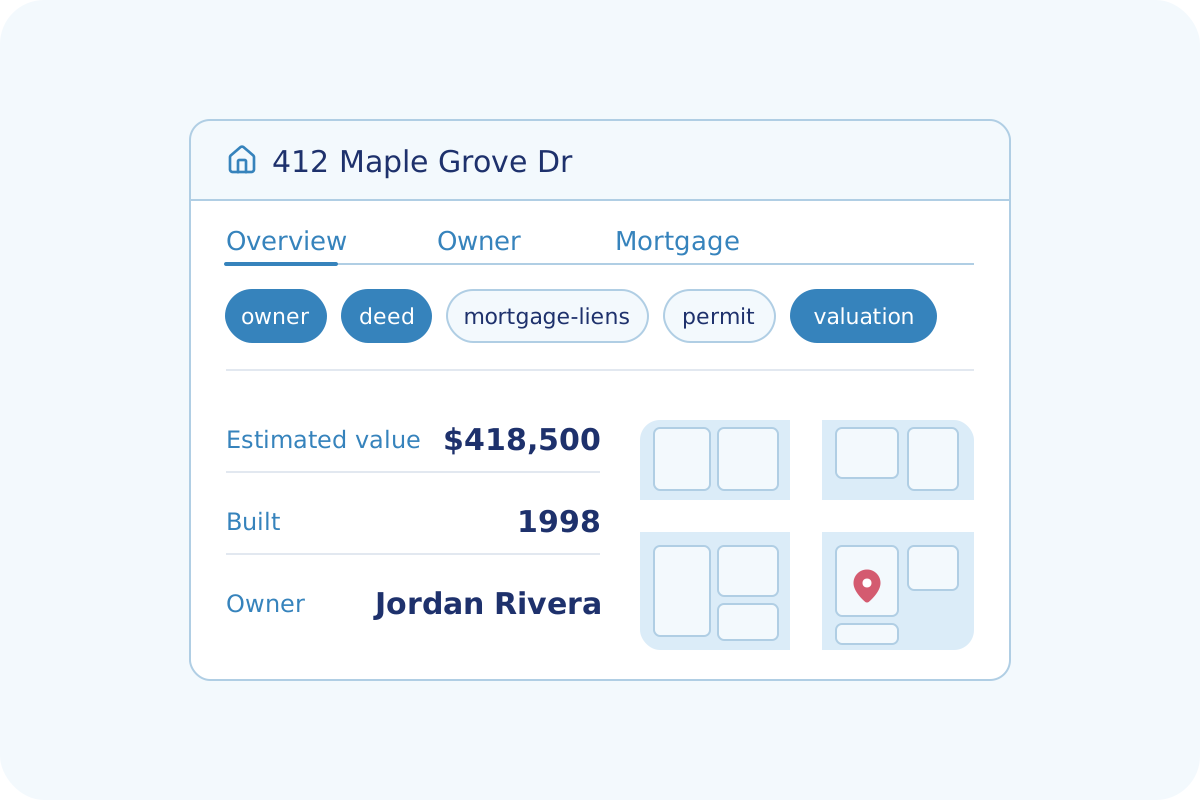
Read the estimated value, then compare it with nearby sales.
One property record opens into owner, mortgage, deed, permit and value tabs.
Lenders use the same property values and sale history that you use.
Flexible Delivery Options
Pick the way your team works. Start with one and add the others when you need them.
- An API your developers can call
- Answers in under a second
- Look up one property or send a list
- Guides and a test tool for your developers
- Address autocomplete with coordinates
- Monthly plans that grow with your usage
- Data files for the markets you choose
- CSV files
- Files sent to a secure folder, Amazon S3 or Google Drive
- Direct delivery to Snowflake, BigQuery or Databricks
- Scheduled refreshes on your timeline
- Watch your list of properties for changes
- Alerts for new listings, liens, defaults and sales
- Alerts sent into your app or CRM
- New matches for a saved search, pushed to you
- A property database refreshed daily
Frequently Asked Questions
Answers to common questions about BatchData for appraisers, valuation teams and appraisal firms.
Ready to Start Your Next Valuation?
Tell us which property types you value. We show you the comps, the AVM and a plan that fits.