



Solution · Saved Search Alerts
Know when a property starts matching your search
Save a property search once. BatchData notifies your system when data related to the search changes.
TRUSTED BY LEADING BRANDS

























- 38Quick List filters for a saved search
- 1,000ZIP codes in one saved search
- 3Delivery options: webhook, Kinesis, Azure Event Hubs
How it works
Save the search once. BatchData tells your system when the results change.
You save a search
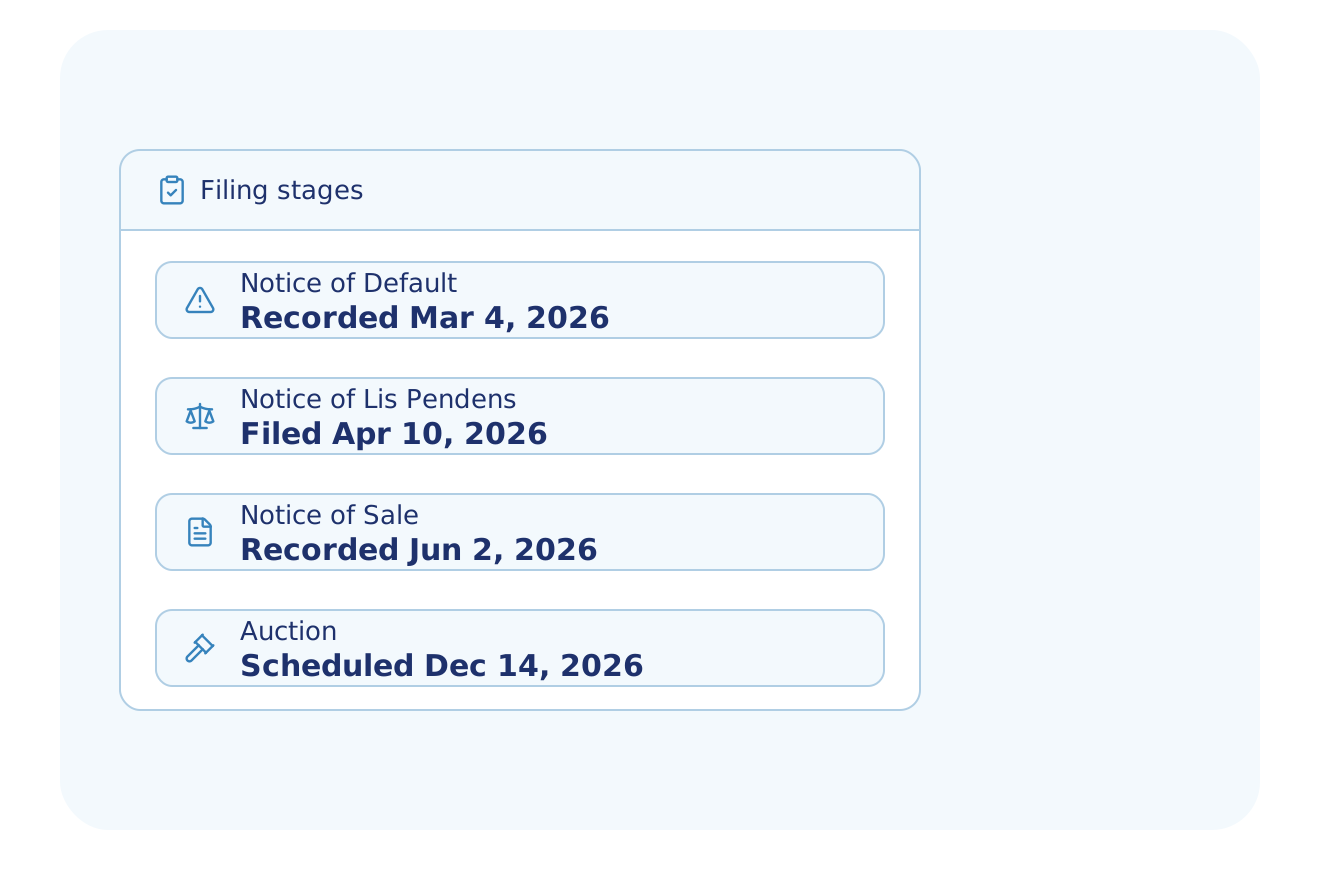
- A location, Quick Lists such as notice of default or expired listing, and property filters
- One saved search can match fewer than 5 million properties
BatchData checks each data update
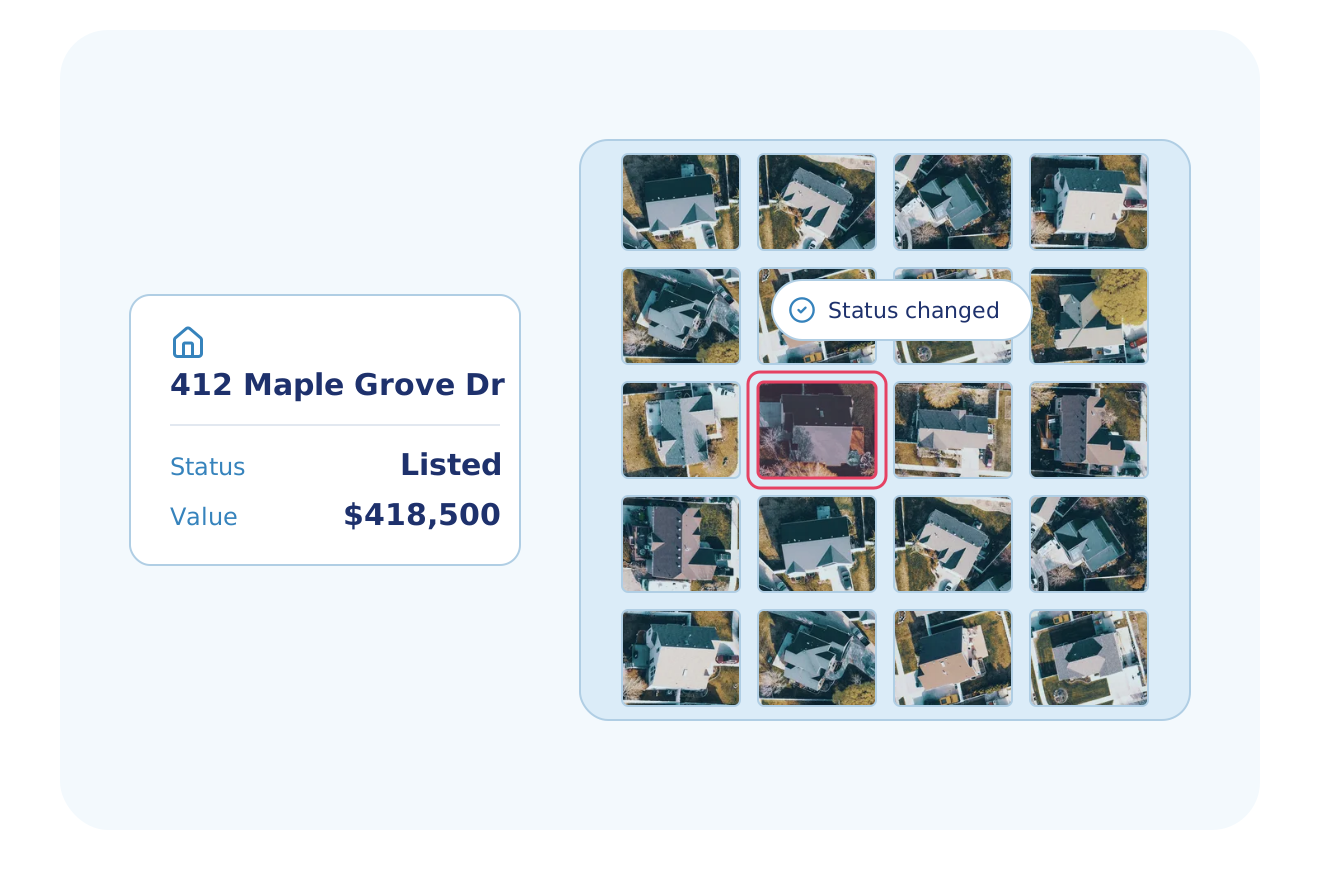
- Data related to the search changes
- A change that leaves the match unchanged sends no event
You receive an event
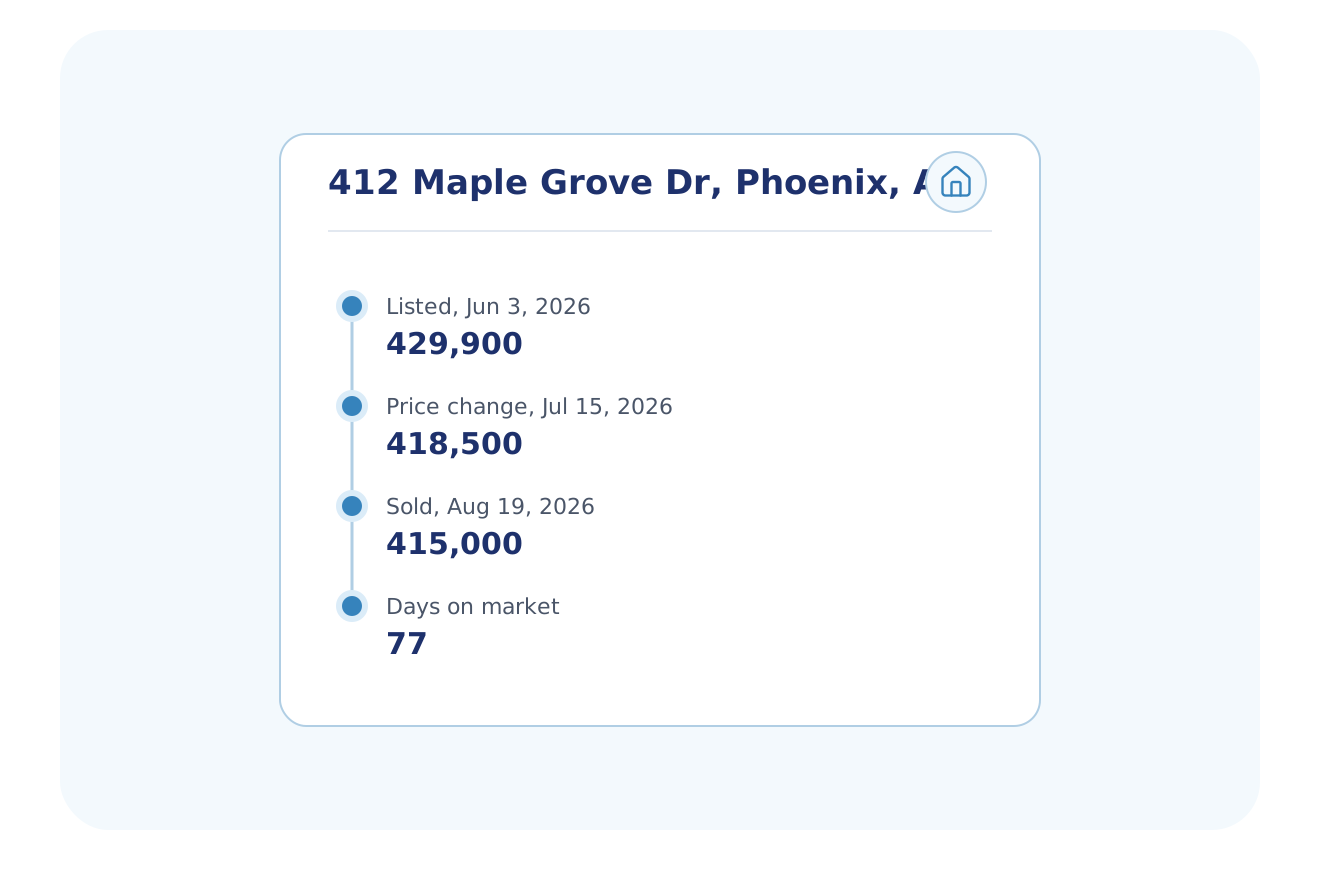
- BatchData sends the event to your webhook, your Kinesis stream or your Azure Event Hub
- The event carries the property ID and subscription IDs, not the property data
- Your system calls Property Lookup for the record, billed as a separate cost
What an event looks like
One saved search event for one property, as your system receives it.
Event
Search changes
The event names the property, not the change. Call Property Lookup to read the record.
Who uses it
Teams that want to know when a property enters or leaves their search.
Real Estate Investing
Get an event when a property in your market gets a notice of default or an expired listing.
Explore Real Estate InvestingInstitutional Investors
Watch your target markets for properties that move into your value, equity or status range.
Explore Institutional InvestorsHome Services
Watch a list of ZIP codes for homes that match your best customer, such as owner-occupied homes with high equity.
Explore Home ServicesPropTech & Software
Let your users save a search and send each new match to your system.
Explore PropTech & SoftwareMarketing & Data Resellers
Get new properties that match your audience sent to you.
Explore Marketing & Data ResellersSolar
Send new fit homes into your CRM as they appear.
Explore SolarConstruction & Builders
Get an alert when a new deed is recorded on a matching property.
Explore Construction & BuildersUtilities, Energy & Telecom
Get new owners in your service area sent to you.
Explore Utilities, Energy & TelecomShow all 14 industries
Logistics
Find new movers, with new owners in your service area pushed to you.
Explore LogisticsProperty Services
Get an alert when a building in your area gets a new owner.
Explore Property ServicesGovernment & Public Sector
Get an alert when a new deed matches the parcels in your area.
Explore Government & Public SectorCommercial Real Estate
Watch your search area for properties that change hands.
Explore Commercial Real EstateTitle & Escrow
Get an alert when a matching property gets a new recorded document.
Explore Title & EscrowBanks & Credit Unions
Get an alert when a collateral home is listed or enters default.
Explore Banks & Credit UnionsPowered by
A saved search runs on the same data as Property Search.
Get it by
Create the saved search with one request, then receive its events.
POST https://api.batchdata.com/api/v2/property-subscription
{ "searchCriteria": {
    "query": "Phoenix, AZ", "orQuickLists": ["on-market"] },
  "deliveryConfig": { "type": "webhook", "url": "https://hooks.sonorantrailrealty.com/batchdata" } }

{ "status": { "code": 201, "text": "OK" }, "result": { "subscriptionId": "FXeLSlemePGGhvt" } }API
Create a saved search with one request.
What customers say
"The BatchData team is fantastic. They've been incredibly responsive and on top of every issue we've had. The platform is easy to use; I learned it just by running searches. It's a joy to work with them."
Founder & CEO, Real Momentum
Saved search alerts FAQ
What is a saved search alert for property data?
A BatchData saved search alert is a message that your system receives when a property starts or stops matching a search you saved. Events go to a webhook, Kinesis or Azure Event Hubs. Each event identifies the property by its property ID, its address hash and its parcel hash. It carries no other property data. Your system then calls Property Lookup to read the record, which is billed separately.
How many saved searches can I run at once?
BatchData Smart Search allows 5 saved searches for each account, and support can raise the limit after a review of your use case. Each saved search must match fewer than 5 million properties. Each saved search uses the same criteria as Property Search.
How quickly does a saved search alert arrive?
BatchData sends a saved search alert after each data refresh, not at the moment a record changes at the county. Alerts come in batches when BatchData processes a new data version, so no alert arrives instantly.
Which BatchData product sends updates for properties I already track?
BatchData Portfolio Monitoring sends the updated record of each property on your own list when the data you chose changes. A saved search alert names a property only when it enters or leaves your search results.
How do I count the matches before I save a search?
BatchData Property Search shows the count of matches for your criteria before you save a search. Use the count to check that the search stays under 5 million properties.
Watch your market without running the search again
Tell us the search you run today. A data expert sets it up as a saved search for your account.