



Reach New Homeowners Who Recently Moved
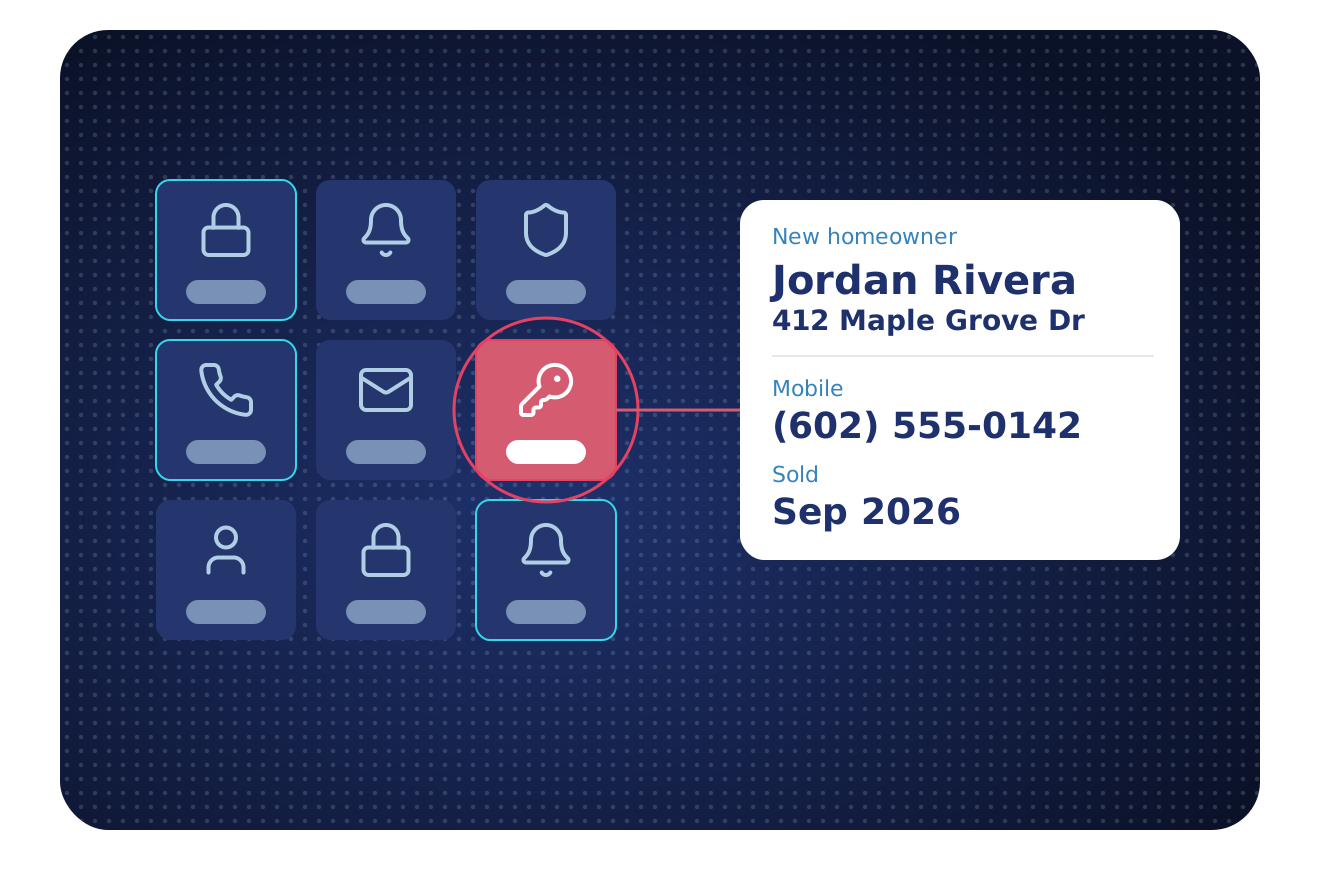
Alarm and smart-home dealers need to reach the new owner of a home. BatchData shows recent sales, owner-occupied status and the owner’s phone and email, with Do Not Call (DNC) and calling-lawsuit flags.
TRUSTED BY LEADING BRANDS

























Recent Moves Sit in Local Records
Local offices in 3,100+ counties record each sale. BatchData joins those sales with owner contact data, so you can find recent buyers in one place.
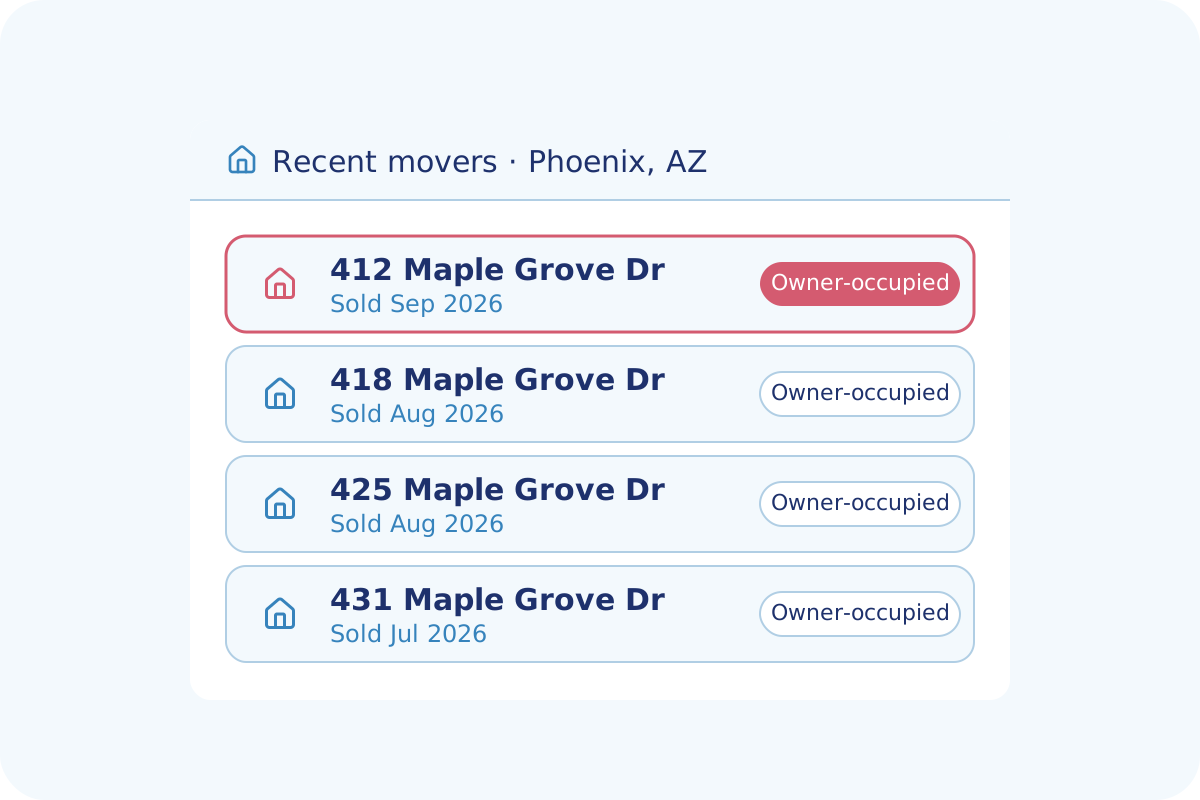
Spot Recent Sales on the Map
Map the recent sales in your service area. Each marked home shows its last sale date, so you can reach the owner who moved in.
- Recently moved homeowners in each area
- Last sale date and sale price for each home
- Owner-occupied and absentee owner flags
- New construction permits by area and date
Check Each Number Before the Call
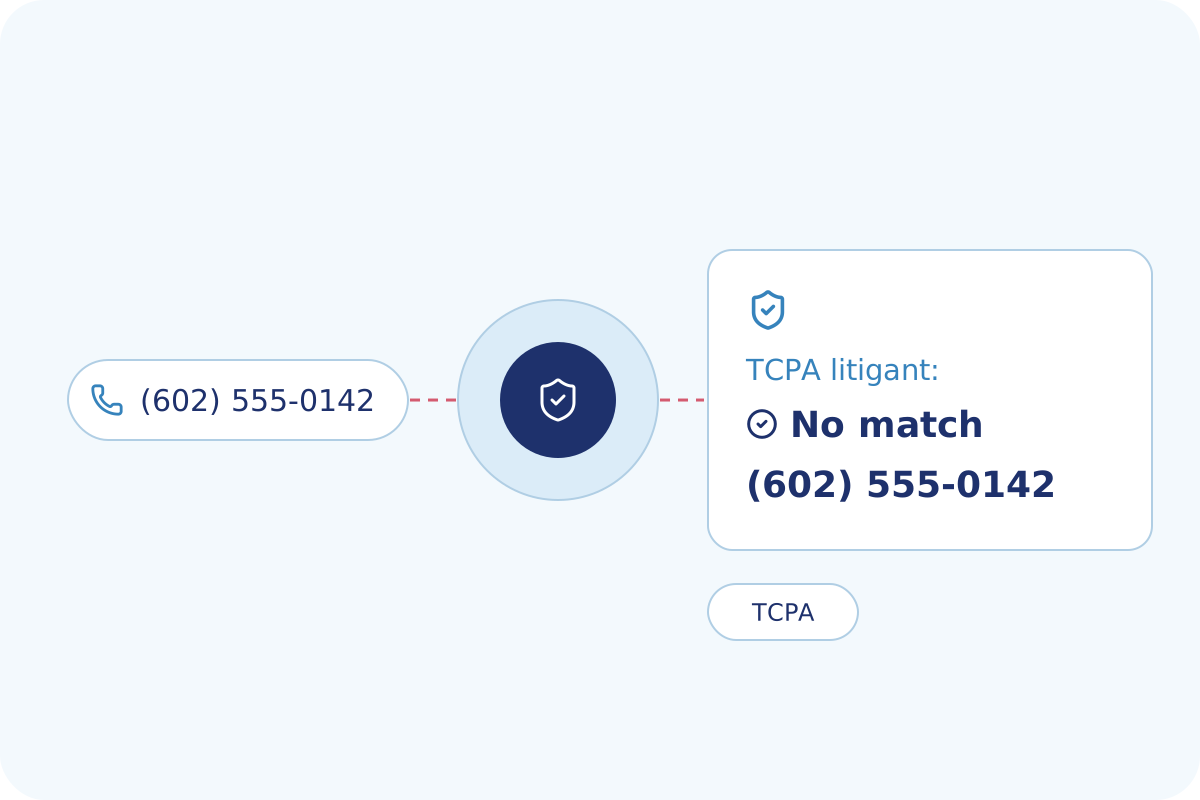
Each phone number is checked for links to calling lawsuits. The result shows whether the number matches a frequent litigant.
- Calling-lawsuit flag for each phone
- DNC registry status for each number
- Phone line type, mobile or landline
- Format check for each number entered
The Data Behind Your Homeowner Leads
Owners, sales, phone lines and property records, tied to the same address.
Sales and Deeds
Last sale date, sale price and recording date from deed records.
Owner Profile
Owner names, mailing address and owner-occupied status.
Phone Numbers
Mobile and landline numbers, where available, with the line type.
Email Addresses
Deliverable email addresses, where available.
DNC and Calling-Lawsuit Flags
DNC registry and calling-lawsuit scrub results for each phone number.
Owner-Occupied Homes
Owner-occupied and absentee status for each property.
Homeowner Demographics
Household size, children and estimated income range for each household.
New Construction Permits
New construction permits by area, with dates and job value.
Phone Number Verification
Format, DNC and calling-lawsuit checks for each phone number.
Six Ways Installers Use BatchData
Alarm dealers, security installers and smart-home companies start from different signals.
Find Recent Movers
Filter by recent sales and recent moves with Property Search, then reach the owner.
Reach the Owner
Get phone numbers, emails and the mailing address for each owner with Skip Tracing.
Profile the Household
Add household size, children and income ranges to each owner with Demographics Data.
Follow New Construction
Track new construction permits by county with Permit Data.
Enrich Your CRM
Append phone numbers and emails to your contact records with Contact Enrichment.
Track Home Sales
Get deed and sale records, with the last sale date for each home.
Coverage Behind Every New Homeowner
Contact and property records, with new recorded documents processed daily.
Why Installers Choose BatchData
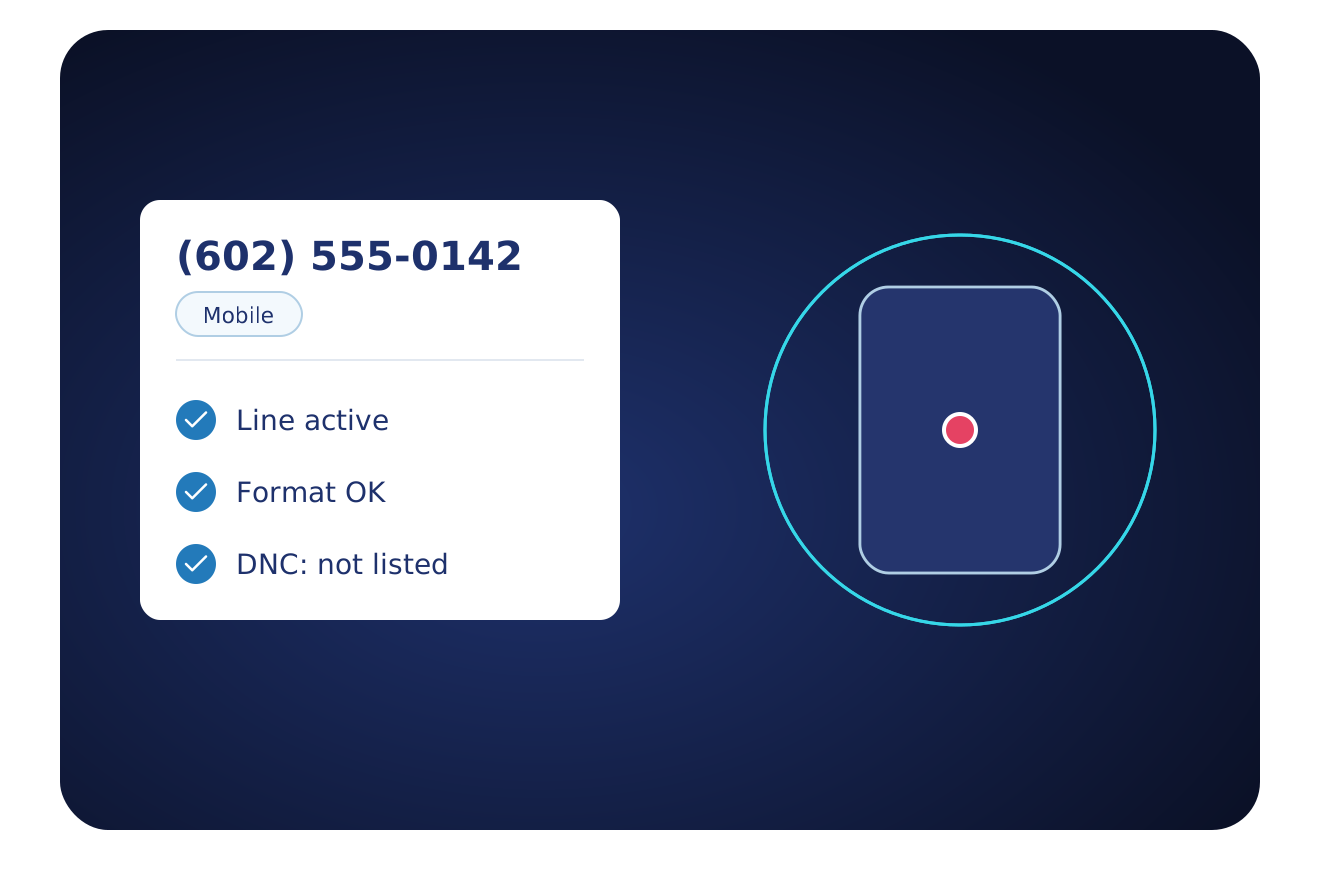
Each number shows mobile or landline, whether the line can be reached, and its DNC status.
Home services teams reach the same new owners with the same data.
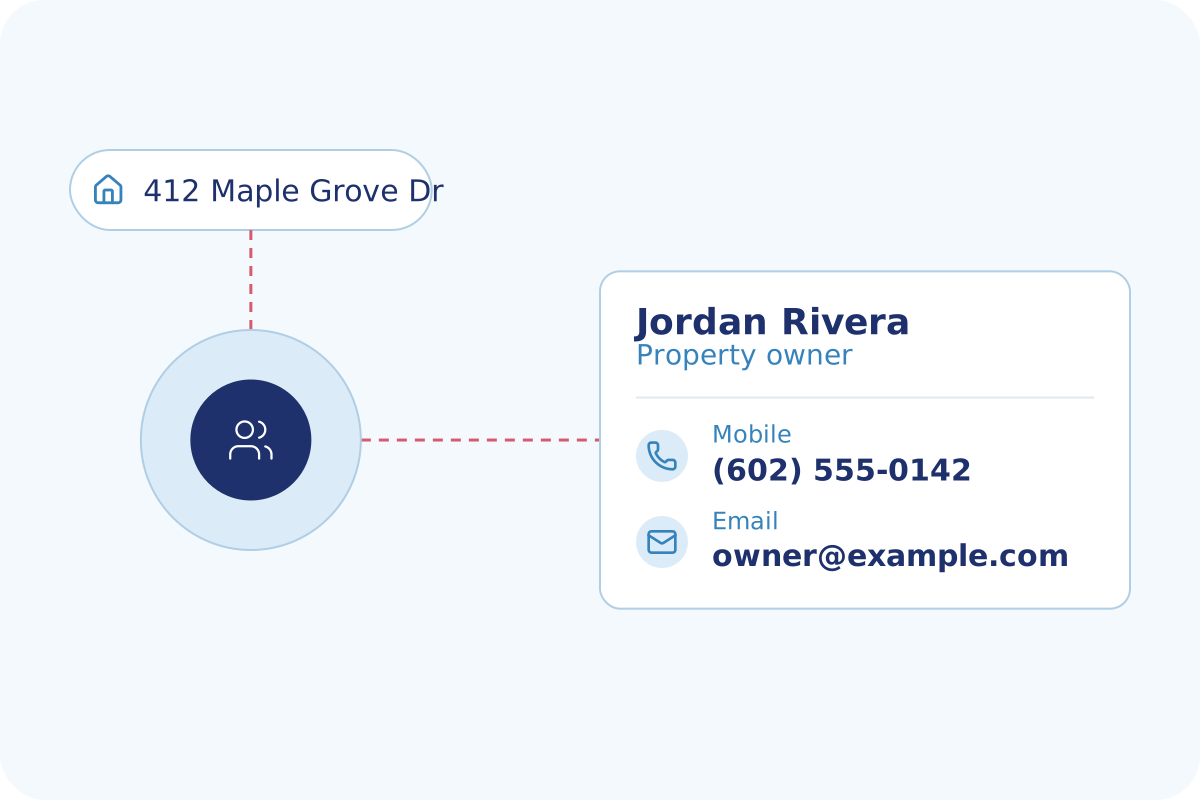
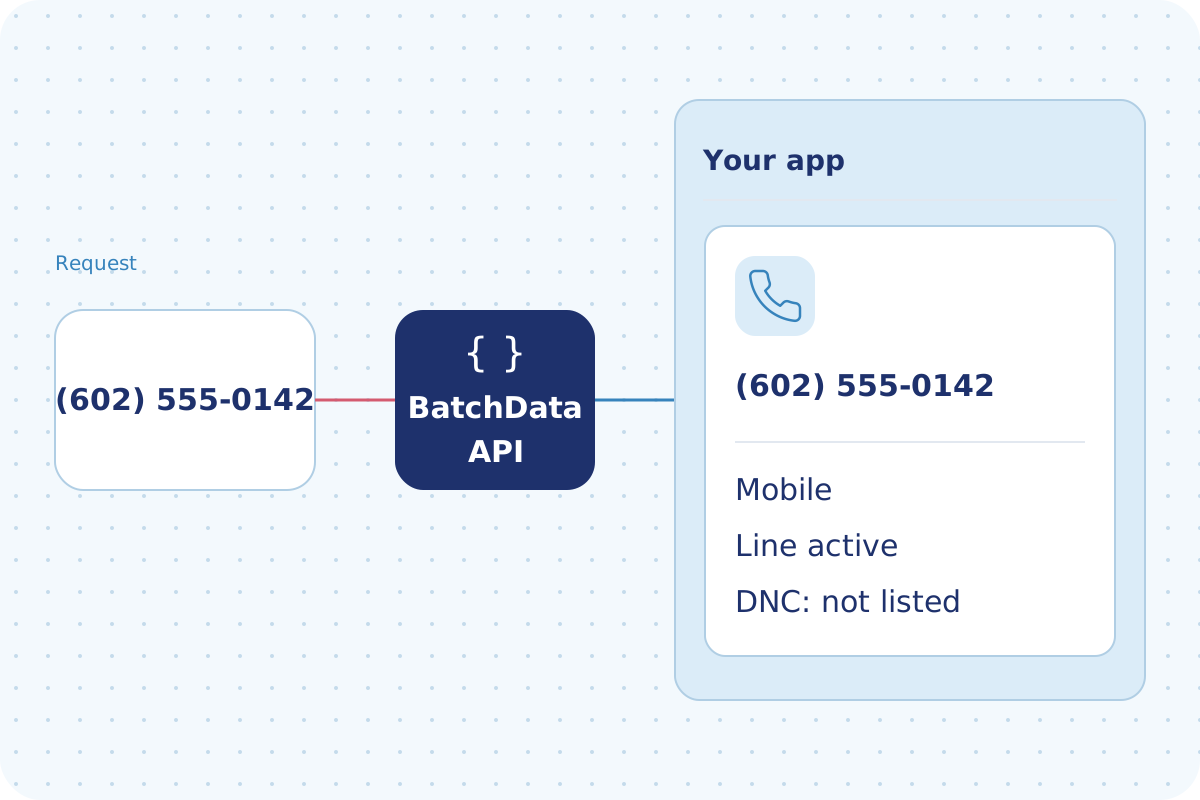
Send a phone number to the API. The line type, reachability and DNC status return to your app.
Flexible Delivery Options
Pick the way your team works. Start with one and add the others when you need them.
- An API your developers can call
- Answers in under a second
- Look up one property or send a list
- Guides and a test tool for your developers
- Address autocomplete with coordinates
- Monthly plans that grow with your usage
- Data files for the markets you choose
- CSV files
- Files sent to a secure folder, Amazon S3 or Google Drive
- Direct delivery to Snowflake, BigQuery or Databricks
- Scheduled refreshes on your timeline
- Watch your list of properties for changes
- Alerts for new listings, liens, defaults and sales
- Alerts sent into your app or CRM
- New matches for a saved search, pushed to you
- A property database refreshed daily
Frequently Asked Questions
Answers to common questions about BatchData for alarm dealers, installers and smart-home companies.
Ready to Reach Your Next Homeowner?
Tell us the markets you serve. We show you the recent sales, the contacts and a plan that fits.