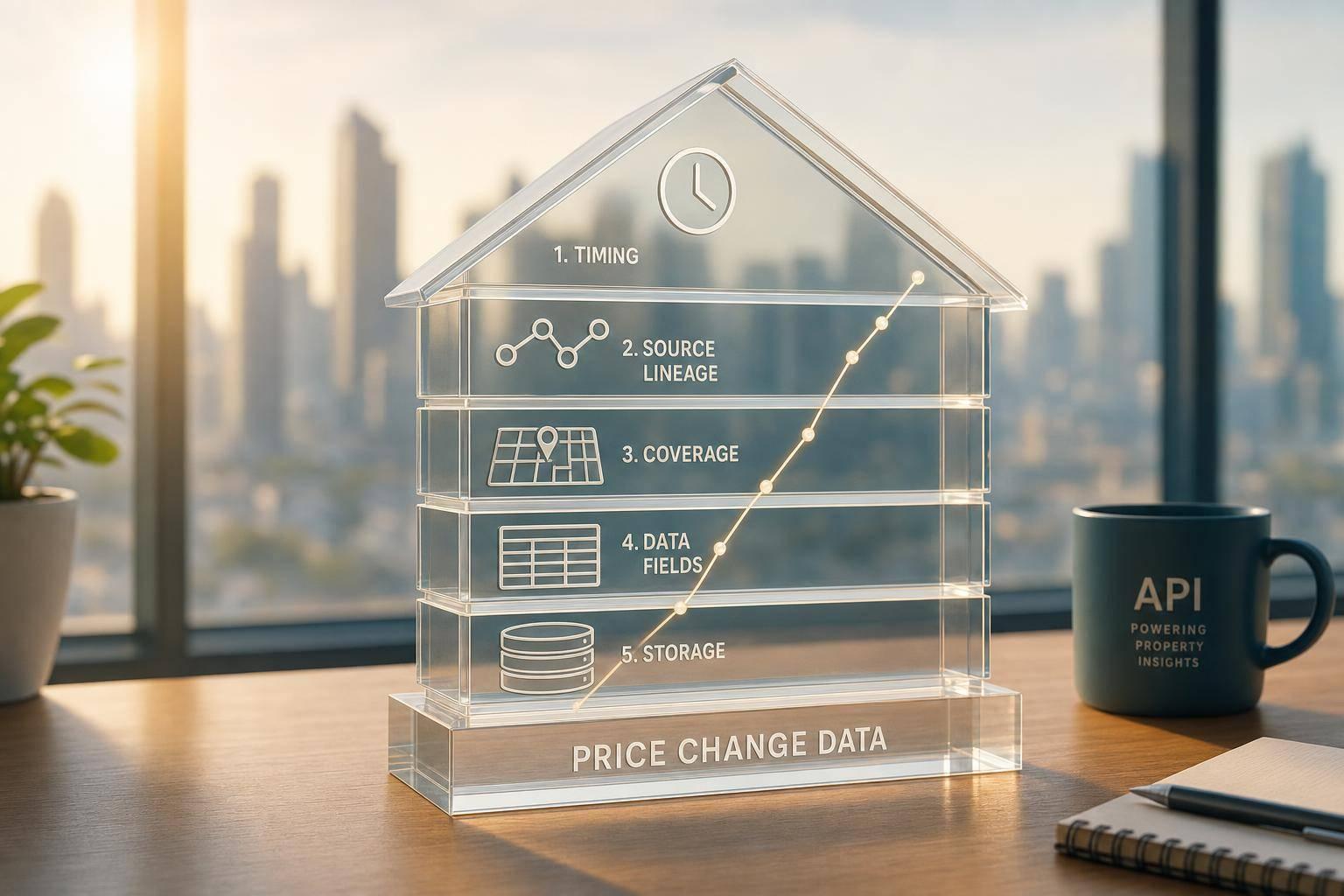
If I were picking a property analytics API for price change data, I’d focus on four things first: event timing, source traceability, market coverage, and storage design. An API can have 155 million+ U.S. property records and still fall short for my use case if price cuts arrive late, sold data lacks source IDs, or history is too thin in the ZIP codes I track.
Here’s the short version:
- I need normalized price events from listings, sold records, and history fields
- I need to separate when a market event happened from when the provider loaded it
- I need to test coverage by market, property type, and history depth
- I need fields like sale date, last sale price, listing status, price per sq. ft., and source lineage
- I should store results as immutable events tied to a stable property ID
- For app use, I’d use REST/JSON; for large scheduled jobs, I’d use CSV, JSON, or Parquet over SFTP
A few numbers stand out. The article points to 155 million+ U.S. property records, 128 million+ AVM-covered assets, and some endpoints that support up to 100 IDs per call. It also notes that billing is based on matched records returned, not empty lookups.
Quick comparison
| What I’d check | What it means | Why I care |
|---|---|---|
| Effective date | When the price change happened | Keeps timelines accurate |
| Ingest date | When the provider loaded the record | Shows source lag |
| Last-seen date | When status was last confirmed | Helps track stale records |
| Listing status | Active, pending, sold, failed, off-market | Explains where the property is in its cycle |
| Source IDs / lineage | Link back to the source record | Helps me audit changes |
| Price per sq. ft. | Size-based price field | Makes cross-market review easier |
| Hold period | Time between transactions | Adds resale context |
| Delivery method | API or bulk file | Fits either app calls or batch jobs |
My main takeaway: I wouldn’t judge a price-change API by record count alone. I’d judge it by how cleanly it turns messy listing and sale inputs into a single event stream that my app, alerts, or models can use without extra cleanup. This is why many developers rely on property enrichment solutions to maintain high-quality data streams.
2. Where Price Change Signals Come From
Price signals don’t come from one place. They come from multiple upstream records, and the API has to reconcile all of them into one normalized view. BatchData’s property data lake includes more than 169 million U.S. property records.
Listing events, sold records, and historical price fields
Listing events and sold records only become useful once they’re mapped into the same schema. That’s the key step.
Listing status fields like active, pending, sold, failed, and off-market show where a property is in its lifecycle. They also help explain when a price signal begins, changes, or ends.
Why does that matter? Because downstream systems need one consistent event shape, not a pile of source-specific formats. Without a common event model, it gets much harder to compare price cuts, sale updates, and status changes - or trust what you’re seeing.
Standardized event model and source traceability
Raw records almost never arrive in the same format. A clean property API fixes that by returning a standardized payload with the same fields and structure for every property.
That shared schema also makes record lineage easier to follow back to the original source record. The API should expose property IDs and source-record IDs so each event can be traced to its origin. That trail helps downstream systems tell the difference between a real price change and a late source refresh.
Stable IDs and clear lineage also make audits much simpler. If a number changes, you can check whether the event reflects a real update or just delayed source timing.
Precomputed fields like price per square foot save your team from doing extra math across markets.
The next piece is freshness: how fast those events transform your business operations.
3. How Often Price Data Updates and What Freshness Actually Means
Update cadence and event freshness are not the same thing. Mix them up, and your price-change timeline can get messy fast. What matters isn't only how often an API refreshes. It’s also how fast that API reflects what actually happened in the market.
Update cadence vs. event freshness
Update cadence tells you how often the provider refreshes its dataset. Event freshness tells you how soon a market event - like a price cut or closed sale - appears in the API after it happens. So even if a provider refreshes on a steady schedule, events can still show up late if the upstream source reports late.
Use these timestamps to separate market timing from ingest timing:
| Timestamp | What it tells you |
|---|---|
| Effective date | When the price change actually occurred in the market |
| Ingest date | When the provider processed and stored the record |
| Last-seen date | When the listing status was last confirmed, such as active, pending, sold, failed, or off-market |
This distinction matters a lot in practice. A sale might happen on Monday, get reported on Tuesday, and not hit your API until Wednesday. If you only look at refresh timing, you could assume the market moved on Wednesday. It didn’t.
Event-driven workflows help here. They let you revalue portfolios when new sales hit a neighborhood, instead of waiting for the next scheduled refresh.
How to handle delayed or revised events
A steady refresh schedule does not mean you get instant market visibility. One slow or broken feed can leave holes in the data. That’s why multiple sources help - they can fill gaps when one source lags or drops out.
Status fields also do a lot of heavy lifting. They help you tell whether a record is still active, just turned pending, or is final. That gives you a better basis for deciding when a record needs another refresh.
After timing, the next issue is trust: coverage and field quality shape whether the data is ready for production. Evaluating these factors is a core part of choosing the right real estate API for your workflow.
4. Limits, Coverage, and the Fields You Need to Trust the Data
Property Analytics API: Key Fields & What They Tell You
Once freshness is clear, coverage and field quality decide whether a price record is ready for production use.
Coverage limits by market, property type, and history depth
Coverage changes by market, property type, and how far back the tracking goes. BatchData’s data lake includes more than 169 million U.S. property records, and AVM estimates are available for more than 128 million assets with monthly updates.
That sounds like a lot. But broad reach on paper doesn’t always mean the exact slice you need is there. A dense metro area, rural county, condo-heavy market, or niche asset class can all look different once you start pulling records. That’s why it makes sense to run counts and aggregate checks first. You get a quick read on coverage, see where filters may thin out the dataset, and avoid building on bad assumptions.
Request limits, batch pulls, and monitoring expectations
The right pull method depends on the job.
If you need interactive or near-real-time workflows, paging through an API is usually the better fit. If you’re running scheduled analysis or large recurring jobs, bulk delivery over SFTP in CSV, JSON, or Parquet is a better path.
Pricing is based on matched records returned, so empty lookups aren’t billed. Some enrichment endpoints also allow up to 100 identifiers per call, which can cut down on extra round trips when you’re processing high volumes.
Before you store a record or show it to users, validate the fields that tell you whether the price change data can hold up in production.
| Field | What it tells you | Why it matters |
|---|---|---|
| Last Sale Price | The most recent recorded transaction price | Baseline for the latest confirmed value |
| Sale Date | The effective date of the last transaction | Establishes when the price event occurred |
| Hold Period | How long the property was held before resale | Helps show market turnover and history depth |
| Listing Status | Shows whether the record is active, pending, sold, failed, or off-market | Clarifies where the property sits in the price cycle |
| Price Per Sq Ft | Size-normalized value for cross-property comparison | Enables comparison across different property sizes |
| Value Range | Low and high valuation bounds | Adds confidence context beyond a single figure |
| Ingest/Update Date | When the record was refreshed in the system | Shows refresh latency and freshness |
| Source Lineage | Whether the record was assembled from multiple independent sources | Improves resilience when one upstream feed lags or goes dark |
A few of these fields do extra heavy lifting. Sale Date and Ingest/Update Date help you separate the time the market event happened from the time the system picked it up. Listing Status tells you where the property sits in the price cycle. Value Range adds context that a single point estimate can miss.
Source Lineage matters too. If a record is built from more than one independent source, it’s less likely to fail when one upstream feed lags or drops out. And if you’re setting up near-real-time monitoring, lean payloads are the safer move. Pull what you need to detect change, then enrich later when the workflow calls for it.
5. Pulling Clean Records Into Apps and Key Takeaways
How to store normalized price change records
Once freshness, lineage, and coverage clear validation, store price-change data as immutable events tied to a stable property ID. That ID helps stop duplicate events from slipping in across sources and refresh cycles.
Keep returned fields like price per square foot and hold period exactly as returned. Don’t recalculate them in your pipeline. Do the same for status changes: store each one as an immutable event so you can rebuild the full property lifecycle later.
Where BatchData fits in the workflow
After storage, send those same normalized records into your app using the delivery method that fits how your team works. BatchData can deliver normalized price-change records through REST or bulk files.
For interactive use cases, pull data through RESTful JSON. For scheduled jobs like portfolio revaluation, market research, real estate investing, or bulk analysis, use SFTP delivery in CSV, JSON, or Parquet.
What to verify before shipping price change data to production
Before release, check a few things:
- Source lineage is clear
- Listing statuses are validated
- Coverage meets your target-market thresholds
- Your pipeline keeps stable identifiers and normalized fields intact
FAQs
How do I measure price data lag?
Compare the timestamps in your API records with the known time of the market event.
BatchData pulls records from multiple independent sources. So if one upstream feed lags or goes dark, coverage can still remain steady.
You can also use BatchData’s APIs for scheduled analysis to monitor feed performance and support consistent, defensible valuation models.
Which fields matter most for price-change tracking?
Focus on the fields that show a property’s history and make side-by-side comparisons easier:
- Last sale price
- Sale date
- Holding period before resale
- Price per square foot
It also helps to include the current listing status and value estimates, with low and high bounds, so you can see how the property’s spot in the market shifts over time.
When should I use API calls vs. bulk files?
Use API calls for interactive workflows. They’re a good fit when you need specific records in real time or want to verify one property at a time. APIs also support paging, and they can return aggregate counts so you can size a market before doing a full pull.
Use bulk files for scheduled, large-scale analysis or when you need to process millions of properties at once. BatchData also supports bulk licensing and managed SFTP extracts in CSV, JSON, or Parquet.