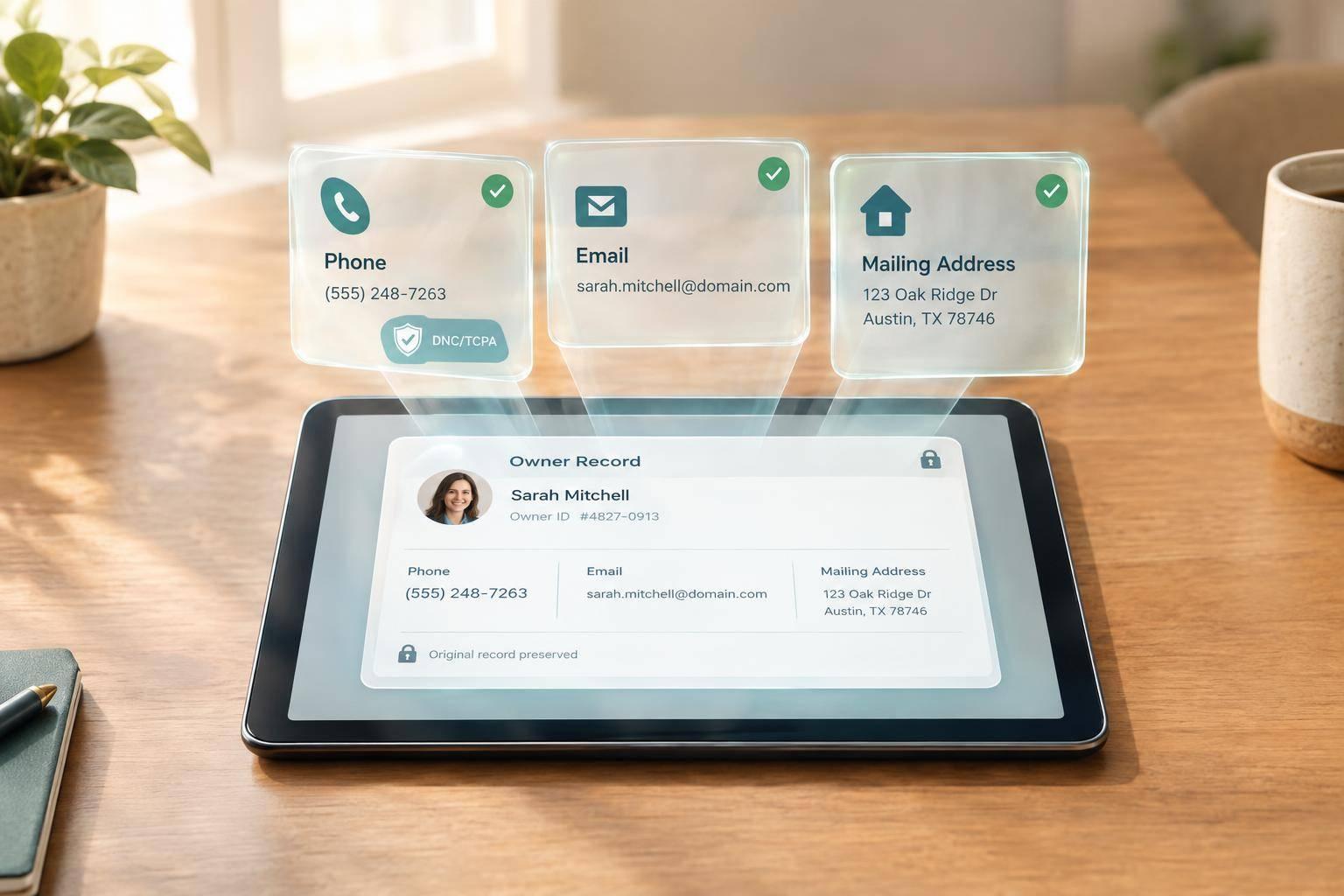
A contact enrichment API adds phone numbers, emails, and mailing addresses to owner records - not permission to contact someone. I start with clean names and addresses, confirm the owner match, and check consent and suppression lists before outreach.
Here’s the workflow I use:
- Match the owner: Keep property addresses, owner identities, and mailing addresses separate. Review ambiguous results; reverse lookups can return up to 3 ranked matches.
- Check the contacts: Review phone reachability, email deliverability, and mailing validity. A working number does not prove who owns it.
- Sync without losing data: Keep original values, co-owner links, and timestamps. Don’t let empty results or failed API calls erase existing contacts.
- Test before scaling: Check routing, match quality, and federal and state outreach rules in a small pilot.
BatchData’s Reverse Skip Trace API supports up to 100 inputs per call, with bulk delivery options for larger files. My rule: <u>validate first, then scale</u>.
Contact Enrichment API: Validate Before Scaling
Prepare Inputs and Match Owners
Input Fields and Request Settings
Use the exact fields your endpoint accepts for forward or reverse enrichment. Forward enrichment starts with a name or property address. Reverse enrichment starts with a phone number or email address.
| Field | Purpose | Status |
|---|---|---|
| Property address | Find owner contact details through address-based forward enrichment | Primary forward input |
| Owner name | Check identity against property records through name-based forward enrichment | Primary forward input |
| Phone number or email address | Find the identity and linked property through reverse enrichment | Primary reverse input; both together improve match strength |
| Parcel/property ID | Link the record to a specific parcel | Optional/Recommended |
| ZIP+4 | Improve geographic normalization | Recommended |
| County | Improve address precision and property linking | Recommended |
| Jurisdiction | Narrow the record to the correct local area | Recommended |
| Entity name | Identify records owned by an LLC, trust, or corporation | Optional |
| Mailing address | Separate the owner's mailing address from the situs address | Optional |
Before submitting, standardize the street, city, state, ZIP, ZIP+4, and county. Split owner names into first, middle, and last components, and include known aliases if the endpoint supports them.
Store ZIP codes and jurisdiction identifiers as strings to preserve leading zeros. For reverse matching, submit both phone and email when available to strengthen the match. These inputs help determine how confidently the API can identify the owner record.
how address and owner matching works
After normalization, the API compares the input with parcel and owner data to find the right owner record. Matching works best when contact and property records share the same system. This lets the API connect a person’s contact signal to the correct property record.
Check the submitted name or contact signal against the address, parcel, jurisdiction, and owner-of-record data. A name match alone does not prove ownership.
Review the match outcome before syncing or suppressing the record.
Match Results and Review Rules
Keep co-owners linked to the property, but don’t merge their identities. For an LLC, trust, or corporation, verify the ownership type before attaching a person. An entity match identifies the owner of record - not necessarily an authorized individual contact.
Reverse lookups can return up to three ranked matches when inputs are ambiguous. Treat DNC, TCPA, litigator, and deceased response flags as suppression signals before any outbound use.
| Outcome | Meaning | Main risk | Recommended action |
|---|---|---|---|
| Exact Match | High-confidence link between the input and a specific owner record | Assuming the match establishes outreach permission | Sync after validation; screen outreach separately. |
| Multiple Matches (up to 3) | Input links to a household, shared line, or multiple candidates | Choosing the wrong person or merging co-owners | Review ranked results; preserve co-owner relationships. |
| Entity Match | Match found for an LLC, trust, or corporation | Assuming an authorized individual contact | Review manually to identify the signer or contact. |
| No Match | No identity or property record found for the input | Assuming no owner exists | Correct the input and resubmit. |
| Flagged Match | Match includes DNC, TCPA, litigator, or deceased indicators | Contacting a suppressed or ineligible record | Suppress or review before use. |
Read API Responses and Connect BatchData
Response Fields and Metadata
After confirming a match, map the returned data into separate identity, phone, email, mailing, and property records before syncing with your CRM. Keep source and enriched values side by side. Outputs vary by endpoint, and lookups can return up to three ranked matches.
Keep these field groups when the endpoint supplies them:
| Group | Fields to retain when supplied | Use and endpoint-specific limits |
|---|---|---|
| Identity | Full name, aliases, date of birth, owner-of-record flag, linked property ID | Keep the person-to-property association intact. |
| Phone | Number, line type, reachability | Verification details depend on the endpoint. |
| Address, deliverability | A returned email is not automatically validated. | |
| Mailing address | Street, city, state, ZIP, ZIP+4, county, address validity | Store the returned mailing address separately and keep the original source values. |
| Metadata | Timestamps, request IDs, error codes, compliance flags | Keep for reconciliation, error handling, and screening. |
Reachability verifies the number - not who owns it. Also, keep no-match results separate from API failures so failed calls never overwrite valid data.
For larger or repeated refreshes, choose a delivery method that fits your volume and sync schedule.
BatchData APIs and Bulk Delivery
Use BatchData APIs or bulk delivery to enrich owner records. Documented access includes RESTful JSON APIs, synchronous and asynchronous options, and SFTP extracts in CSV, JSON, or Parquet.
The Reverse Skip Trace API supports up to 100 inputs per call. For larger refreshes, use the documented bulk delivery options. Before integrating, confirm the current authentication requirements, schema, supported fields, and rate limits.
Sync Records with Your CRM and Warehouse
When syncing to your CRM or warehouse, preserve internal IDs, source and enriched values, owner relationships, match and verification statuses, and enrichment timestamps.
Reconcile responses with submitted records before writing data. Set field-level overwrite rules to append new contacts, keep trusted existing values, and prevent empty fields from replacing valid data. Retry transient failures within a fixed limit and follow the documented rate-limit handling. Log no-match results without clearing existing contacts.
Use the synced records for routing, segmentation, and suppression checks.
Use Enriched Records and Check Data Quality
Route Leads and Plan Outbound Campaigns
After syncing, use enriched records to route leads and screen outreach. Route only verified records, and hold uncertain matches for review. Assign eligible leads by territory and ownership type: individual, corporation, trust, or LLC.
For absentee-owner campaigns, send mail to the validated owner mailing address - not the situs address. Before activation, verify phone reachability and line type, email deliverability, and mailing validity.
Check Consent and Protect Contact Data
Before any call, text, or mail campaign, run channel-level compliance checks. Enriched contact data is screening input, not permission to contact someone. Check national and state DNC lists, internal suppression lists, channel-specific consent, and calling-hour rules.
A mobile line type alone does not establish TCPA compliance. BatchData’s DNC, TCPA, deceased, and litigator indicators, when provided, support screening only. They do not clear a record for outreach. Apply the federal and state rules that govern the outreach method and recipient.
Check Quality and Update Enriched Records
| Issue | Detection method | Remediation |
|---|---|---|
| Stale phones | Reachability signals and carrier data | Re-enrich the record or move it to a lower-priority queue. |
| Duplicate identities | Identity resolution using aliases and DOB flags | Merge duplicate identities while preserving legitimate co-owners. |
| Invalid mailing addresses | Address-validity and ZIP+4 checks | Validate the owner mailing address and keep mail off the property address. |
| No-matches | API returns zero matched records | Review input quality, add identifiers, or send unresolved records to manual skip trace. |
Match quality depends on the source and age of the input file. Test sample records against your own data instead of relying on a single published average. Track returned, verified, and reached contacts separately, then compare results by source and file age.
How to Skip Trace Property Owners using BatchData with Python
Conclusion: Validate Before Scaling
Scale only after a pilot proves the match, sync, and compliance workflow. Check that inputs are clean, and keep source records alongside enriched records. Treat match strength and verified phones as signals - not proof of ownership or consent.
Confirm current endpoint requirements and response definitions at developer.batchdata.com. Test shared-line records: a single lookup can return up to three ranked matches.
Once validation is complete, move from pilot to production in stages. Before scaling, check coverage by source, verify owner-of-record links and property IDs in CRM and warehouse updates, and test lead-routing and suppression rules. Keep unresolved matches out of active campaigns until they've been reviewed.
FAQs
How can I resolve conflicting owner matches?
The API returns the top matches - typically up to three per lookup - ranked by match strength so you can identify the most likely owner. For properties held by LLCs or trusts, it uses entity resolution to identify the decision-makers behind those entities.
For a stronger, more accurate match, include additional details, such as phone numbers and email addresses, together in a single call.
How often should I refresh enriched contacts?
How often you refresh depends on how you use the data and how current it needs to be. BatchData updates its property and contact datasets daily, so daily batch enrichment is recommended to keep records in sync.
For large-scale updates or routine maintenance, run batches as needed. Results typically arrive within hours. To keep costs down and prevent duplicate processing, don’t refresh the same records more than once every 30 days.
What metrics should my enrichment pilot track?
Track match rates, the accuracy of returned contact details, and how useful compliance signals like Do Not Call and litigator flags are.
Performance depends heavily on your source data. Run your own data through the API to set a baseline instead of relying on general industry averages. Before a full-scale pull, use aggregate counts to test your matching configuration.