



Demographics
Household Facts for Each Property
Facts about the primary occupant and the household, added to the property record. 30+ fields, from age and household size to recent moves.
TRUSTED BY LEADING BRANDS

























- 169M+Parcels
- 3,100+Counties
- 1,000+Data points per property
- 131M+Properties
What's included
What is Demographics?
Demographics adds facts about the primary occupant and the household to a property record. The fields cover age, household size, owner or renter, recent moves, business type, education, occupation, pet ownership and the email domain. Fields include estimated household income, net worth, gender, marital status, presence of children and religious affiliation. BatchData returns it with Property Search and Property Lookup, as an add-on to a Property Data plan.
Person
- Age of the primary occupant
- Education of the occupant
- Occupation of the occupant
Household
- Household size
- Whether the occupants own or rent
- Whether the occupant recently moved, with the month and year
Work, pets and contact
- Business type of the occupant
- Whether the occupant owns a pet
- Email domain of the contact
What demographics data lets you do
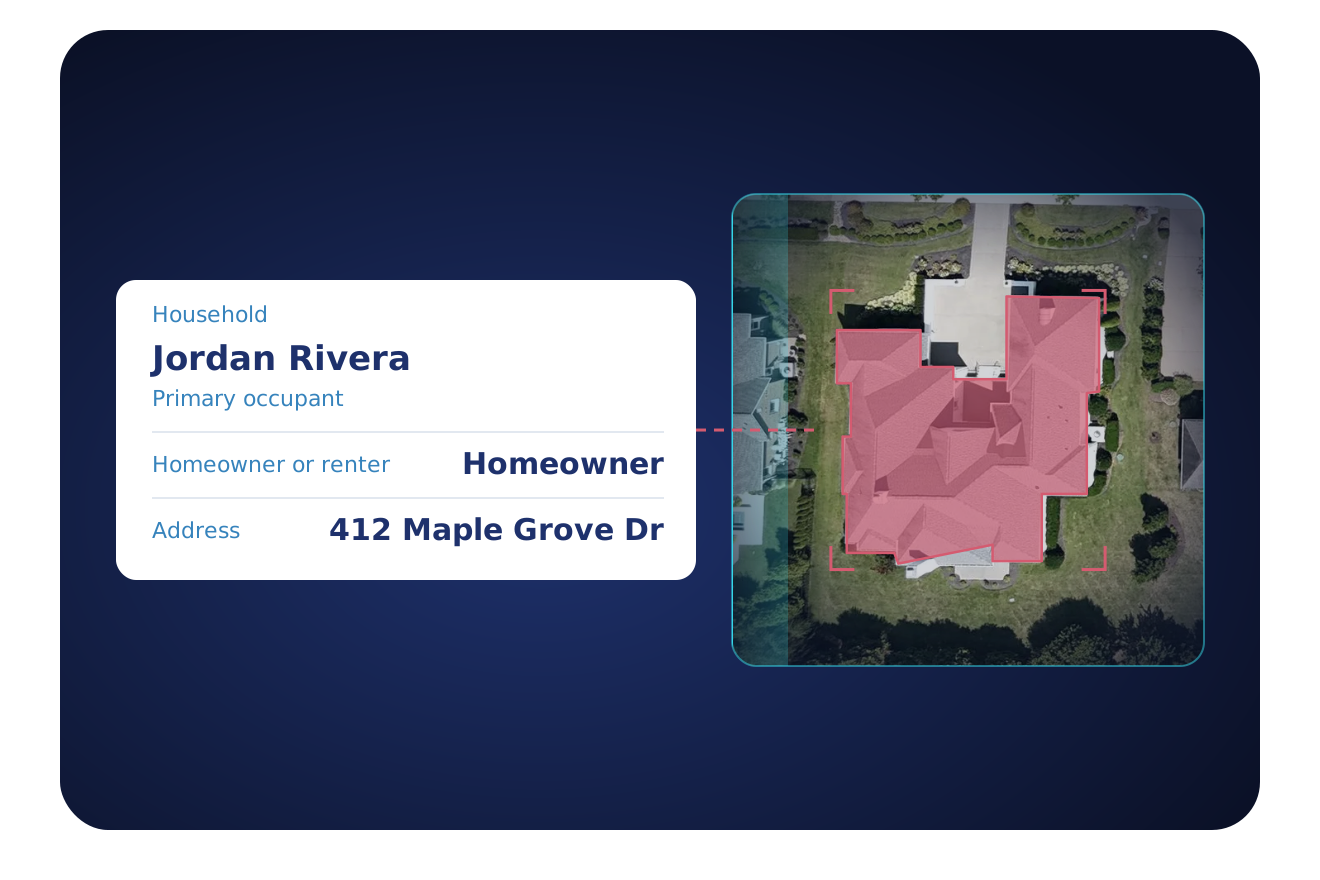
Use the occupant and household facts to see who lives at a property.
Know the household
Read who lives at the property before a team plans an offer or a visit.
- The age of the primary occupant
- Household size
- Whether the occupants own or rent
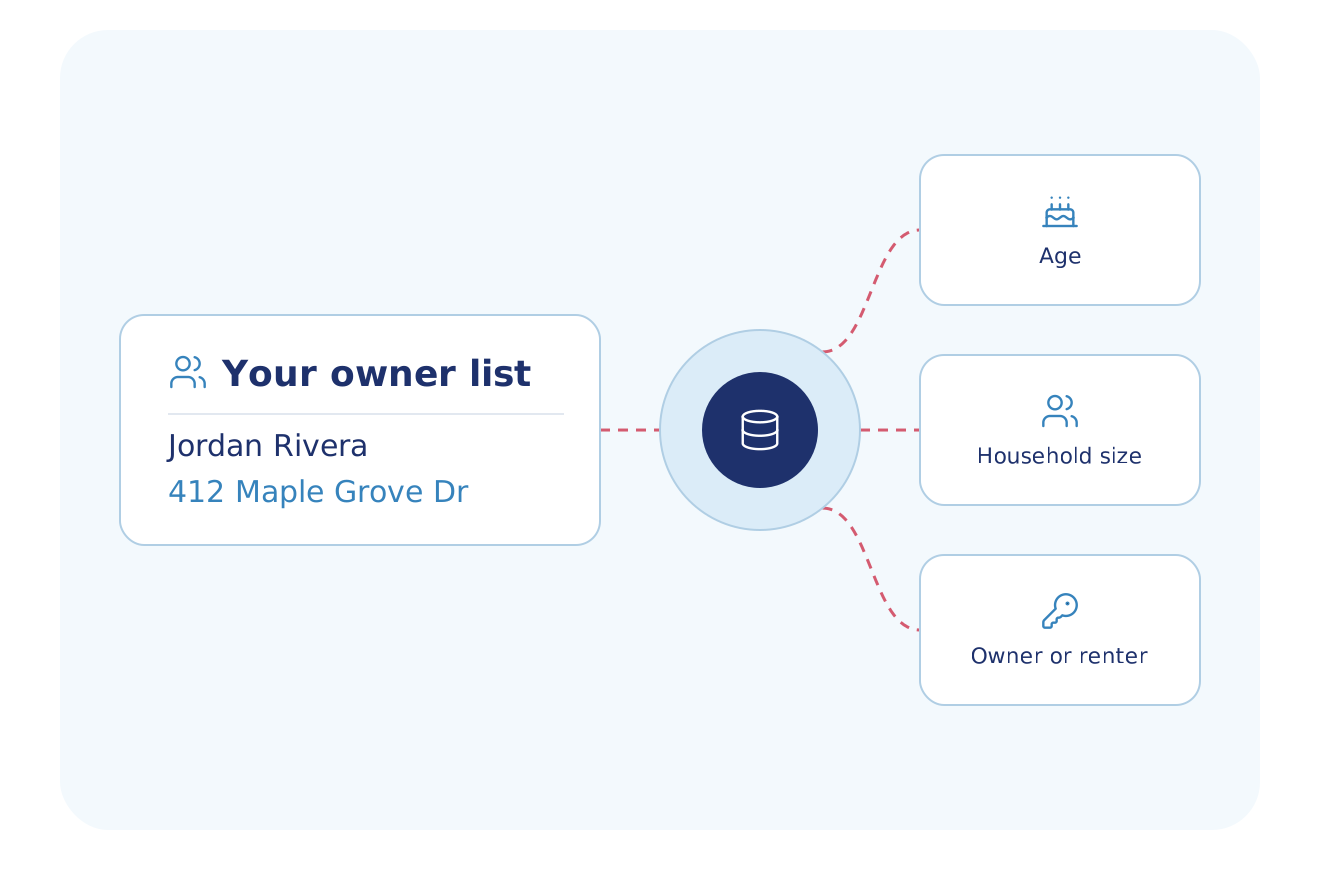
Spot recent movers
Reach households at the time of a move, with the month and year of the move.
- A flag for the occupant who recently moved
- The month of the move
- The year of the move
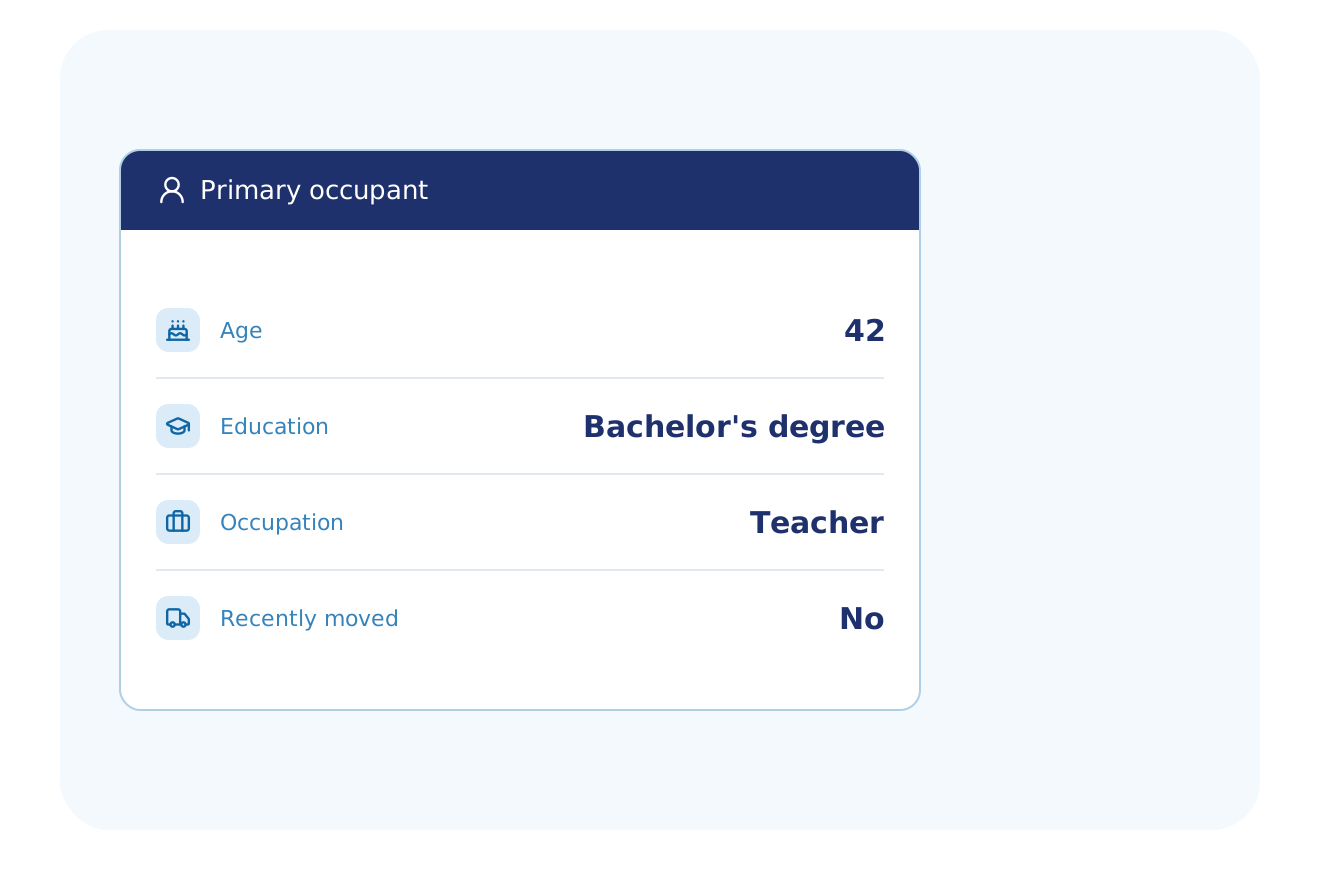
Add work, study and contact details
Segment an audience by what the occupant does, and by the email domain of the contact.
- Business type, such as accountant or builder
- Education and occupation
- A pet owner flag and the email domain of the contact
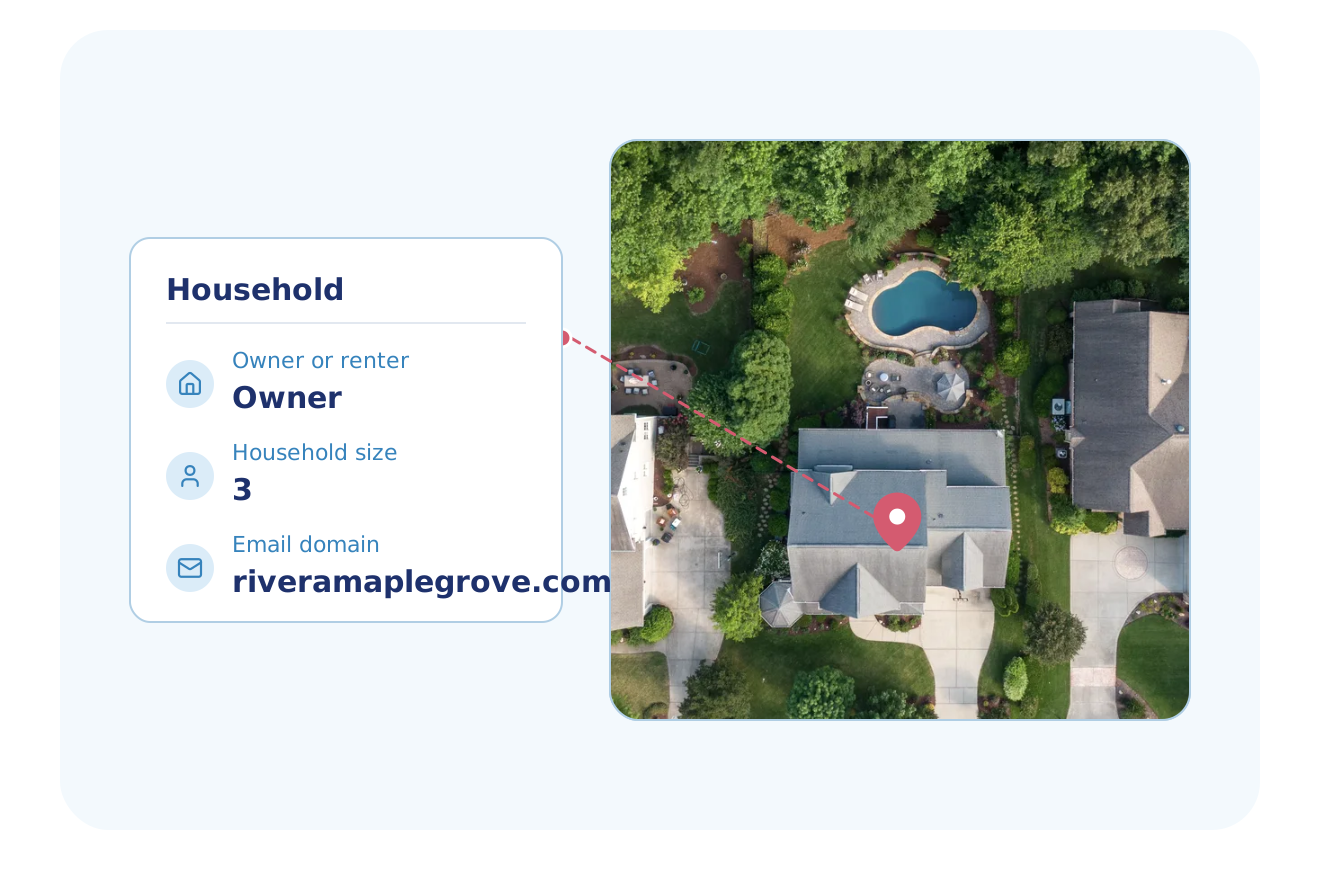
Built for Your Industry
Teams in these industries use occupant and household facts in their workflows.
Marketing & Data Resellers
Build audiences by age, household size, owner or renter, recent move and occupation.
Explore Marketing & Data ResellersHome Services
Find homes by household size and owner or renter, and reach new movers and pet owners.
Explore Home ServicesSolar
Check the age of the primary occupant and the household size before a visit.
Explore SolarRoofing
Read the age and household size of the primary occupant for each lead.
Explore RoofingFlexible Delivery Options
Choose the integration method that fits your workflow
Real-Time API
Property Search and Property Lookup return Demographics when the API token includes the demographic dataset.
- RESTful JSON API
- Property Search and Lookup return all subscribed datasets in one call
- Async delivery to your webhook for large batches
- Developer docs and no-cost sandbox tokens
Bulk Data
Nationwide Demographics files go to cloud storage, Snowflake, Databricks or SFTP as CSV, Parquet or JSON.
- Choose the datasets and markets you need
- Amazon S3, SFTP or Google Drive delivery; Snowflake and Databricks through Cloud Delivery
- CSV, JSON and Parquet formats
- Weekly, monthly, quarterly or annual deliveries
- Full refresh or delta files
MCP Server
OAuth MCP tokens return Demographics with the property tools when the account admin selects it.
- Your AI assistant calls BatchData tools to look up and search properties
- Connects to Claude, ChatGPT, Cursor and Claude Code with OAuth sign-in
- Runs on the same API, with datasets set by your account admin
Professional Services
Our Professional Services team helps you choose the Demographics fields, set up the delivery and match the data to your records.
- Help choosing datasets, delivery cadence and destination
- Account manager help with token and dataset setup
- Support by email and in-app chat
- Upload a CSV or Excel file and get property data back in the same file
Why BatchData
What You Get With BatchData
One source for property, owner and contact data, by API or by file.
169M+ U.S. Parcels
Coverage of 169M+ U.S. parcels and 131M+ properties.
1,000+ Data Points
Owner, value, mortgage, tax, permit and listing data, with 1,000+ data points for each property.
API or File Delivery
Call the API, or get files in Snowflake, Databricks, Amazon S3, SFTP or Google Drive.
Frequently asked questions
Where can I get household income data for a property?
BatchData Demographics adds estimated household income and net worth to each property record. Property Search and Property Lookup return these fields when the API token includes the demographic dataset. Your team decides how to use the income fields and holds the obligation for that use.
What is in BatchData's Demographics data?
BatchData's Demographics data has 30+ fields about the primary occupant and the household. The fields cover age, household size, owner or renter, recent moves, business type, education and occupation. They also include estimated household income, net worth, gender, marital status, presence of children and religious affiliation. Your team decides the use of these fields and holds the obligation for it.
Does Demographics data describe the household or one person?
BatchData Demographics describes both the primary occupant and the household at each property. Person fields include age, education and occupation. Household fields include household size, owner or renter and recent moves.
Can I find recent movers with Demographics data?
Yes, BatchData Demographics has a flag for an occupant who recently moved, with the month and the year of the move. The flag sits in the Household group, beside household size and owner or renter. Reach these households close to the move, using the month and year on the record.
Start with demographics data
Talk to a data expert about the occupant fields and the delivery that fit your team.