



Solution · Portfolio Monitoring
Keep the records of your properties current
Send BatchData the list of properties you own, insure, lend on or manage. BatchData sends you the updated record when the data you chose changes.
TRUSTED BY LEADING BRANDS

























- 169M+Parcels
- 3,100+Counties
How it works
One list in. Updated records out when the data you chose changes.
You send your list
- A CSV file with the street, city, state and ZIP of each property
- Your own ID on each row, returned with the record
We match and watch
- Each row is matched to its property record
- Setup takes up to 5 days, with our Professional Services team
You get the updated record
- The updated record for the datasets you contract, not a list of changes
- Each record carries a propertyId and an updatedAt timestamp
What you send and what comes back
One row of your list, and the updated record BatchData returns for it.
Your row
Updated record
BatchData sends the full updated record. It does not list what changed, so your system compares the new record with the last one.
Who uses it
Teams that keep a list of properties current in their own systems.
Mortgage & Lending
Keep the property record of each loan in your book current.
Explore Mortgage & LendingBanks & Credit Unions
Receive the updated record for the properties behind your loans on a set schedule.
Explore Banks & Credit UnionsInstitutional Investors
Keep the records of the properties you hold up to date in your own database.
Explore Institutional InvestorsInsurance
Keep the records of the properties you insure current between renewals.
Explore InsuranceProperty Services
Refresh the owner and property record for each property you manage.
Explore Property ServicesShort-Term Rentals
Keep the property record behind each listing you run current.
Explore Short-Term RentalsUtilities, Energy & Telecom
Keep the property record for each service address current.
Explore Utilities, Energy & TelecomHome Security & Smart Home
Keep the property record for each customer address current.
Explore Home Security & Smart HomeShow all 12 industries
PropTech & Software
Push new listings, liens and defaults to your users.
Explore PropTech & SoftwareAgents & Brokerages
Get an alert when a past client's home lists or sells.
Explore Agents & BrokeragesTitle & Escrow
See each notice of default, new listing and new lien on the property.
Explore Title & EscrowReal Estate Investing
Get an alert when a property you watch gets a notice of default or a new lien.
Explore Real Estate InvestingPowered by
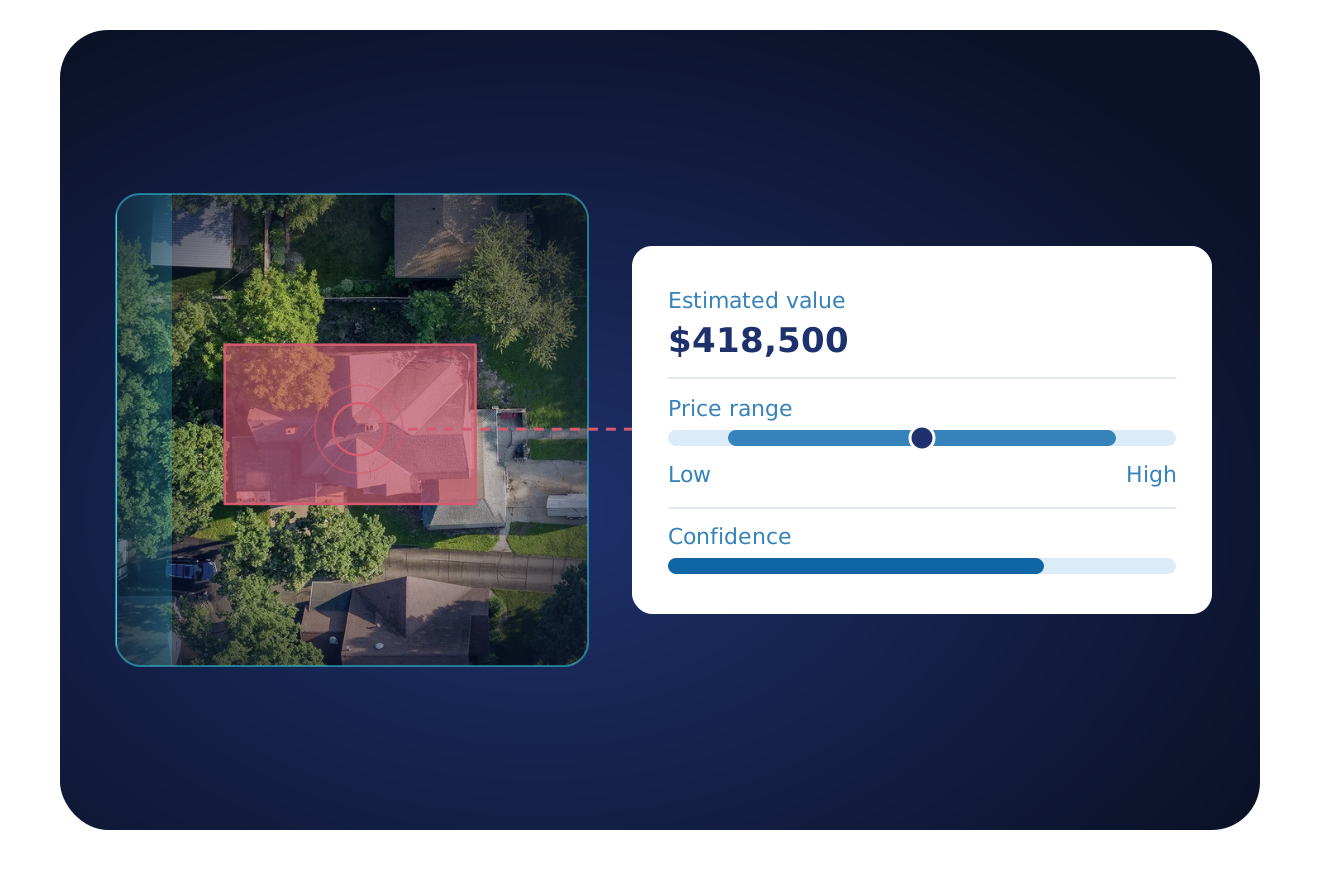
A monitored record carries fields from these datasets. Our Professional Services team confirms which datasets your list uses.
Property Owner Data
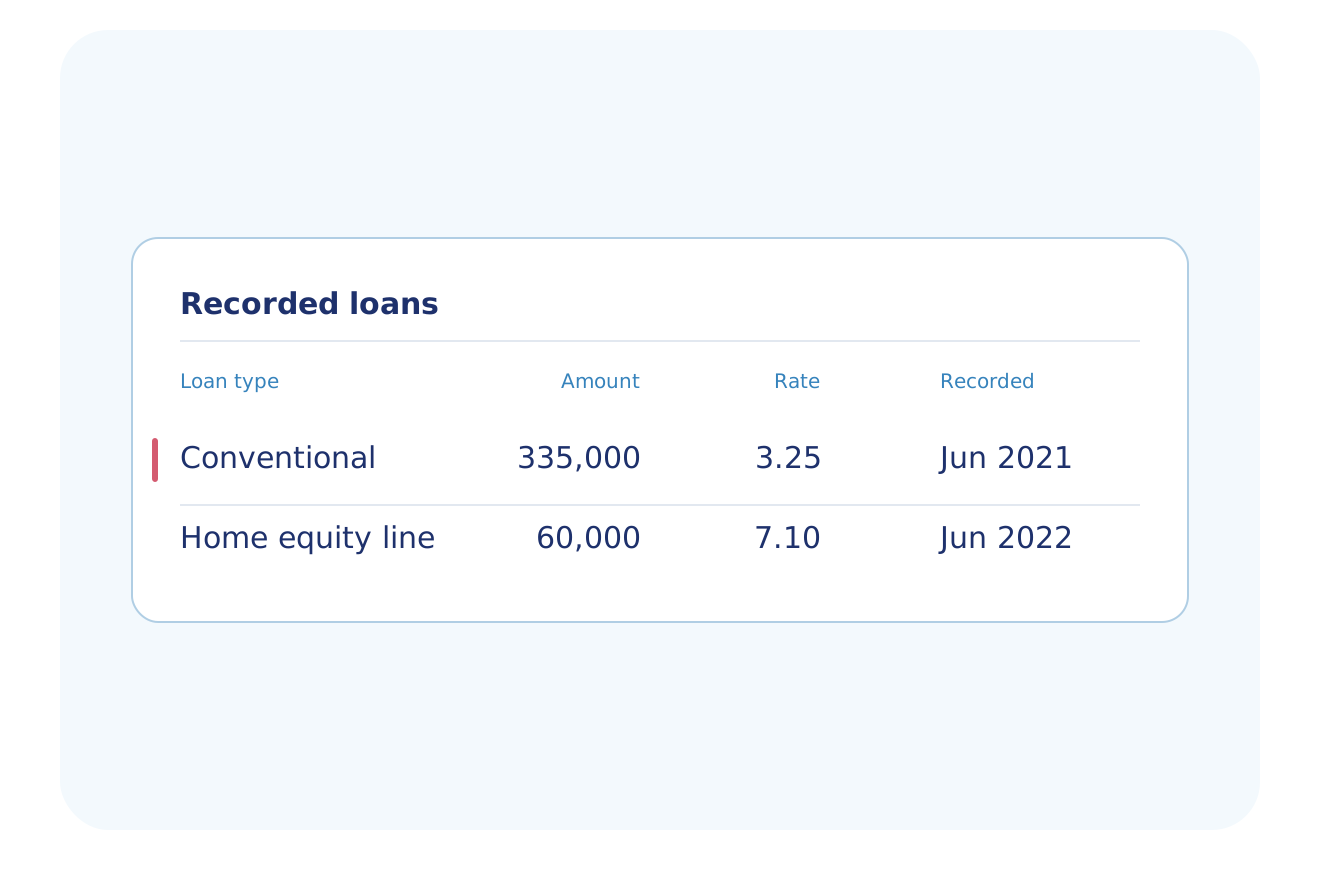
Mortgage & Transactions Data
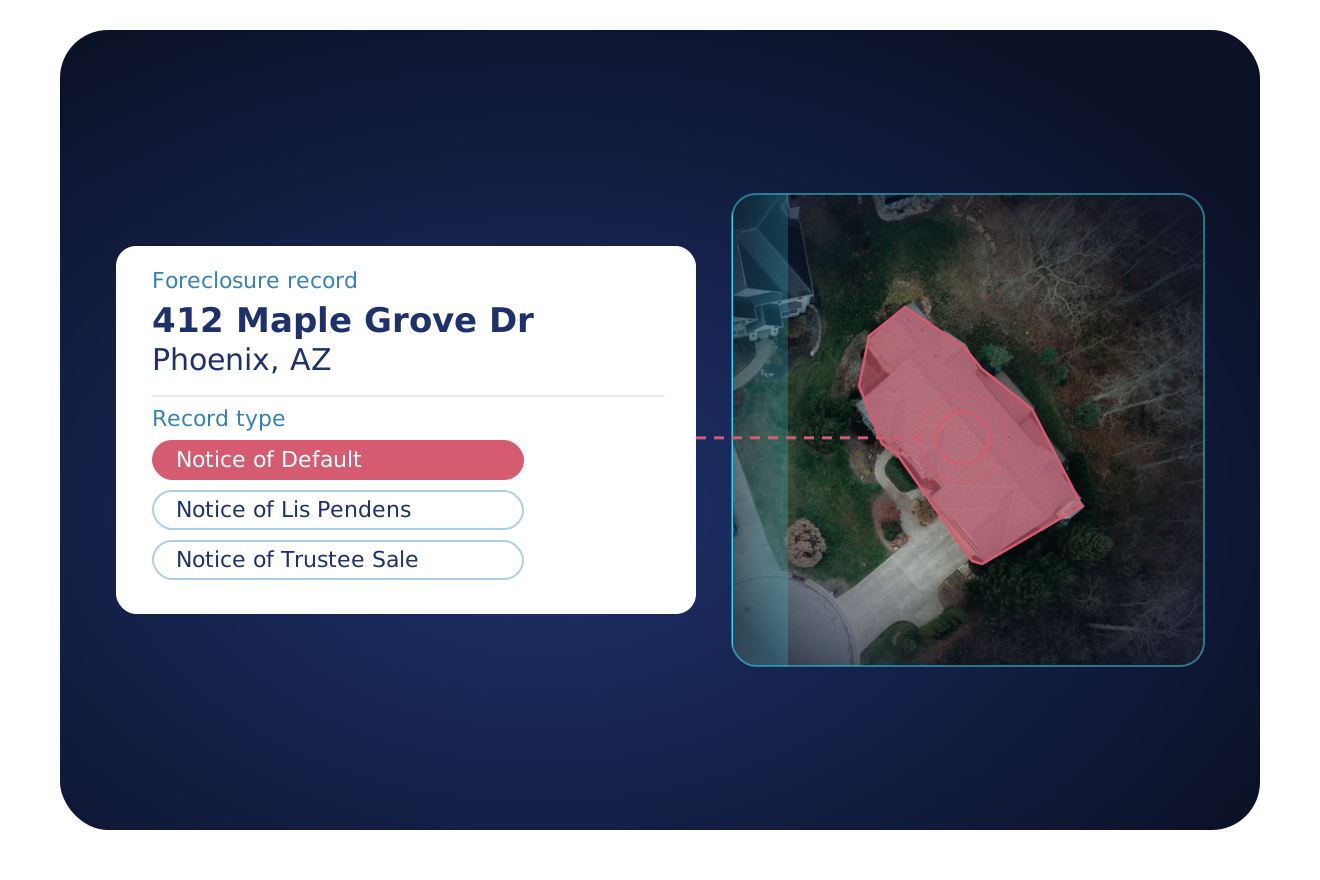
Pre-Foreclosure Data
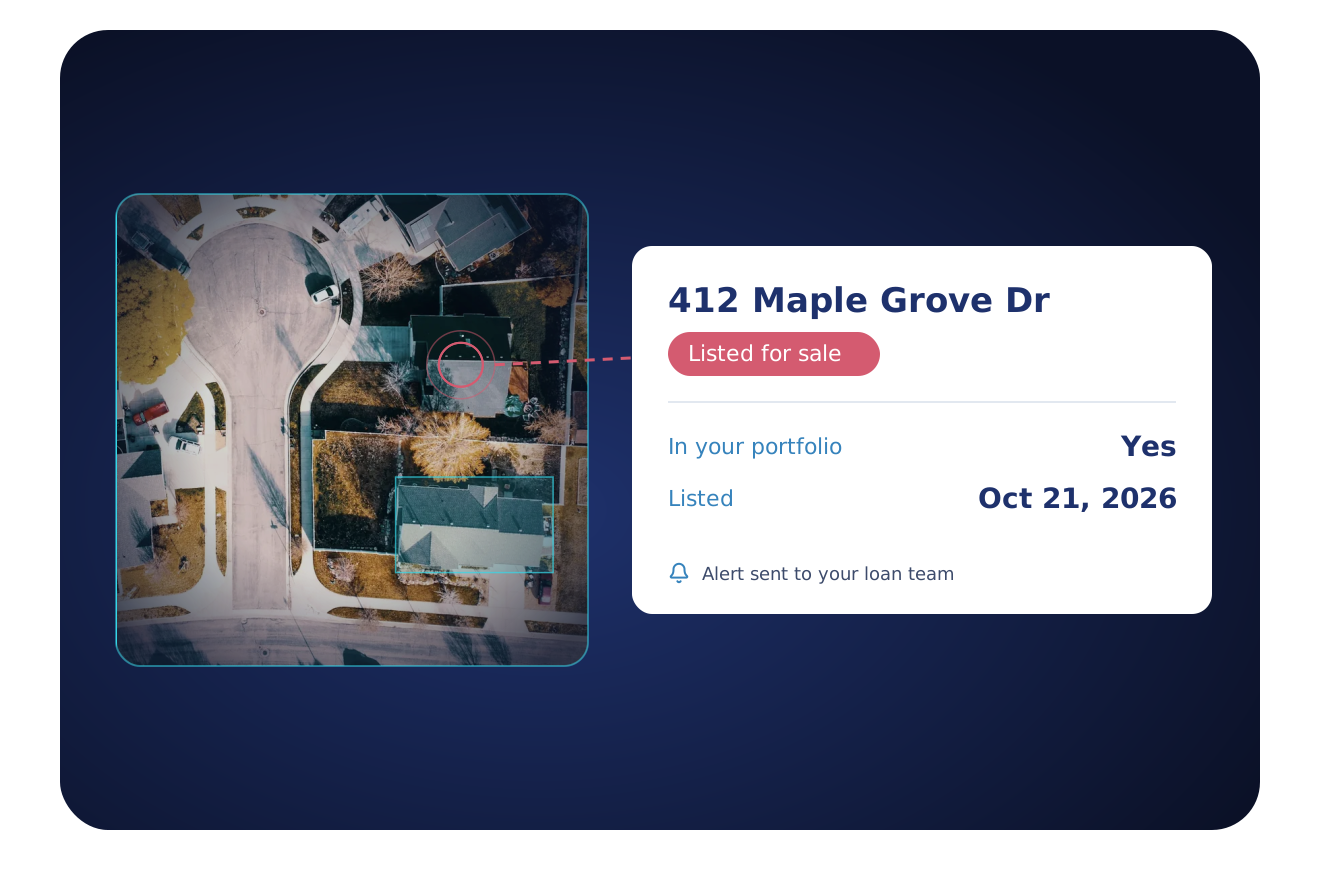
Listing Data
Get it by
Upload your list as a file. BatchData delivers the updated records to AWS S3, Azure Storage, SFTP or a webhook.
API
POST https://api.batchdata.com/api/v2/property-subscription
{
  "searchCriteria": {
    "query": "Phoenix, AZ",
    "orQuickLists": ["on-market"]
  },
  "deliveryConfig": {
    "type": "webhook",
    "url": "https://hooks.sonorantrailrealty.com/batchdata"
  }
}

{
  "status": {
    "code": 201,
    "text": "OK"
  },
  "result": {
    "subscriptionId": "FXeLSlemePGGhvt"
  }
}
Create a monitor. Matching property events go to your webhook.
Bulk file
Upload your list as a CSV with the columns customer_system_id, street, city, state and zip. BatchData matches each row to its property record.
What customers say
"BatchData is a true long-term partner. I've never felt the need to explore other options; the value is too good. I'm not going anywhere."
CEO & Founder, MovingLetters.ai
Portfolio monitoring FAQ
How do I monitor my properties for changes?
BatchData Portfolio Monitoring tracks the properties on your list and sends the updated record when the data you chose changes. Updates go out to Amazon S3, Azure, SFTP or a webhook. Our Professional Services team sets up the fields, the delivery method and the schedule with you.
How often does BatchData deliver updates for a monitored list?
BatchData delivers updates weekly to quarterly, and our Professional Services team sets the schedule with you. BatchData does not guarantee daily delivery, so plan your team's review around the agreed schedule.
What do I send to start monitoring a list?
Send a CSV file, through Amazon S3, with the street, city, state and ZIP of each property. Add your own ID to each row, and BatchData returns it with the record. Send an address in a delete file to stop monitoring it.
How is portfolio monitoring priced?
A data expert quotes the price for your list. The quote depends on the size of your list and the fields you choose.
Can I set up property monitoring myself?
No, a BatchData Professional Services contact sets up each monitored list with you, so it is not a self-serve tool.
Keep your property records current without a manual check
Send us your list. A data expert sets up the fields and the schedule with you.