



Delivery method · AI Agents
An MCP server for property data in your AI assistant
Connect your AI assistant to BatchData. Ask for a property, an owner or a skip trace in plain words. The assistant returns the answer in the chat.
TRUSTED BY LEADING BRANDS

























What you get
One MCP server connects your AI assistant to BatchData.
- Clients
- Claude, ChatGPT, Cursor and Claude Code
- Sign-in
- OAuth sign-in. You connect once.
- Tools
- Property search with a count first, skip tracing, investor profiles, comparables, buy box, property summaries and verification
- Same API
- Each tool answers from the same API that your code calls
- Setup
- You do not need a developer to connect it
How it works
Connect once. Then ask.
You connect your AI assistant
- Connect your AI assistant to the BatchData MCP server.
- Your account admin chooses which datasets the tools return.
You ask in plain words
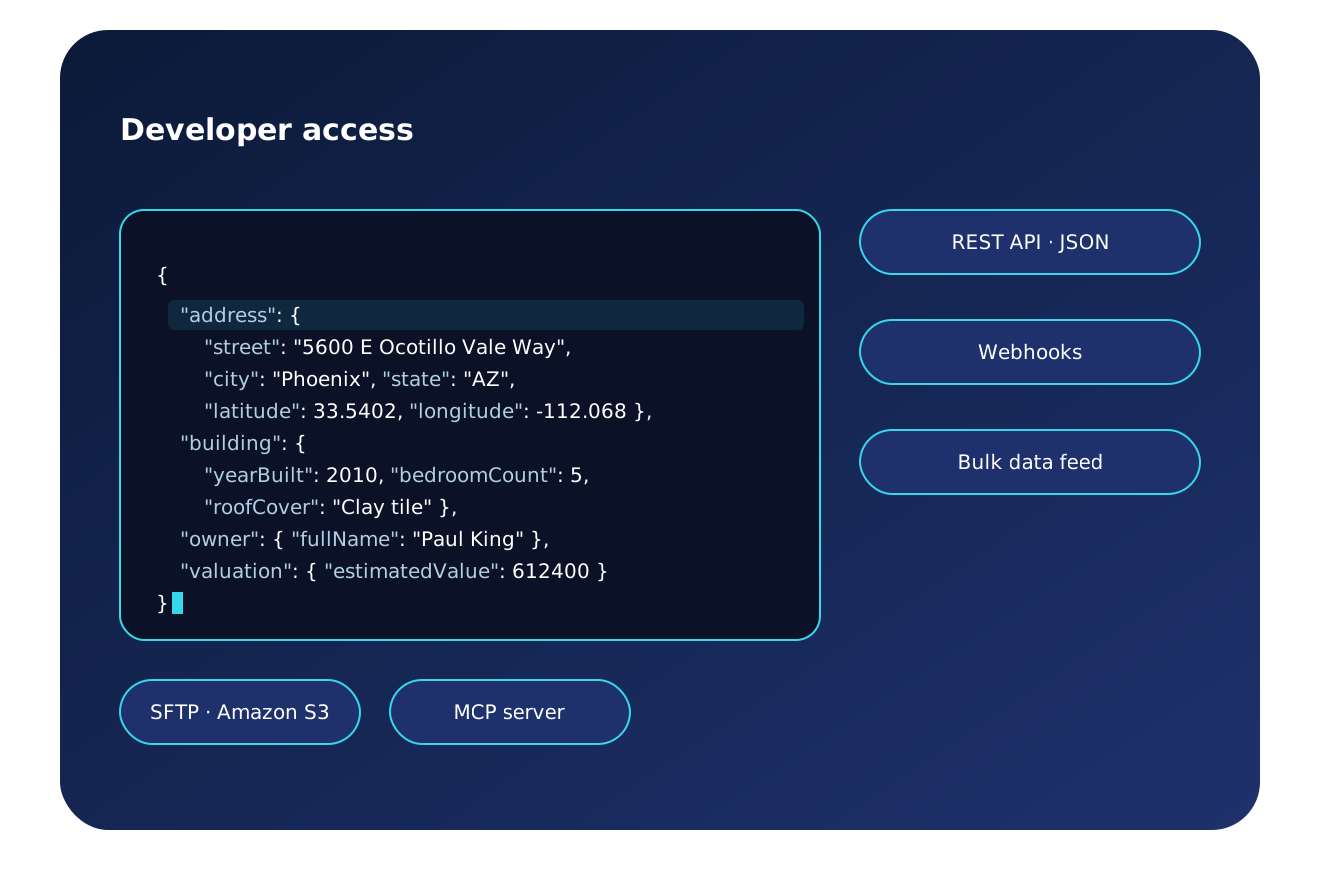
- Ask for a property, an owner, a comparable sale or an investor's buy box.
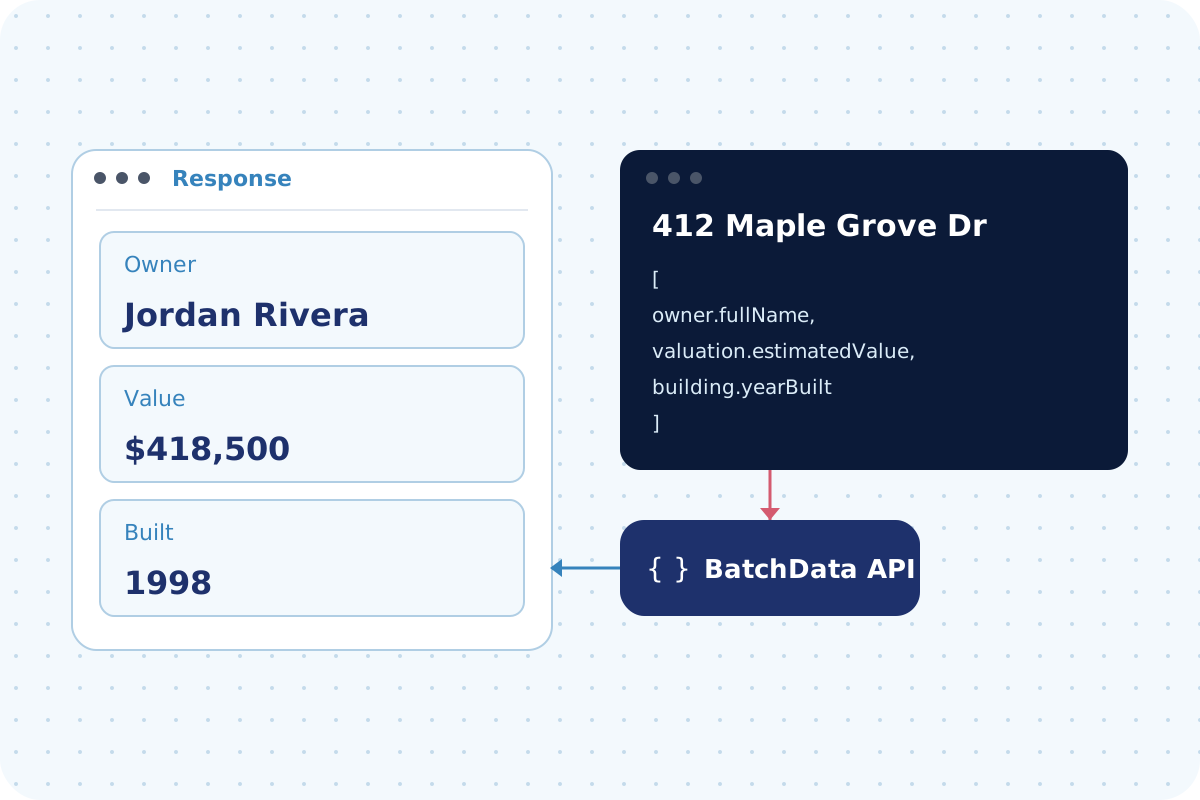
- Your assistant picks the right BatchData tool and sends the request.
You read the answer
- The record comes back in the chat.
- For a complex request, the assistant may ask you to clarify.
See one question
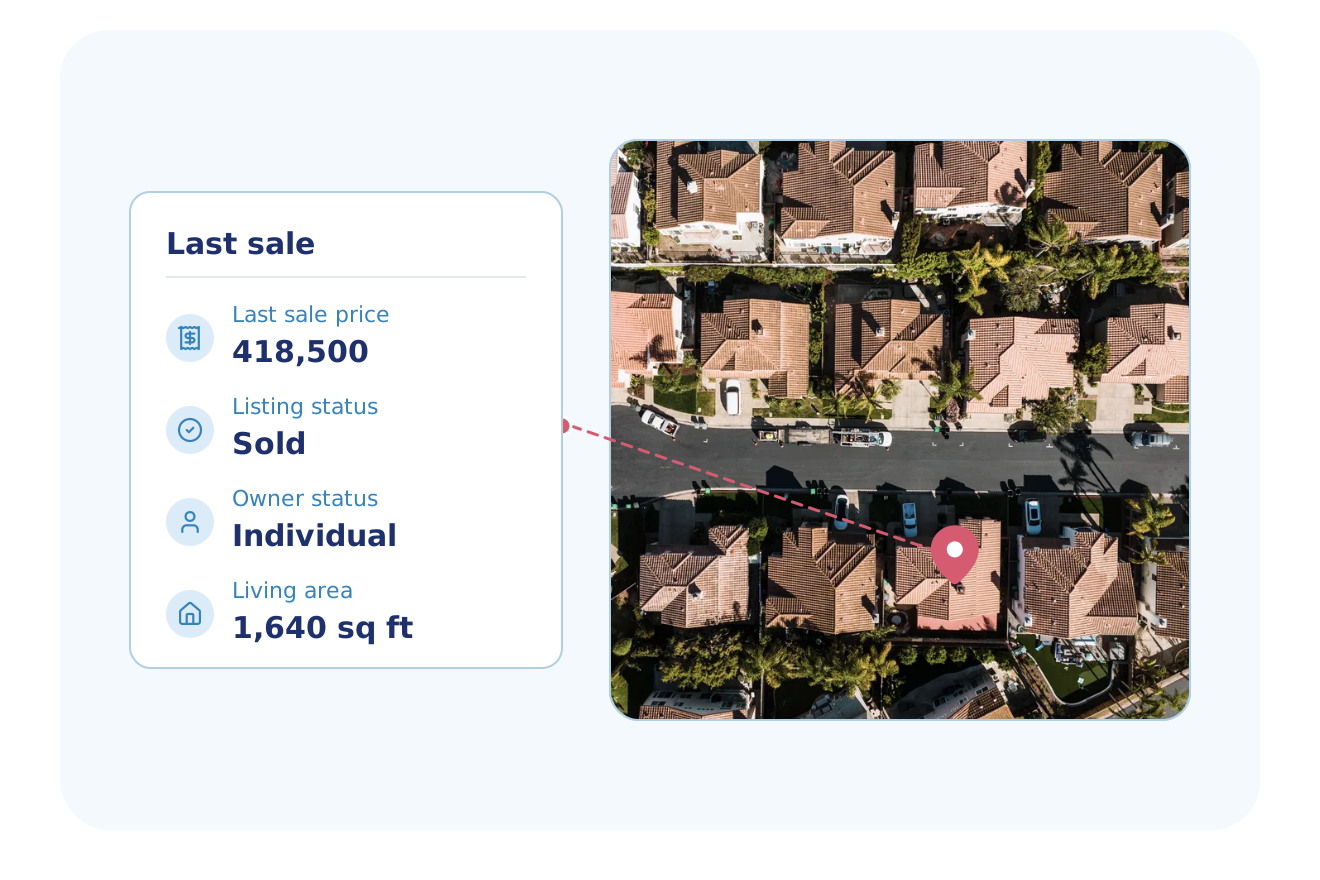
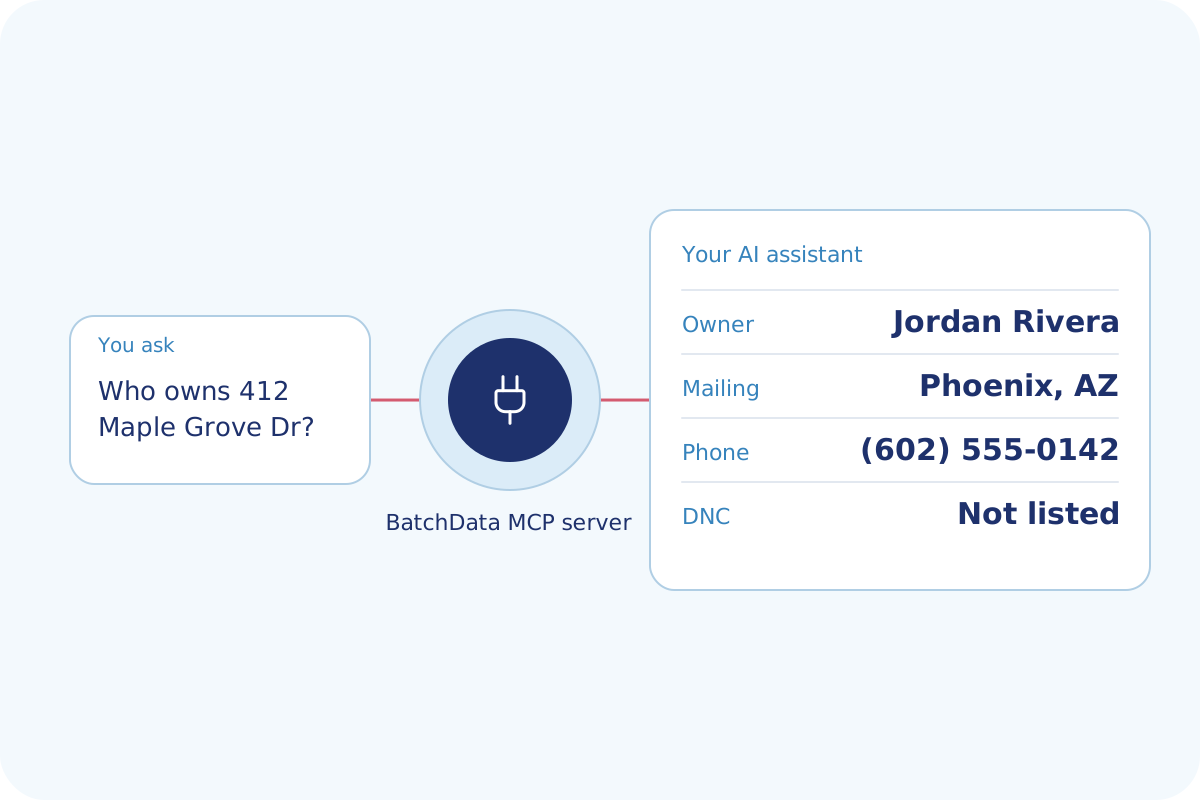
One question in an AI assistant, and the answer that comes back.
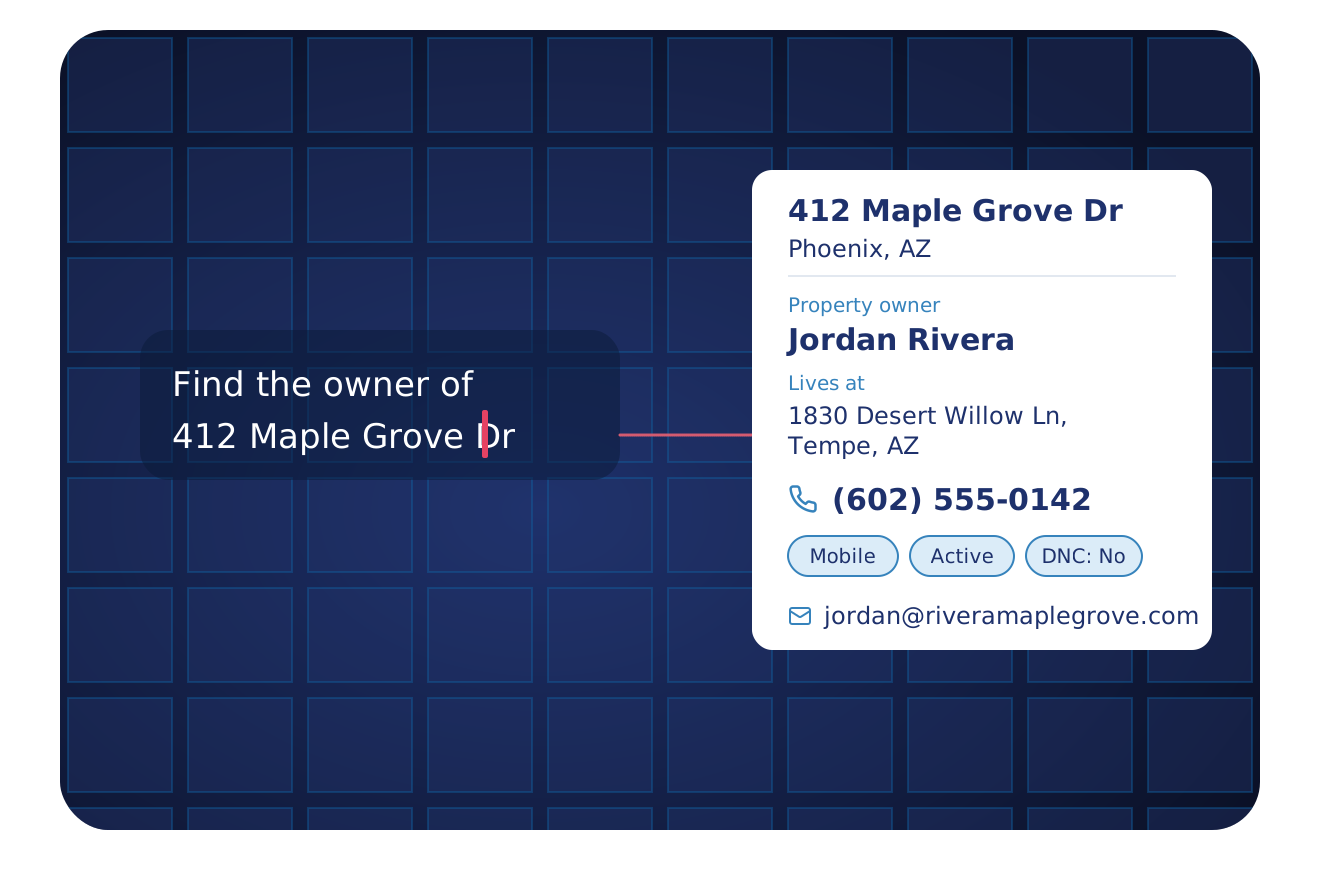
Who owns 412 Maple Grove Dr, Phoenix, and how can I reach them?
Jordan Rivera. Mobile (602) 555-0142, not listed on the Do Not Call list.
Ask in plain words. The assistant picks the tool.
Typical use cases
Why teams ask an AI assistant for these jobs.
Find an owner's phone in a chat
Ask for an owner's contact details in plain English. The skip trace tool runs for you.
See Skip TracingFind buyers for a property
Ask for buyers in plain English, and read the investors who buy similar homes.
See Buyer MatchingCount the properties worth a call
Ask for a count first, then pull the properties.
See Lead GenerationFind new homeowners
Ask for the count first, then pull the homes.
See New Homeowner MarketingFind the homes that fit your trade
Ask for the homes that match your trade in plain English.
See Home Improvement TargetingSearch properties by filter
Ask in plain English for the same search your code sends to the API.
See Property Search APIAsk in plain words
Your AI assistant asks the BatchData MCP server and answers with the owner and phone.
Who uses it, and how
Teams that want property answers in their AI tools.
PropTech & Software
Ask in chat to test a data idea before you write the API code.
Explore PropTech & SoftwareMarketing & Data Resellers
Ask in chat for the fields in a market before you buy a file.
Explore Marketing & Data ResellersReal Estate Investing
Ask for the owner and equity of a property during a meeting.
Explore Real Estate InvestingCommercial Real Estate
Ask in chat for the owner and property record of an address.
Explore Commercial Real EstateAgents & Brokerages
Ask in chat for the owner and value of a home in your farm area.
Explore Agents & BrokeragesMortgage & Lending
Ask in chat for the owner, equity and open liens on a property.
Explore Mortgage & LendingWhat customers say
"I found BatchData after I'd already set things up with a bunch of other providers. If I'd found them first, I could have saved myself so much time and headache."
Founder, Stratus Global
Other ways to get BatchData data
All methods draw on the same BatchData data. Pick the one that fits how your team works.
| Method | Best for | You get | Setup |
|---|---|---|---|
| API Solutions | Apps that need data for one property at a time | JSON for each request | Your developers, with free sandbox tokens |
| Property Search API | Finding properties by filter | A count, then the matching properties as JSON | Your developers, with free sandbox tokens |
| AI Agents This page | Asking for property data in an AI assistant | Answers in the chat | You connect your AI assistant. Your account admin chooses the datasets. |
| Cloud Delivery | Analytics in your own warehouse | Data in Snowflake or Databricks, or files in Amazon S3, SFTP or Google Drive | Our Professional Services team, with you |
| Bulk Data | Loading whole markets into your own systems | CSV, JSON or Parquet files, full refresh or delta | Our Professional Services team helps you choose the fields |
| Professional Services | Expert help, or a CSV or Excel file to fill | Your file back with property data added | A BatchData data expert |
AI agents FAQ
What is the BatchData MCP server?
The BatchData MCP server connects an AI assistant to BatchData property data. You ask in plain words, and the assistant calls the right BatchData tool. The server works with Claude, ChatGPT, Cursor and Claude Code.
What data can an AI assistant pull from BatchData?
Your AI assistant reads the datasets that your account admin turns on. The tools cover property search with a count first, skip tracing, investor profiles, property comparables, buy box analysis, property summaries and verification. Each tool answers from the same API that your code calls.
Do I need a developer to use the MCP server?
No, you do not need a developer to connect the BatchData MCP server to your AI assistant. You connect it, then ask questions in plain English. A developer helps when you add BatchData to your own software.
Can an AI agent run skip tracing through the MCP server?
Yes, the BatchData MCP server includes skip tracing, so an AI assistant can look up the owner of a property. The assistant returns the contact details that the skip trace finds for the owner. For an LLC, corporation or trust, the skip trace matches people through the owner mailing address, then the property address, not the company name. These people are not certified owners.
How is the MCP server different from the API?
The MCP server runs on the same BatchData API that your code calls. Your AI assistant calls the BatchData tools, so your team does not write the requests itself. Your account admin sets which datasets the tools return.
Put BatchData inside your AI assistant
Tell us which assistant your team uses. A data expert shows you the answers on your own data.