Simplify Your Workflow with a Property Data Format Converter
In the fast-paced world of real estate, managing data efficiently can make or break your day. Whether you’re an agent compiling listings or an analyst crunching numbers, converting files between formats like CSV, JSON, or XML is often a tedious chore. That’s where a reliable tool for transforming real estate data comes in handy, streamlining the process so you can focus on what matters—connecting with clients and closing deals.
Why Format Conversion Matters
Property data often lives in different systems, each with its own preferred structure. One platform might export spreadsheets, while another demands a specific file type for uploads. Manually reformatting these can lead to errors or wasted hours. A dedicated conversion tool takes the guesswork out of the equation, ensuring your information is accurate and ready to use, no matter the destination. Plus, with built-in validation, you’ll catch missing details before they cause headaches.
Save Time and Stay Organized
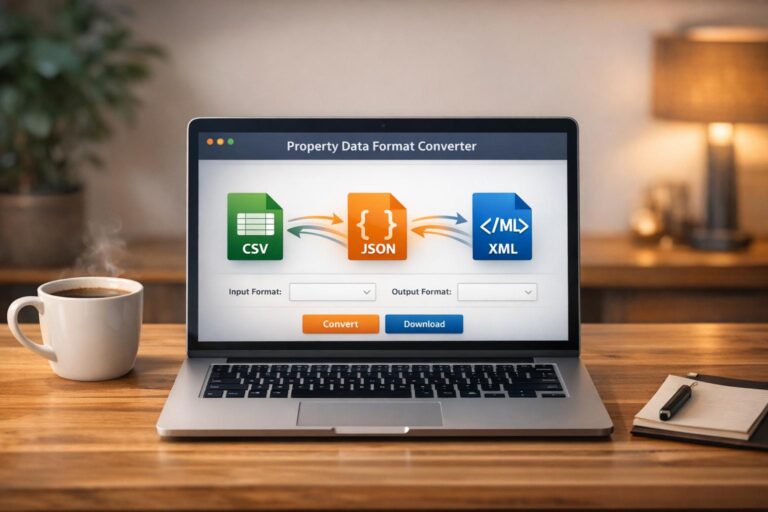
Imagine uploading a file, selecting your target format, and downloading the result in moments. Tools like these aren’t just convenient—they’re essential for staying competitive in a data-driven industry. If you’re tired of wrestling with incompatible files, give this solution a spin and see the difference.
FAQs
What file formats can I convert with this tool?
You can convert property data between popular formats like CSV, JSON, and XML. We’ve designed it to handle the most common formats used in real estate, so whether you’re pulling data from a CRM or prepping it for a client report, you’re covered. If you’ve got a niche format in mind, drop us a note—we’re always looking to expand!
What happens if my data is missing required fields?
No worries! If your file is missing key info like an address or price, the tool will catch it during validation and show a polite message like, ‘Sorry, the input data seems incomplete. Please check and try again.’ It’s our way of helping you spot issues before they mess up your workflow. Just tweak the data and upload it again.
Is there a limit to the file size I can upload?
Right now, we’ve set a reasonable limit to keep things running smoothly for everyone—think smaller to medium-sized files typical for property listings. If you’re dealing with a massive dataset, it might not work in one go, but you can split it up or reach out to us for help. We’re tinkering with ways to handle bigger files down the road!