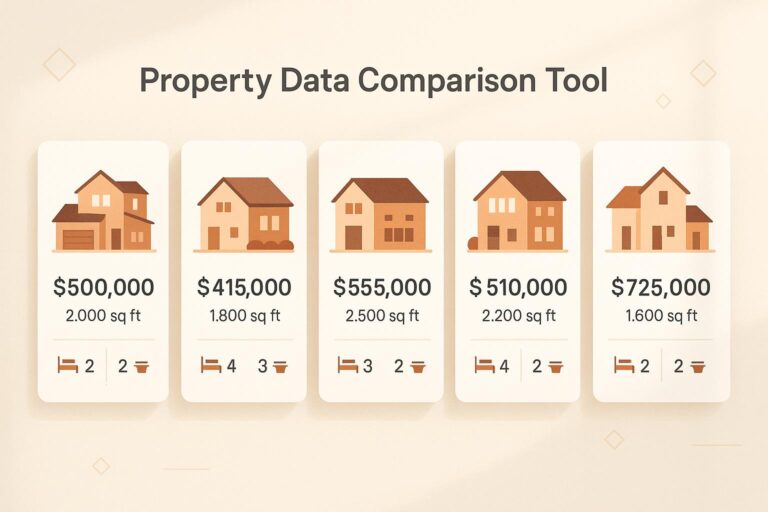
Uncover Real Estate Insights with a Property Data Comparison Tool
Navigating the real estate market can feel like wading through a sea of numbers and listings. Whether you’re an investor hunting for the next big deal or a professional advising clients, having a clear way to evaluate multiple properties is crucial. That’s where a tool for comparing property metrics comes in handy. It takes the guesswork out of analyzing key details like price, square footage, and location.
Why Comparing Listings Matters
When you’re juggling several options, it’s easy to miss critical differences or trends. A well-designed comparison platform lets you lay out data side by side, so you can spot a bargain or identify overpriced assets in seconds. Imagine being able to sort by specific factors—say, year built or number of bedrooms—and instantly see which property aligns with your goals. This kind of clarity helps you act faster in a competitive market.
Make Smarter Decisions
Beyond just organizing data, the right tool highlights gaps or inconsistencies, ensuring you don’t overlook anything. For anyone serious about real estate, having access to structured insights can be the edge you need to stay ahead. So, dive into your next analysis with confidence and find the properties that truly stand out.
FAQs
How many properties can I compare at once?
You can compare up to 5 properties at a time with this tool. That’s usually enough to get a solid sense of the market or narrow down options for a client. If you’ve got more to analyze, just run another comparison with a fresh set—it’s quick and easy!
What if some property data is missing or incomplete?
No worries! If any data is missing or looks off, our tool will flag it for you with a little note to verify. This way, you’re not making decisions based on shaky info. Just double-check the details with your source, update the input, and you’re good to go.
Can I export or save the comparison results?
Right now, the results are displayed directly on the page in a table or chart format. We’re working on adding an export feature soon, so you can save or share your comparisons. For now, you can screenshot the output or jot down key points for your records.