Fast, Clear Percentage Calculations
Handle the most common percent problems in one place
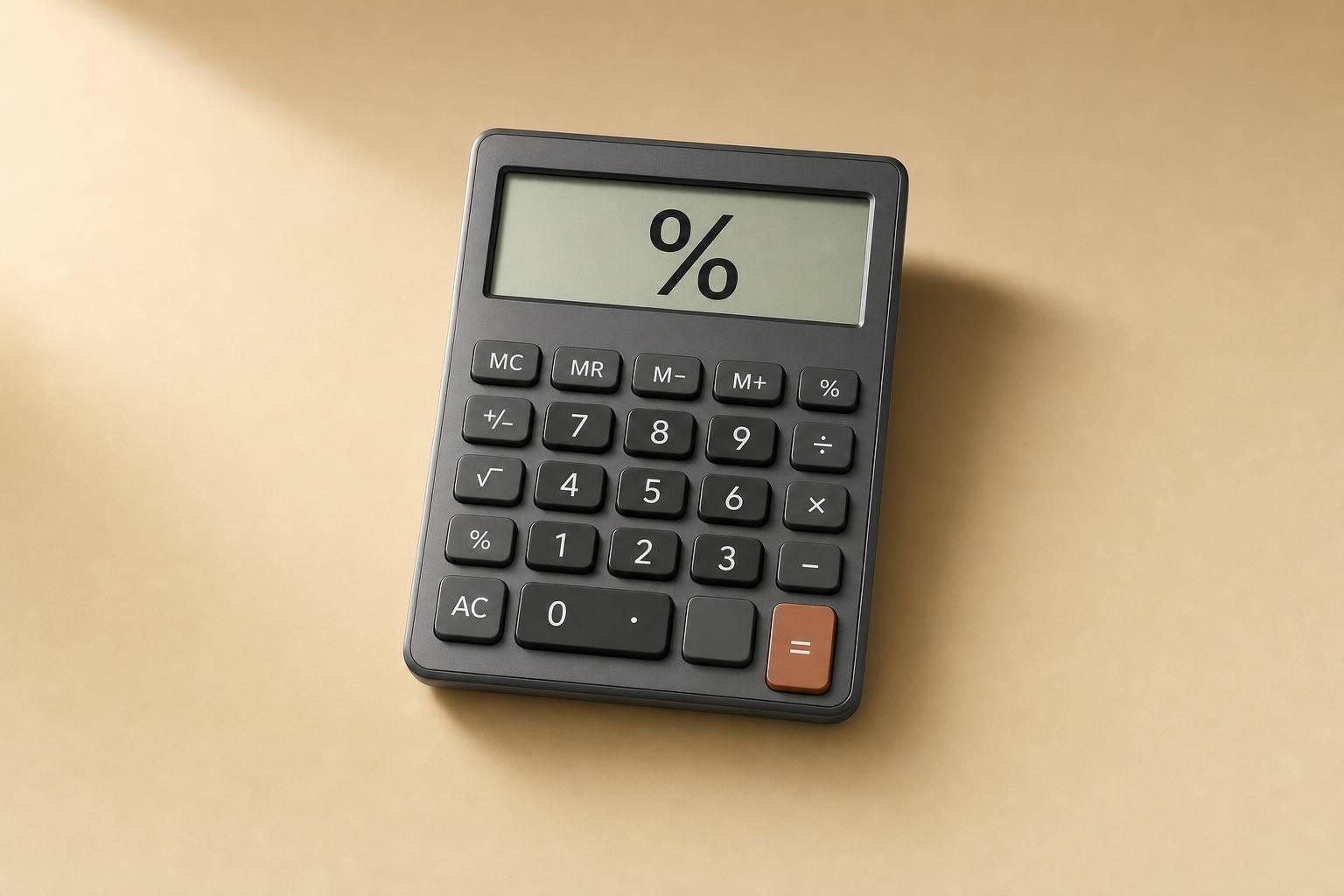
A good percentage calculator should do more than spit out a number. It should help you understand what happened, especially when you're comparing prices, checking a grade, reviewing a budget, or measuring growth. This tool is built for exactly that. You can find a percentage of a number, discover what percent one value is of another, or work backward with reverse percentage calculations when the final amount is known but the starting value isn't.
Useful for shopping, school, finance, and business
It also makes everyday change calculations much easier. If you're tracking a price jump, measuring a drop in sales, or checking how much a discount really saves you, the built-in percentage calculator gives instant answers with the formula and working steps shown clearly. For increase and decrease problems, it also includes the absolute change so you can see the full picture.
Simple inputs, instant results
The layout stays focused by only showing the fields needed for the selected problem type. That means less clutter, fewer mistakes, and faster results. Whether you need a quick percent change calculator for work or a basic number tool for homework, this one keeps the math simple and easy to follow.
FAQs
What kinds of percentage problems can this calculator solve?
It covers the percentage questions most people run into in real life. You can find what X% of Y is, work out what percent one number is of another, calculate a reverse percentage, measure percentage increase or decrease, and add or subtract a percentage from a value. That makes it useful for shopping, budgeting, schoolwork, sales reports, and quick everyday math.
Can I use decimals and negative numbers?
Yes. The calculator accepts decimal values, which is helpful for prices, grades, tax rates, and more precise business figures. Negative numbers are also supported where the math makes sense, so you can explore losses, drops, or signed values without needing a separate tool. If a calculation would require dividing by zero, you'll get a clear validation message.
How are percentage increase and percentage decrease shown?
For increase and decrease modes, the tool shows more than just the percentage. It also gives you the absolute change amount, so you can see both the raw difference and the percentage difference at the same time. For example, if a value moves from 80 to 100, you'll see the numeric change as well as the percent increase, which makes the result much easier to interpret.