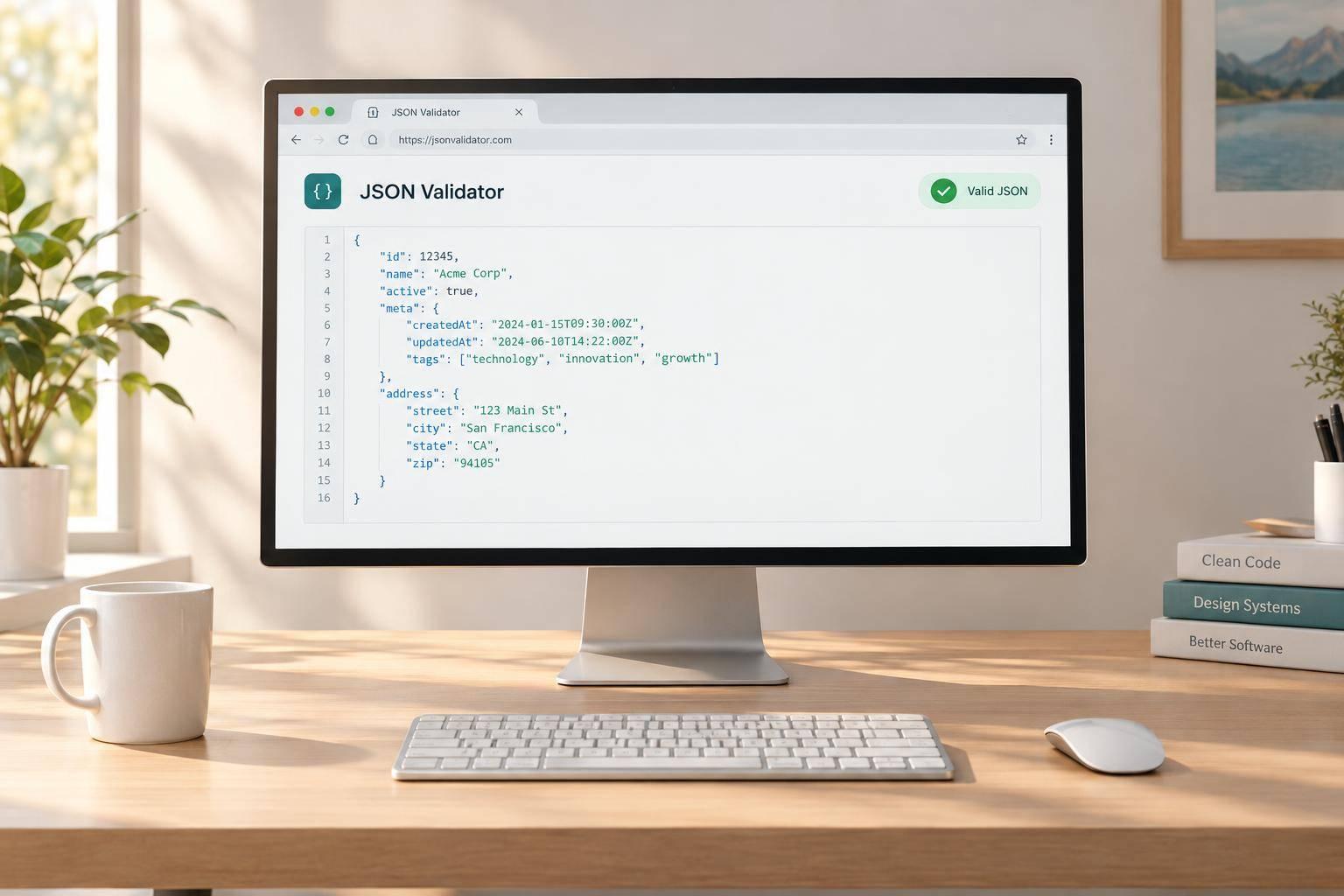
Fast, Reliable JSON Validation
Working with structured data gets frustrating fast when a single misplaced character breaks everything. This JSON Validator helps you check whether your input is syntactically correct, then gives you clear feedback you can actually use. Paste in raw JSON from an API response, configuration file, or app payload, and the tool will quickly tell you if it’s valid.
Spot Errors Without Guesswork
When the parser finds a problem, you’ll see a concise message along with the likely line and column whenever that information is available. That makes it much easier to track down common issues like trailing commas, missing quotes around property names, unmatched brackets, or incorrect string escaping. Instead of hunting through a wall of text, you can focus on the exact area that needs attention.
Format Valid JSON Clearly
If your data passes validation, the tool returns a clean, properly indented version so you can read it comfortably. That’s especially useful for minified input, where everything appears on one line. Whether you need a quick JSON checker for debugging or a simple way to confirm your payload is valid before moving on, this browser-based validator keeps the process fast, focused, and easy to use.
FAQs
What kinds of JSON errors can this validator catch?
It catches standard syntax problems that make JSON invalid, including trailing commas, missing double quotes around keys, unmatched braces or brackets, invalid escape characters, and the use of single quotes instead of double quotes. If the parser can identify where things went wrong, the tool also shows the likely line and column so you can fix the issue faster.
Will this tool change my original JSON input?
No. Your original input is preserved so you can review and correct it without re-pasting everything. If the JSON is valid, the tool shows a formatted version separately, which makes it easier to inspect the structure while keeping your source text available.
Can I use this tool for both minified and formatted JSON?
Yes. It works with compact, minified JSON as well as nicely spaced JSON. If the content is valid, the tool reformats it into a clean, indented layout that’s much easier to read, compare, and troubleshoot.