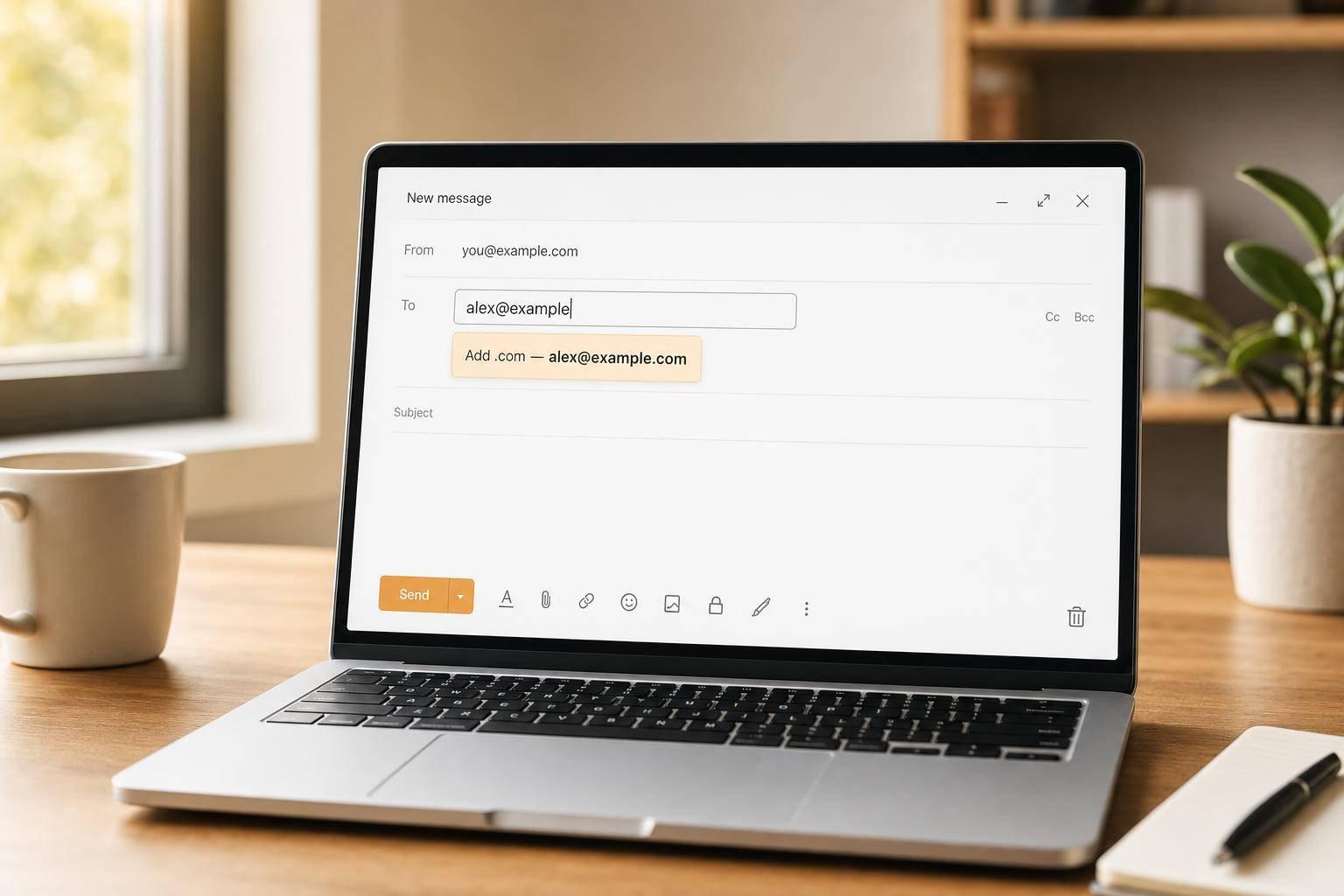
Check an Email Address Before It Causes Problems
A small typo in an email address can lead to bounced messages, missed signups, or frustrated users. An Email Checker helps you catch those issues early by reviewing whether an address is properly structured and likely usable. It looks at the basics first: one @ symbol, a valid local part, a properly formed domain, and clear signs of formatting problems like extra spaces, consecutive dots, or missing pieces.
What This Tool Looks For
This email validation tool is built for quick, practical checks. It cleans up harmless whitespace, evaluates standard email syntax rules, and explains any problem in plain language. If the domain appears to be a likely typo of a major provider, it can offer a suggestion without changing the original input.
Syntax vs. Mail Readiness
A valid format does not always mean an address can receive mail. That’s why the tool separates syntax results from domain-level checks such as MX readiness when available. This makes the output more useful and more honest. If you need a fast way to validate an email address before saving it to a form, CRM, or mailing list, this checker gives you a clearer picture without overstating what can actually be confirmed.
FAQs
Does this tool verify that an email address really exists?
No. This tool is designed to evaluate structure and likely usability, not mailbox ownership or guaranteed deliverability. It can tell you whether an address follows standard formatting rules and, if available, whether the domain appears ready to receive mail through MX records. That still does not confirm that the specific inbox exists or that someone will receive your message.
What does the status “caution” mean?
“Caution” means the address may be technically acceptable but still has something worth reviewing. For example, the syntax might pass while the domain looks unusual, the top-level domain may be uncommon, or the address may resemble a likely typo such as a misspelled major email provider. It’s a prompt to double-check before using the address.
Will the tool automatically fix email typos for me?
It won’t silently change the address. If there’s an obvious, high-confidence typo, such as a common misspelling of a major provider domain, the tool can suggest a possible correction. That suggestion is there to help you review the address yourself, not to rewrite user input without permission.